
AI-assisted, fast and scalable video production
VR experiences for trade shows, events and training
Touchscreen kiosk software and hardware
3D hologram display and stage solutions

The Most Innovative Presentation Techniques for Trade Show Booths
Discover the most innovative presentation techniques for trade show stands, with 3D animation, VR, AR, hologram and touchscreen kiosk applications.
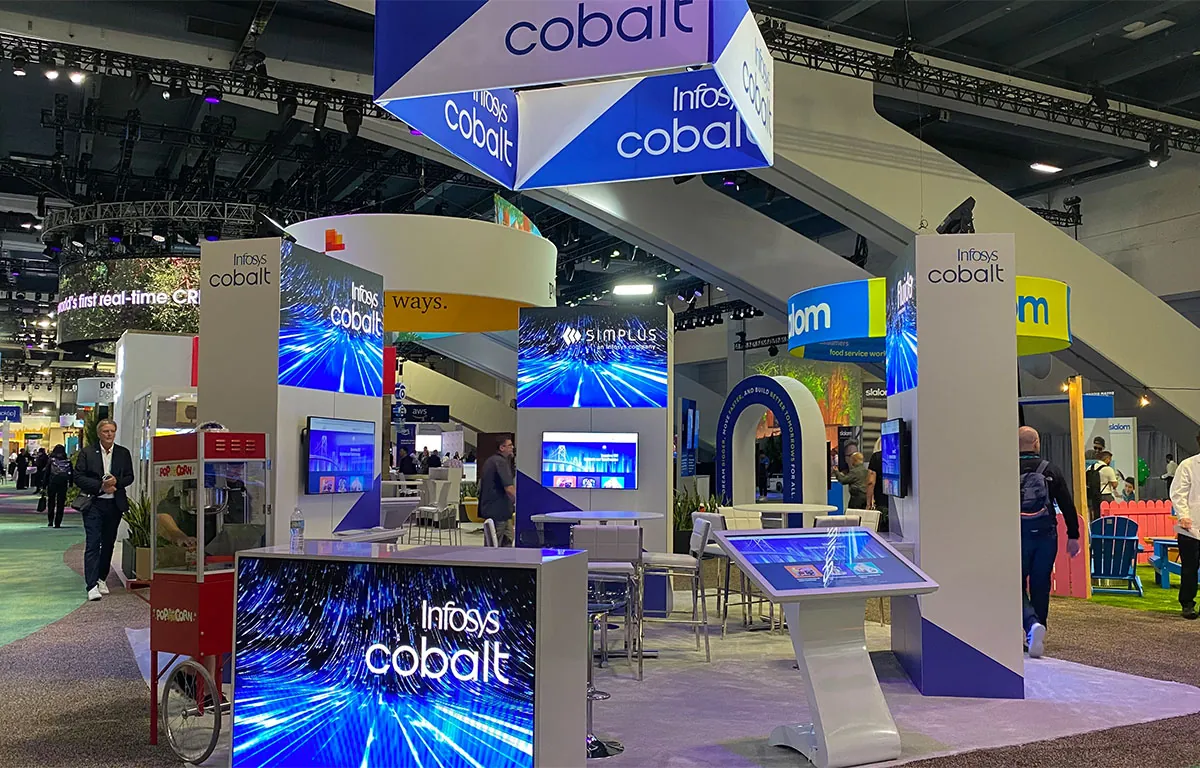
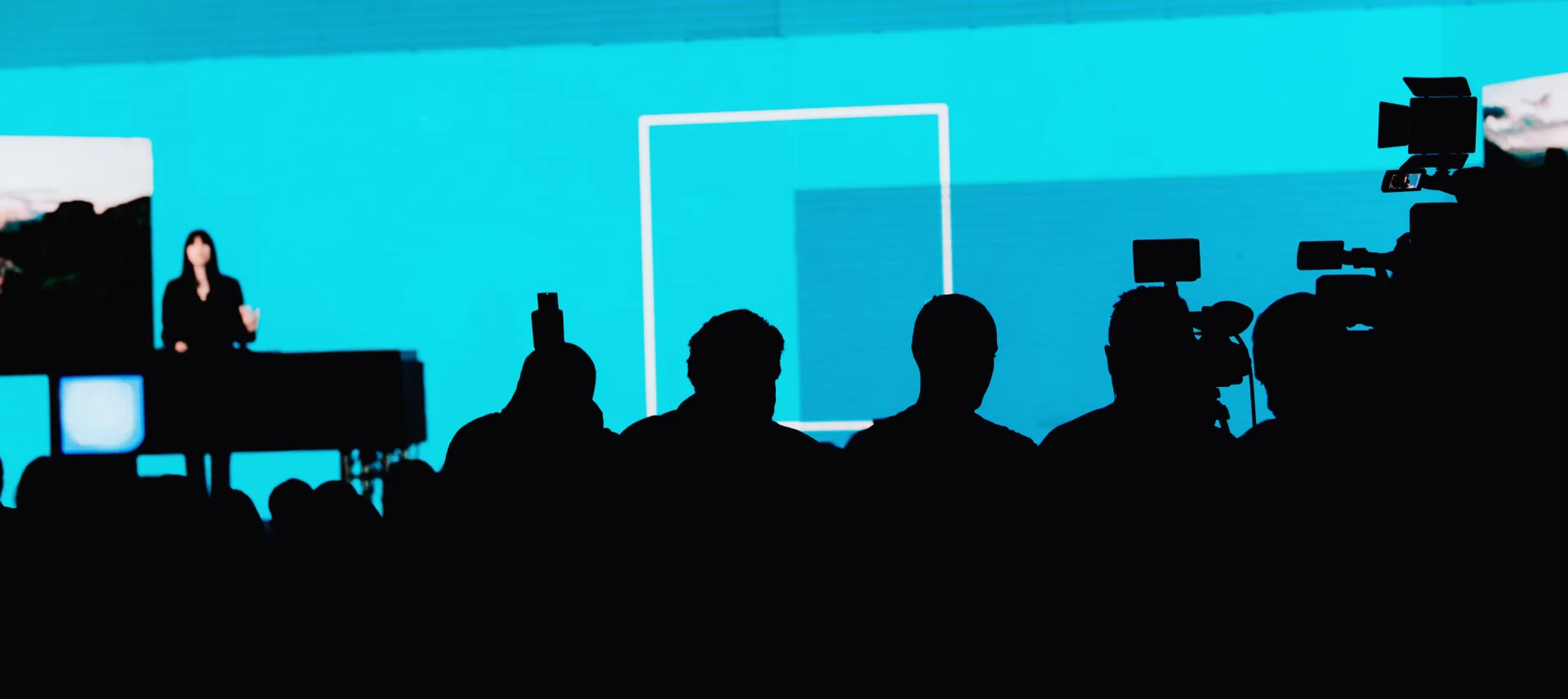
Trade shows are important marketing arenas where brands communicate directly with their target audiences. However, offering brochures and catalogues to visitors may not be enough to stand out among hundreds of brands. Innovative presentation techniques such as 3D animation, virtual reality, holograms and touchscreens make it possible to present products more impressively and offer visitors memorable experiences. In this article, we cover the innovative presentation techniques that can be used on trade show stands.
What Are the Innovative Presentation Techniques for Trade Show Stands?
Innovative trade show presentations cover digital and visual methods that move visitors from being passive viewers to actively taking part in the product presentation. In the traditional approach, the product is displayed, a catalogue is handed out and the presentation relies largely on what stand staff explain. In presentations supported by digital content, the product's features are conveyed in a more consistent, understandable and impressive way.
Product Presentation with 3D Animation
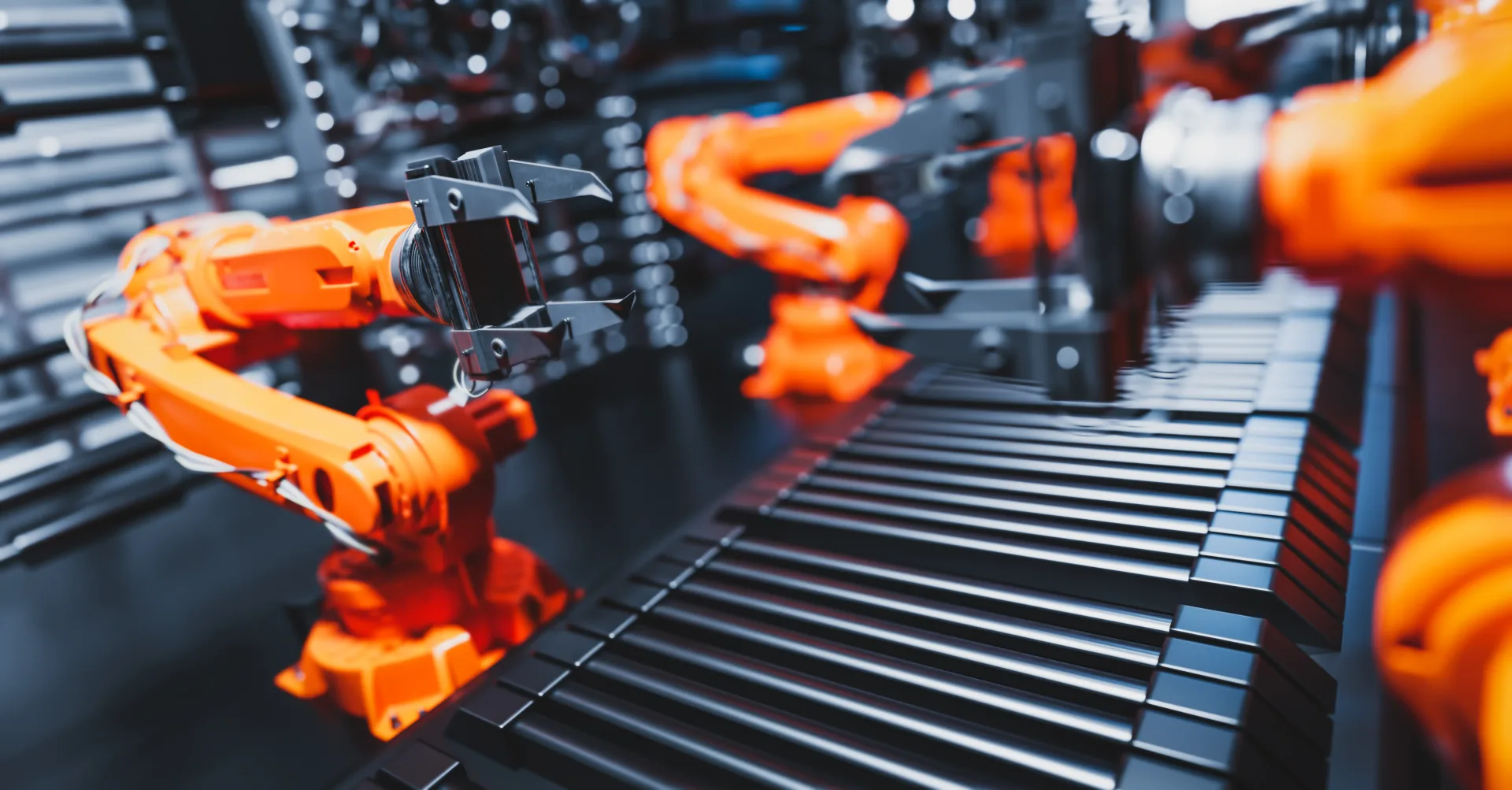
3D animation is one of the most powerful ways to make the working principle of complex products or machines visible. Animation videos shown on screens at the stand help visitors grasp the product faster. For machine manufacturers in particular, it becomes possible to showcase every detail without bringing the real product to the venue. Cutaway views, exploded assembly scenes and internal flow visualisations reveal layers that would never be visible on a physical sample. The logic of 3D animation production also determines how this kind of content fits into the trade show schedule. When an entire production line needs to be explained, factory simulation animations build process continuity in a single scene.
VR (Virtual Reality) Experiences
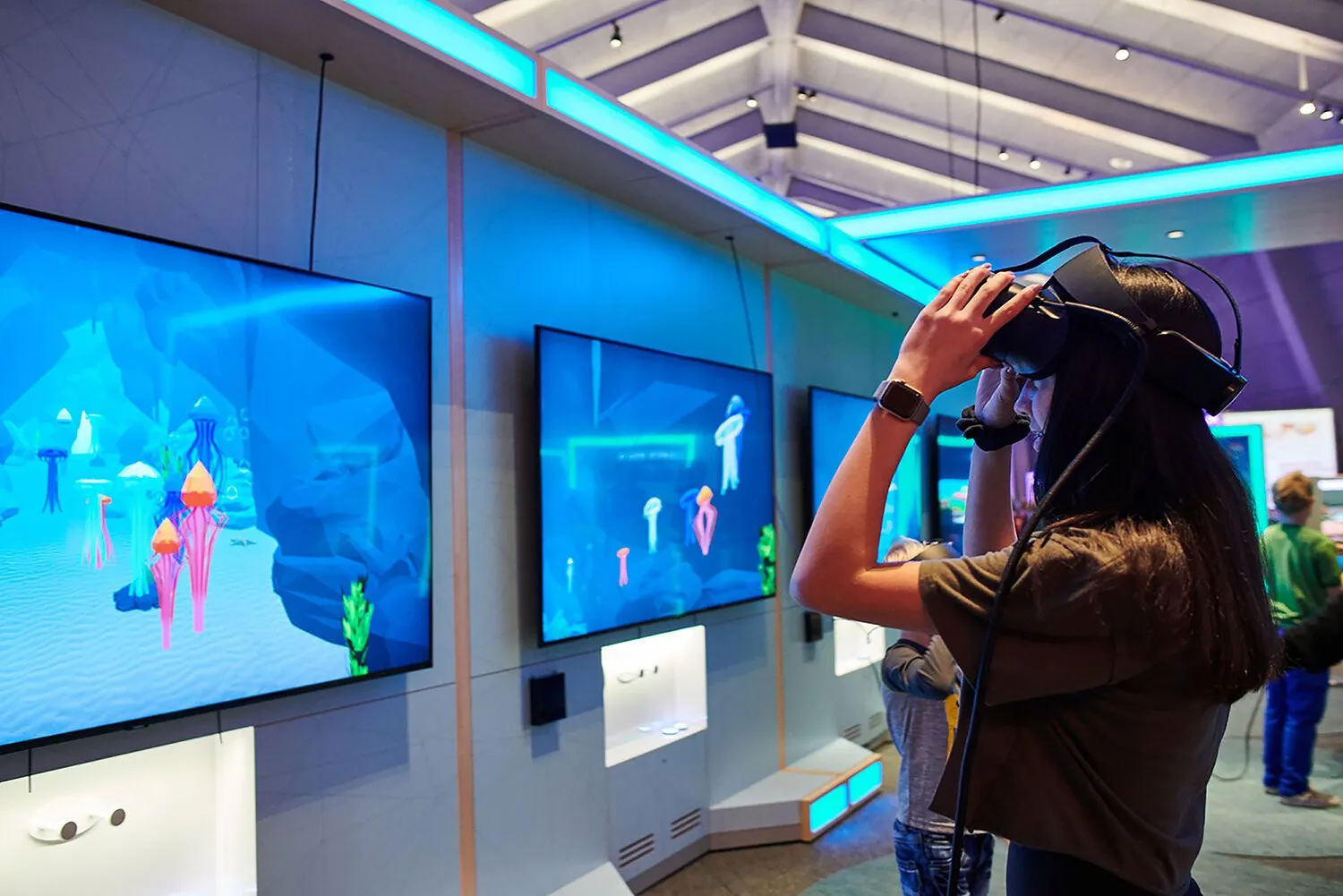
There is a measurable difference between simply showing visitors a product and letting them feel they are inside it. Taking a virtual factory tour or walking through a project not yet built with VR headsets creates an experience that is not easily forgotten. Facilities that cannot be transported, huge production lines and unfinished structures fit into the stand space with this method. When designing a VR trade show experience, keeping the scenario short stands out as a practical choice that prevents queues from forming. When a wider audience needs to be reached at the same time, 360-degree virtual tour applications create a similar effect without requiring headsets.
Live Demonstrations with AR (Augmented Reality)
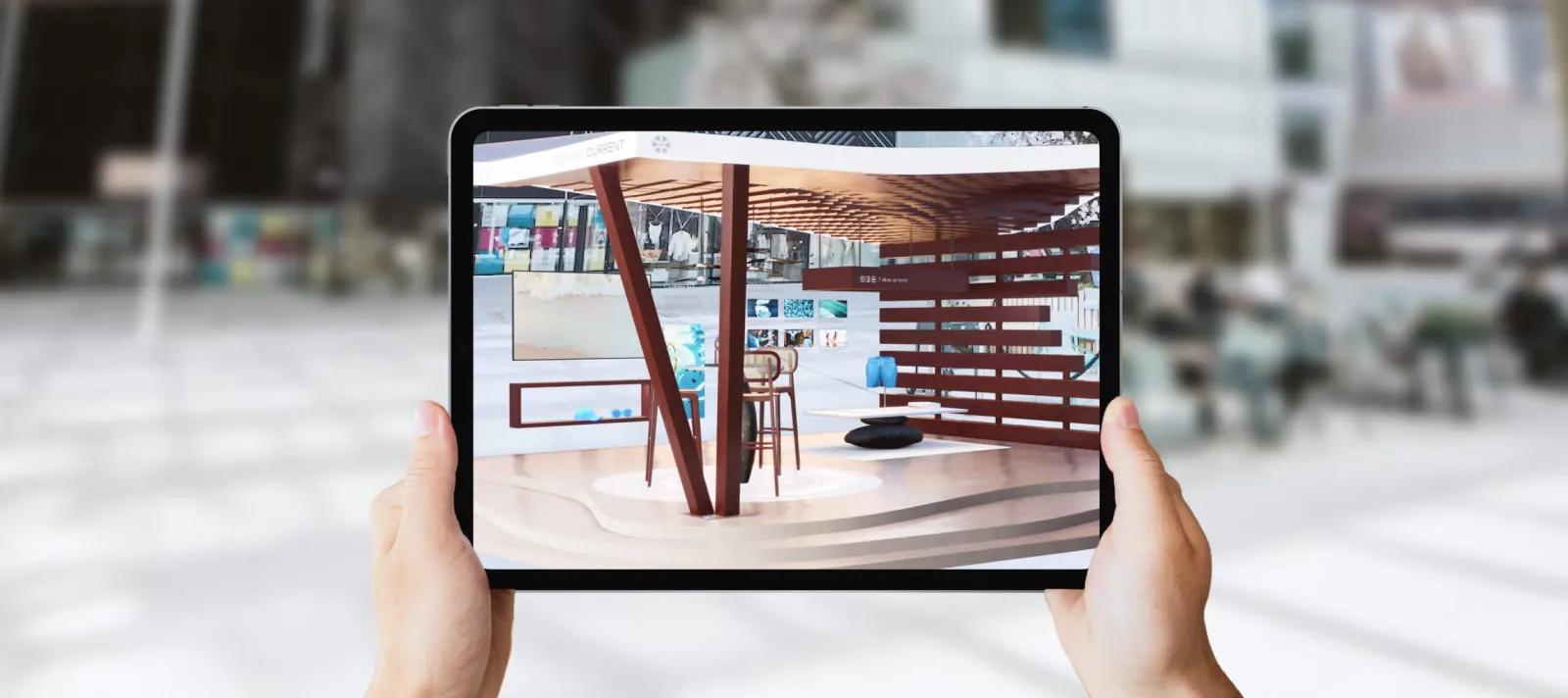
With AR technology, visitors can point their phones at a marker on the stand and see the product's digital model in three dimensions. If it is not possible to bring a machine physically, augmented reality displays that machine virtually at its real scale. Using AR on a trade show stand leaves behind content that remains accessible after the show, because visitors use their own devices. VR and AR solutions are planned as two complementary layers in most projects.
Hologram Presentations
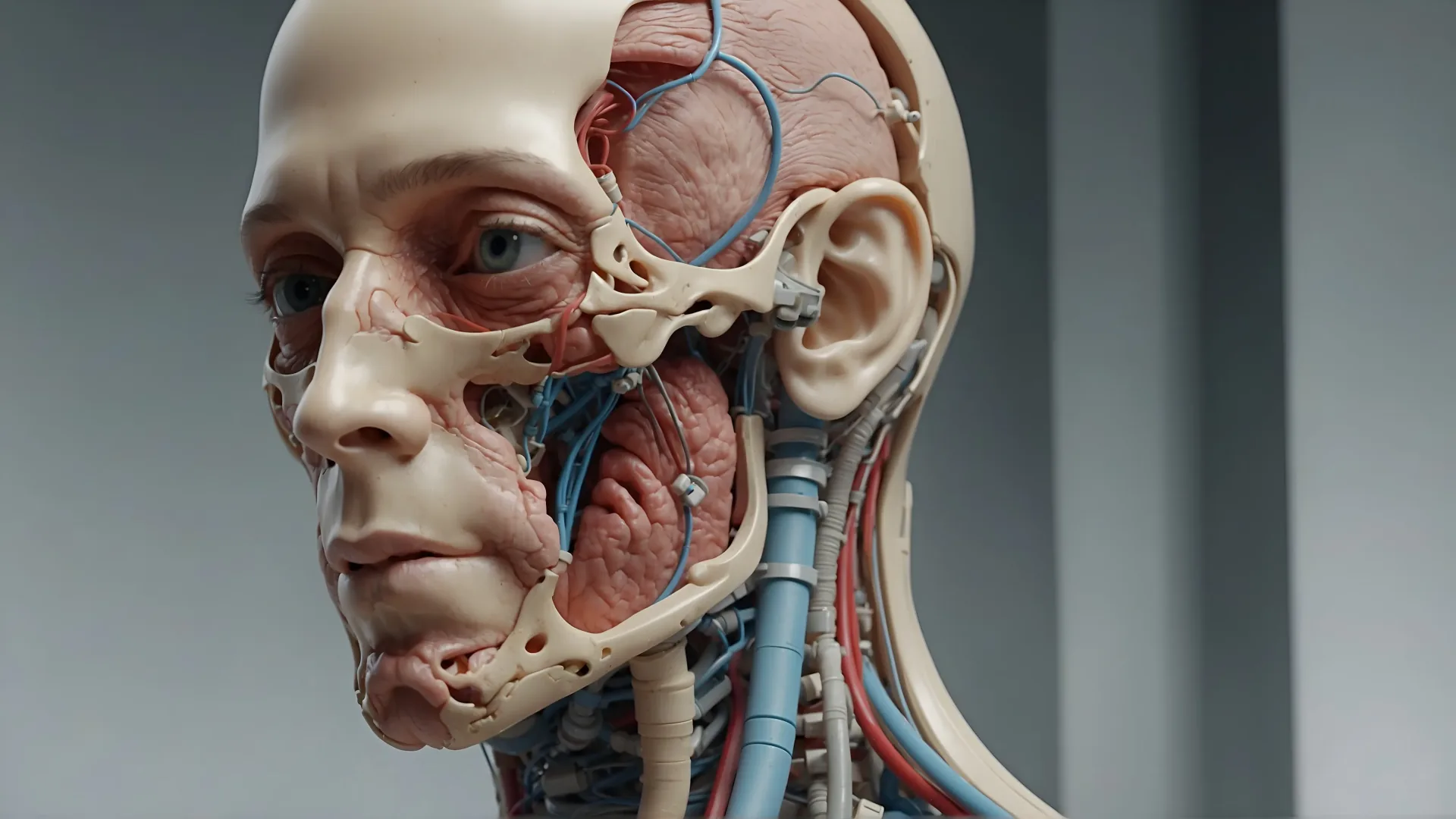
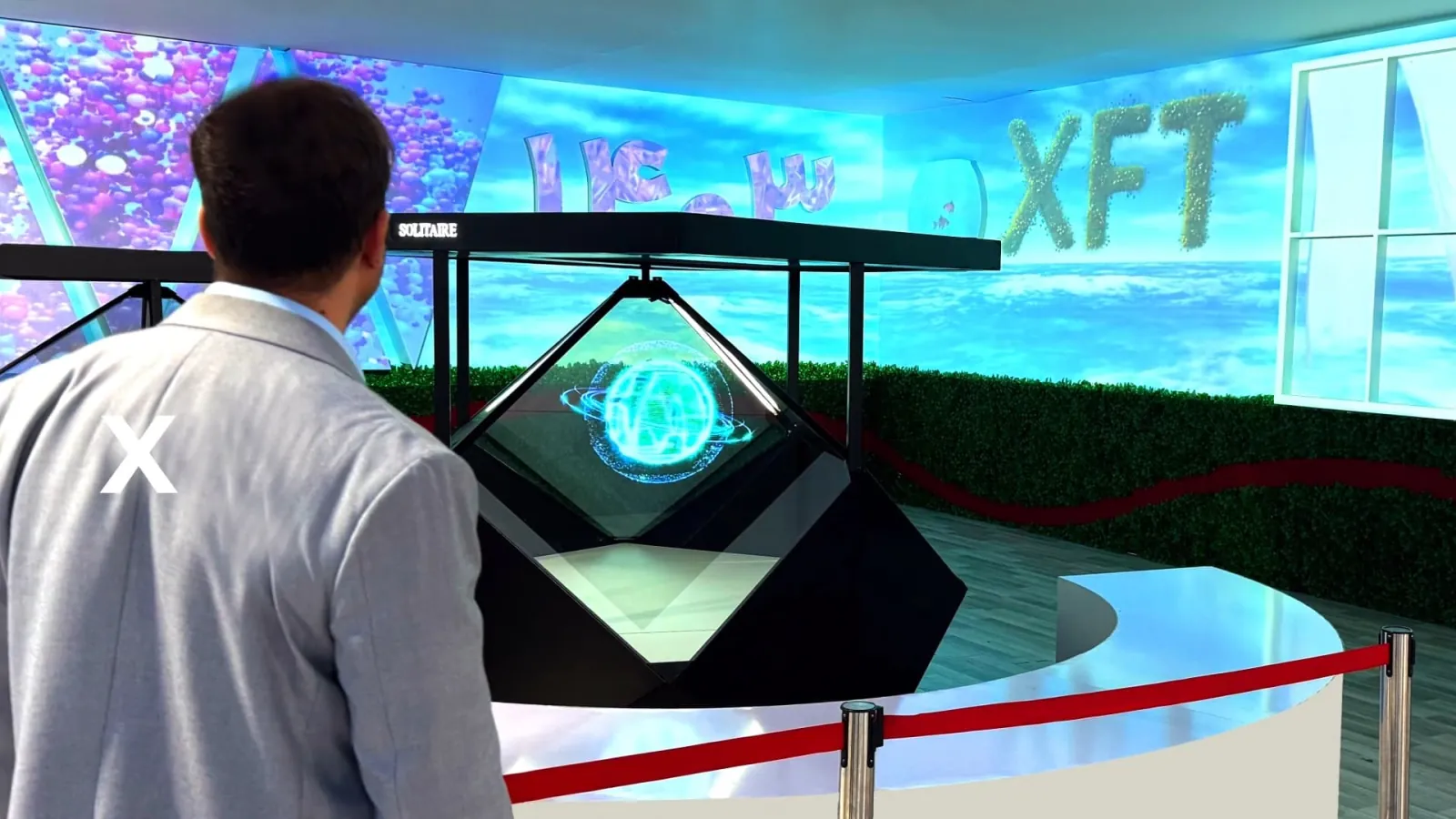
Hologram technology is one of the most effective solutions for being noticed from a distance at the stand. The product is displayed as if it were floating in the air; hologram fans or transparent screens attract strong interest, especially in technology- and innovation-focused sectors. While the effect is striking for small products, the explanation for large machines is usually supported with animation. Hologram solutions also serve to draw attention on stands where the view from the aisle is narrow.
Touchscreen Kiosks and Interactive Displays
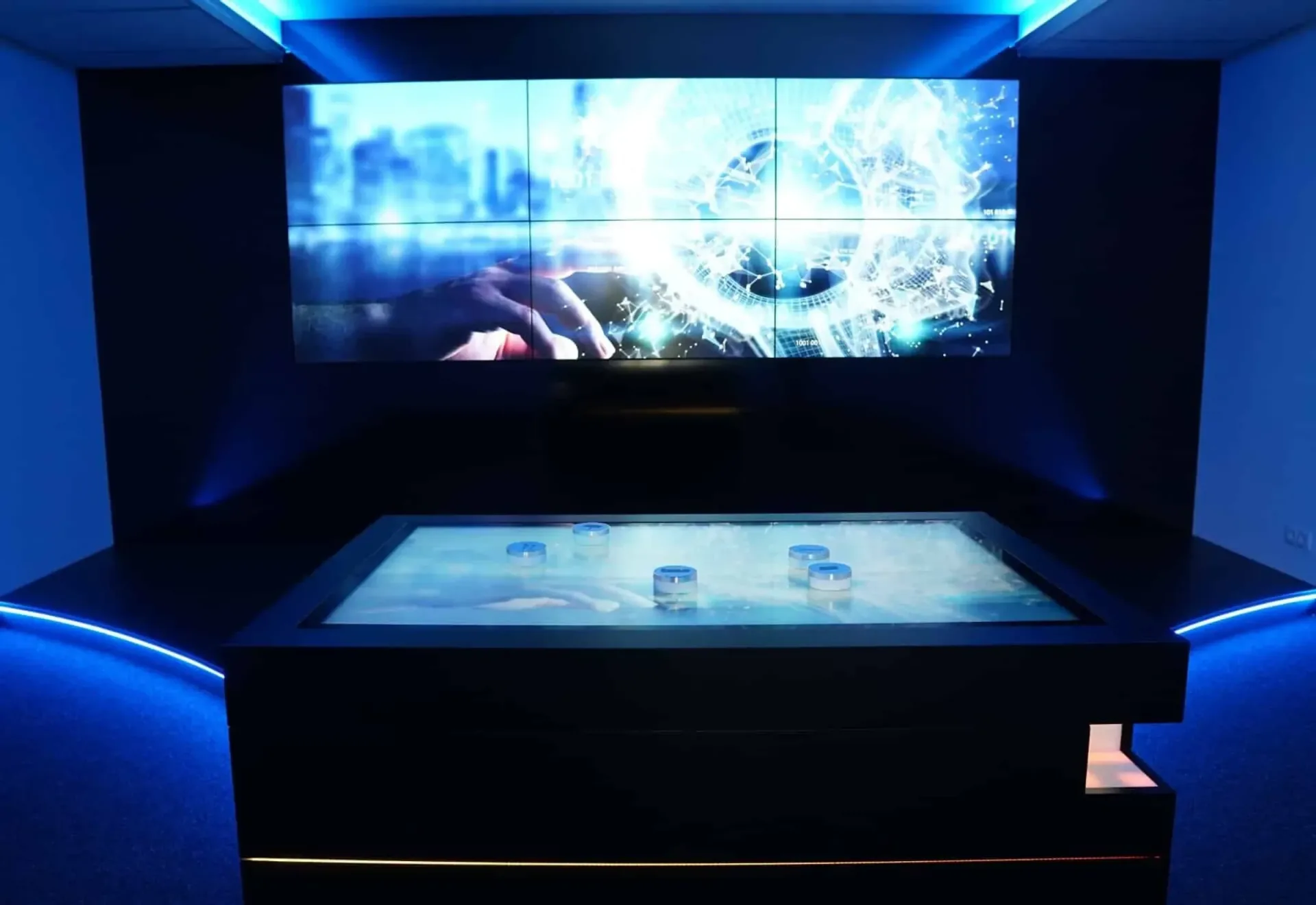
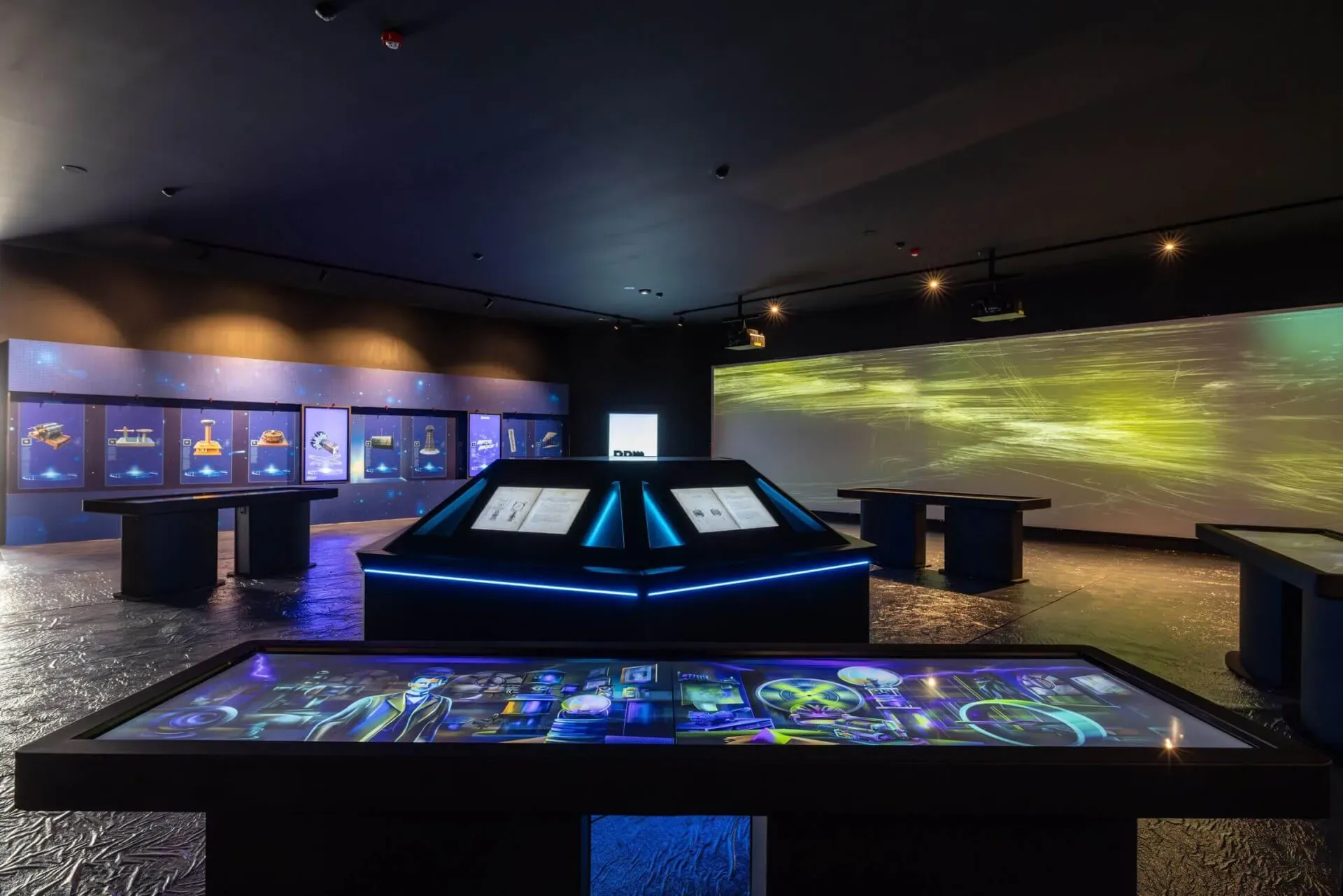
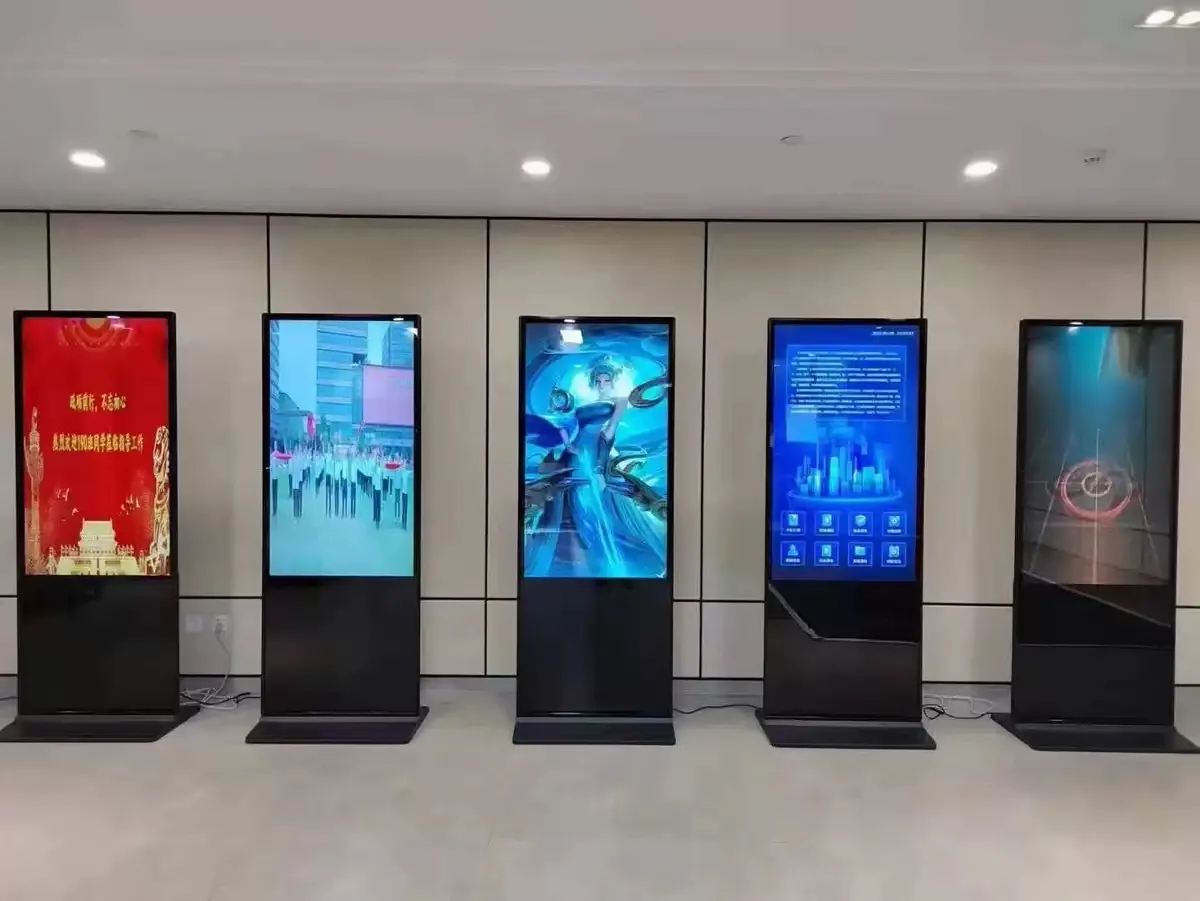
Interactive kiosks let visitors explore products according to their own interests. Product catalogues, technical documents or 3D models can be opened one by one on touchscreens. This way, visitors stay longer at the stand and form a stronger connection with the brand. Using a touchscreen kiosk on a trade show stand also records how much each product page is viewed. When hardware and interface are planned together, touchscreen kiosk solutions blend into the stand architecture.
Interactive Games and Competitions
Small games, quizzes or VR-based competitions noticeably extend the time visitors spend at the stand. This method, which strengthens brand awareness while offering a fun experience, also makes it possible to collect visitor data through the game. Designing the reward mechanic around the product brings the participant profile closer to the target audience.
Digital Catalogues, QR Codes and Social Media Integration
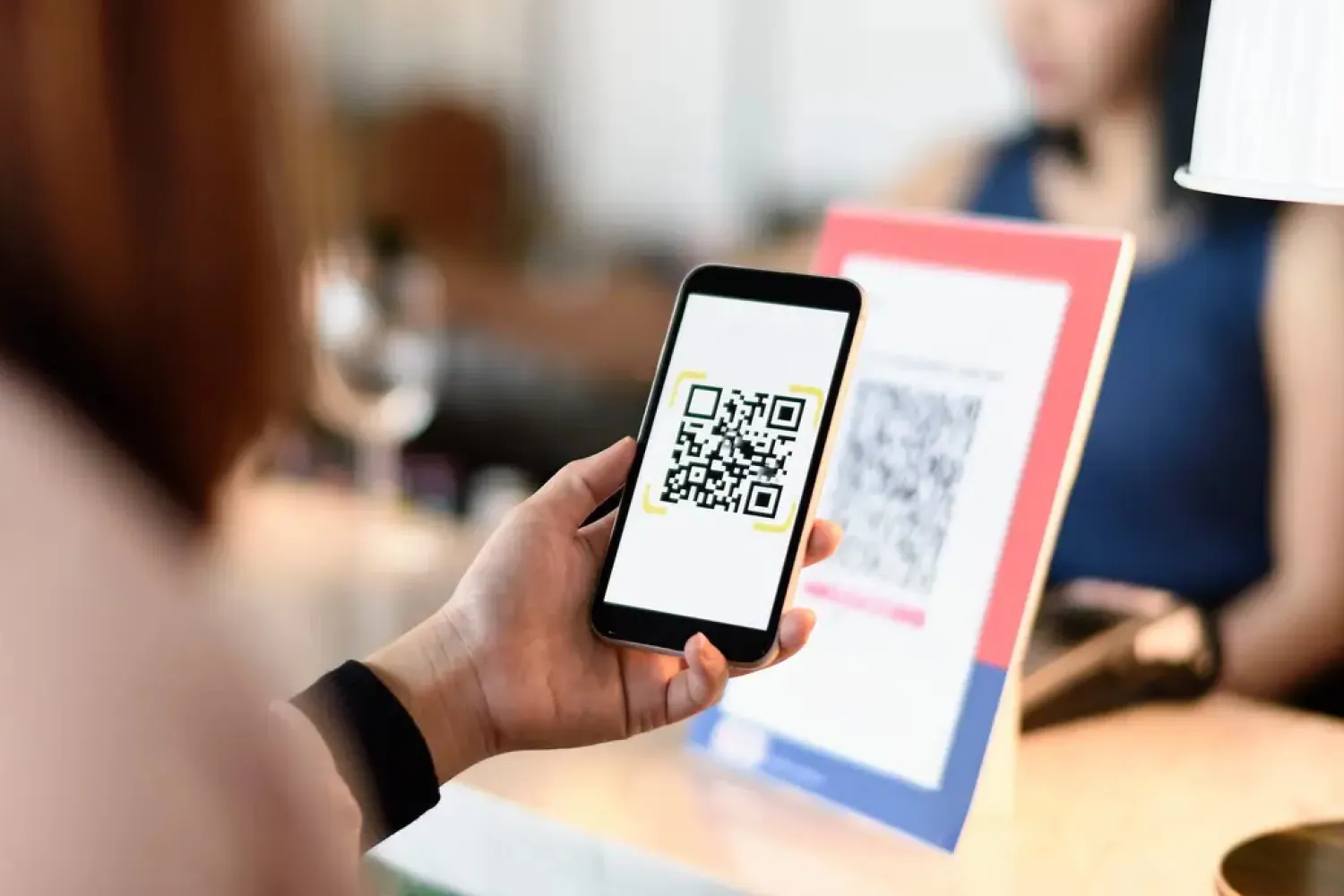
Offering a digital catalogue instead of printed brochures removes the burden of transport and allows content to be updated throughout the show. QR codes can direct visitors to product videos, technical documents or virtual tours. Sharing the demonstrations at the stand on social media accounts in real time reaches audiences beyond the venue and leaves a lasting mark in terms of brand image.
Synchronising Light, Sound and Screen Architecture
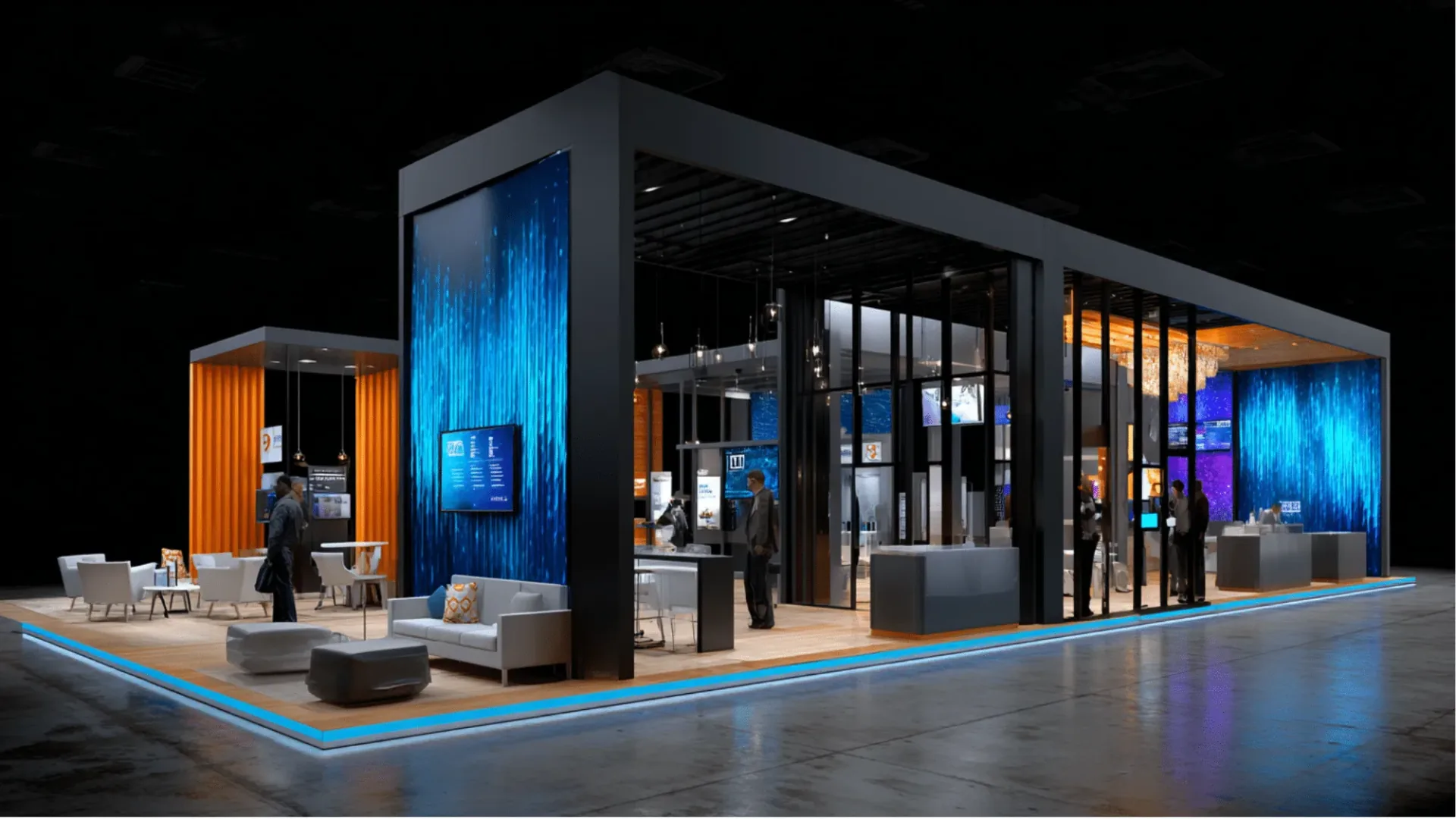
Strong lighting, large screens and measured sound design are the elements that set a stand apart from neighbouring spaces. Synchronising light and sound with the visuals during product presentation moments creates a professional impression on visitors. On the screen side, the choice depends on the stand architecture: in corner set-ups an anamorphic 3D LED screen stands out from a distance with its illusion of depth, while on wide back walls LED display solutions create an integrated backdrop. The language choice for voice-over also directly affects clarity at international trade shows; that is why animation voice-over choices are decided at the start of content production.
Which Technique Suits Which Trade Show Scenario?
Not all techniques make sense for every stand. The choice depends on the scale of the product, the stand area and the speed of visitor flow. The table below matches common trade show scenarios with the areas where each technique is strong and summarises the points to watch during preparation:
Scenario | Leading technique | Advantage it provides | Point to watch in planning |
Large machine that cannot be transported | 3D animation, AR | Real-scale display, visibility of internal structure | Obtaining technical drawings and CAD data early |
Unfinished facility or project | VR tour, 360-degree virtual tour | Sense of space and scale | Keeping the scenario short |
Wide product range | Touchscreen kiosk | Personalised exploration, interest data | Limiting the depth of the interface menu |
Small, detailed product | Hologram | Drawing attention from a distance | Controlling ambient light |
Aisle with heavy visitor flow | LED screen set-up | Constant visibility, no queues | Short loops watchable without sound |
How to Create an Innovative Trade Show Stand?
Choosing the technology is not the first step of the process but the middle stage. How widespread the search for new formats has become in the trade show industry is also visible in the UFI Global Exhibition Barometer data: 37% of the companies surveyed say all events need improvement in terms of format, while 58% say it depends on the type of show. This picture points to a search that requires the narrative and stand flow to be designed before the technique itself.
Production Schedule and Order of Preparation
Content production requires a schedule independent of stand installation. The general workflow is as follows:
Defining the target visitor profile and the single main message to be conveyed
Compiling product data: CAD files, technical drawings, material information
Script and storyboard stage, adjusting scene lengths to the stand flow
Modelling, animation and rendering processes
Compatibility tests with screen, kiosk or headset hardware
Pre-show trial installation and content revision
Leave a Lasting Mark on Your Trade Show Stand with Innovative Presentation Techniques
The success of innovative presentation techniques on a trade show stand depends less on showcasing technology than on conveying the intended message with the right tool. Presenting a machine that cannot be transported through animation, touring an unfinished facility with a virtual tour, or personalising a wide product family through a touchscreen interface lets visitors acquire information through experience. What stays in mind after the show is usually this experience. That is why, when choosing a presentation technique, the product's features, the show's goals and the narrative needs should be evaluated before visual impact. The right match also directly affects the return on the stand investment.
To choose the most suitable animation solution for your trade show stand, get in touch with us.
Frequently Asked Questions About Trade Show Stand Presentation Techniques
Can animation content prepared for a trade show stand be used elsewhere?
The same content can usually be re-edited for the website, sales presentations, dealer training and social media. Planning different aspect ratios and lengths in advance during production makes this multi-purpose use easier. This way, the trade show budget stops being an expense spent on a single event.
Which techniques can be applied on a small trade show stand?
In limited spaces, vertical screen set-ups, single-person VR stations and compact touchscreen kiosks are preferred. Hologram fans are also frequently used on small stands because they take up little space. What matters is not the square metres but positioning the spot where visitors will stop correctly.
How far in advance should content production for a trade show stand begin?
The time depends on the complexity of the product and whether technical data is ready. In projects where CAD data is available the process is shorter, while preparation takes noticeably longer for work where modelling is done from scratch. Building a schedule backwards from the show date allows room for revisions.
Blog
All posts→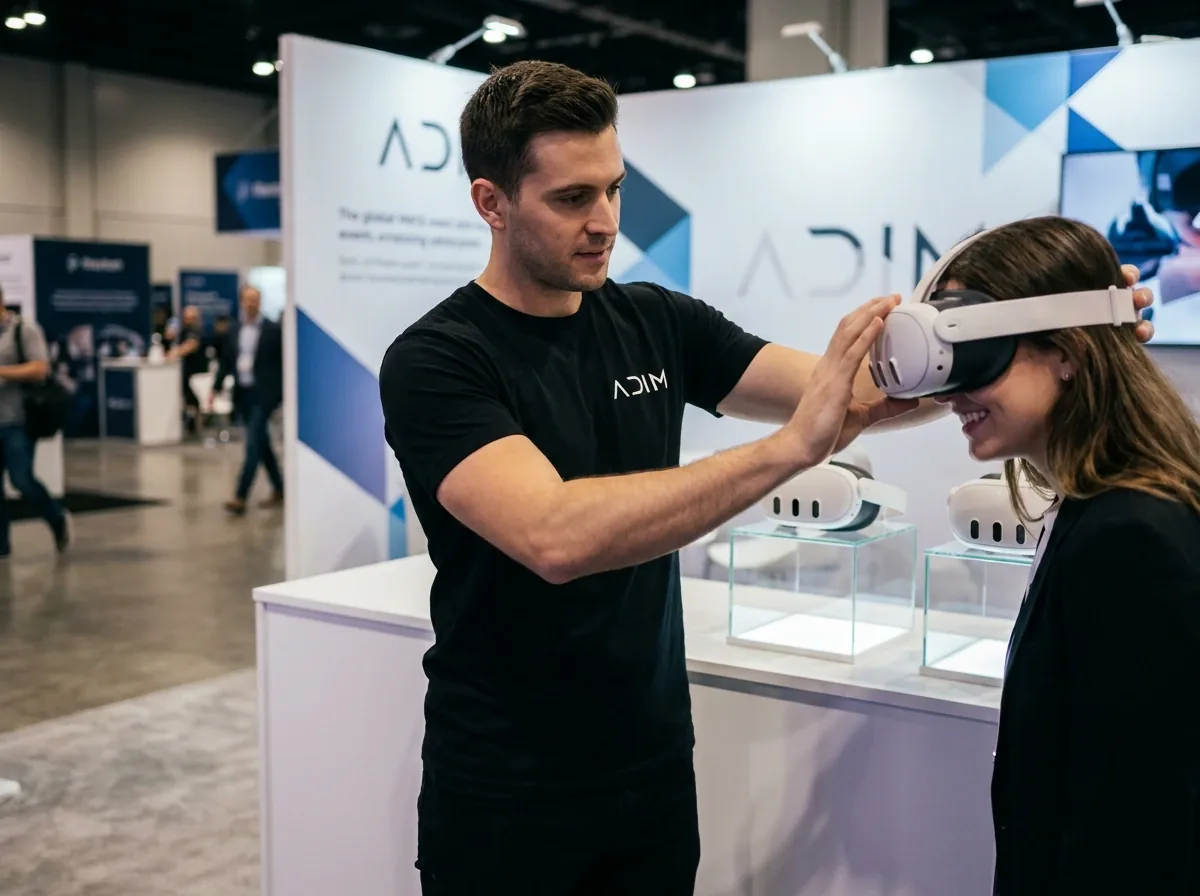
Your next project
Let's build
together.