
AI-assisted, fast and scalable video production
VR experiences for trade shows, events and training
Touchscreen kiosk software and hardware
3D hologram display and stage solutions
How to Make a 360-Degree Virtual Tour
How is a 360-degree virtual tour made? Explore the shooting, equipment, lighting, software and interactive-content stages step by step.
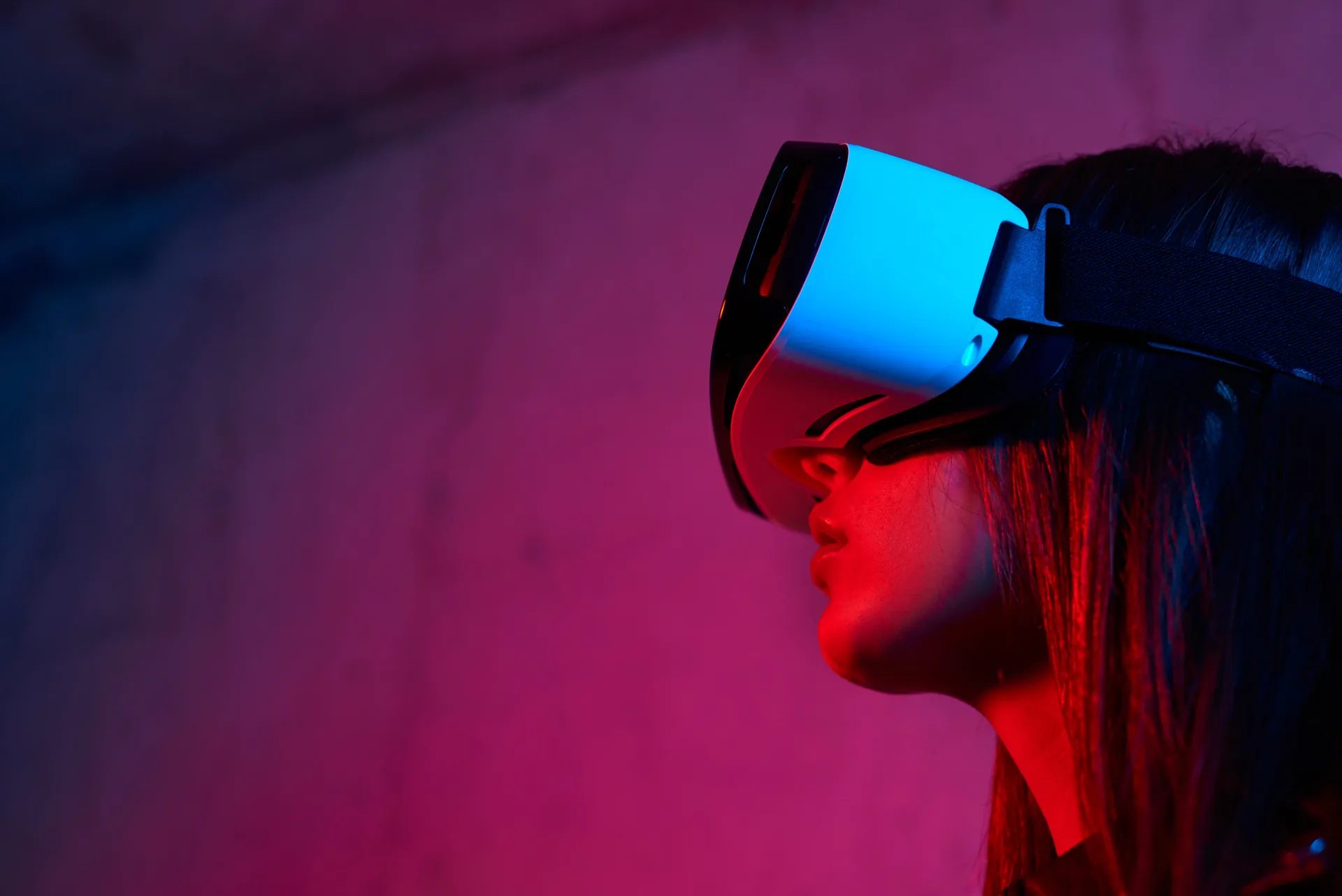
For brands looking to bring their factory, clinic or corporate facility into the digital world, a professional 360-degree virtual tour has become far more than a technical exercise — it has turned into a genuine competitive tool. Making a physical space accessible through a single link, inviting an overseas client onto the production line, or keeping a trade-show booth visitable all year round requires a professional production process. In this guide, we look at the core stages of that process from a B2B perspective.
What Is a 360-Degree Virtual Tour and Why Does It Matter for Companies?
A 360-degree virtual tour is an interactive experience formed by stitching together sequential panoramic images of a space, letting the viewer choose their own direction and move around freely. Built on 360-degree virtual reality technology, and unlike a photograph, it turns the visitor from a passive observer into someone who explores the space led by their own curiosity. For companies, this works less like a promotional asset and more like a trust-building tool.
Rather than describing the scale of an industrial facility, the hygiene standard of a clinic or the layout of a showroom in words, letting people experience it directly removes the uncertainty in the purchasing decision from the outset. Enriched with clickable layers placed inside it, an interactive virtual tour turns this experience from a one-way presentation into a two-way exploration.
The Role of Virtual Tours in B2B Marketing
B2B purchasing decisions are long, involve many people and often run at a distance. A supply-chain manager or an overseas procurement delegation hesitates to approach a contract without seeing a production facility. A well-crafted corporate virtual tour walks them through the facility without boarding a plane, shows capacity and layout, and answers the questions on their mind before they even ask.
When it comes to a factory virtual tour, this effect becomes even more pronounced; the scale and workflow of a production line are only truly grasped by moving through it. This shortens the sales cycle and raises the quality of incoming leads. People who review the facility online and still get in touch enter the process with a higher intent to buy.
360-Degree Experiences at Trade Shows and Events
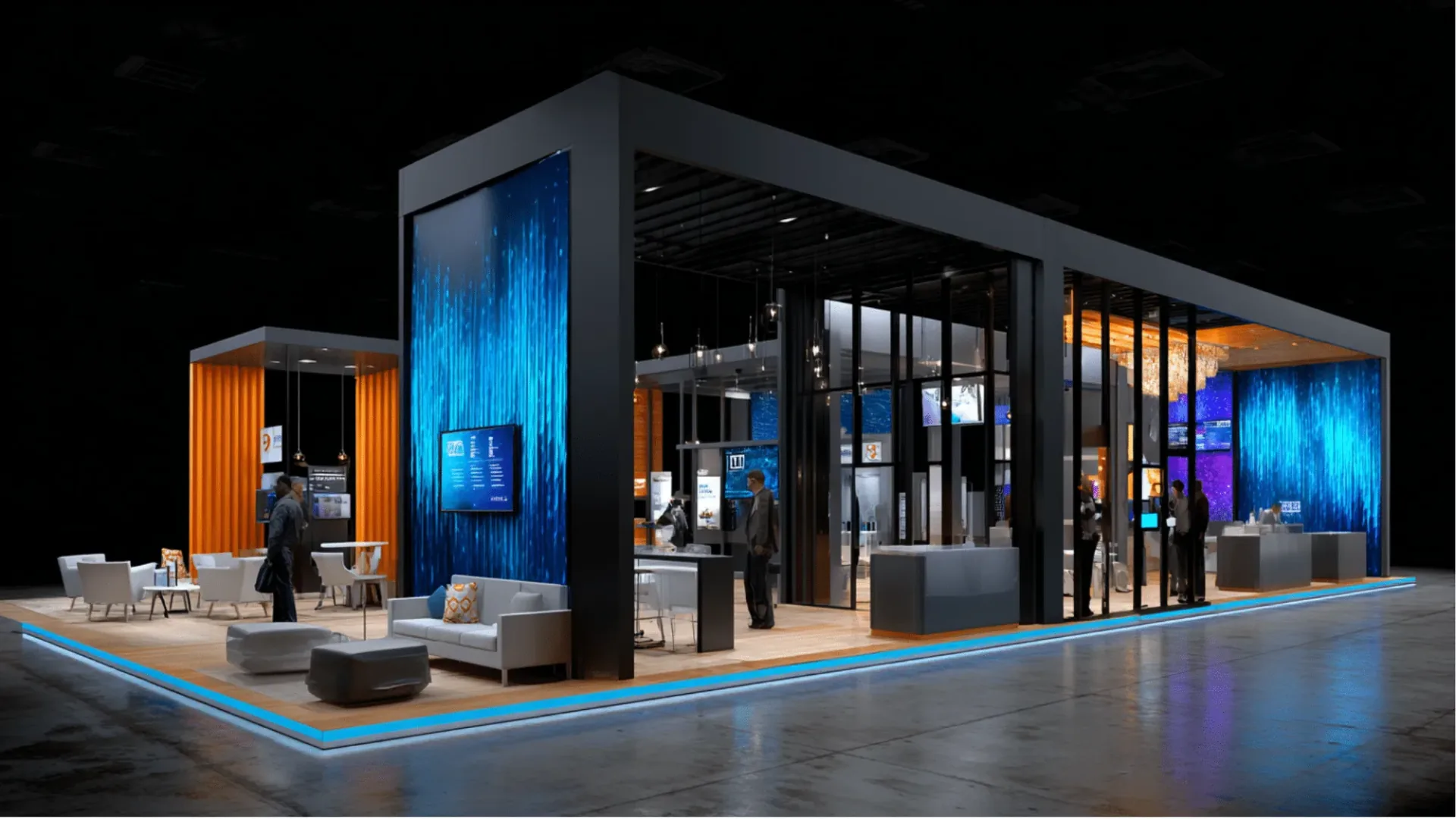
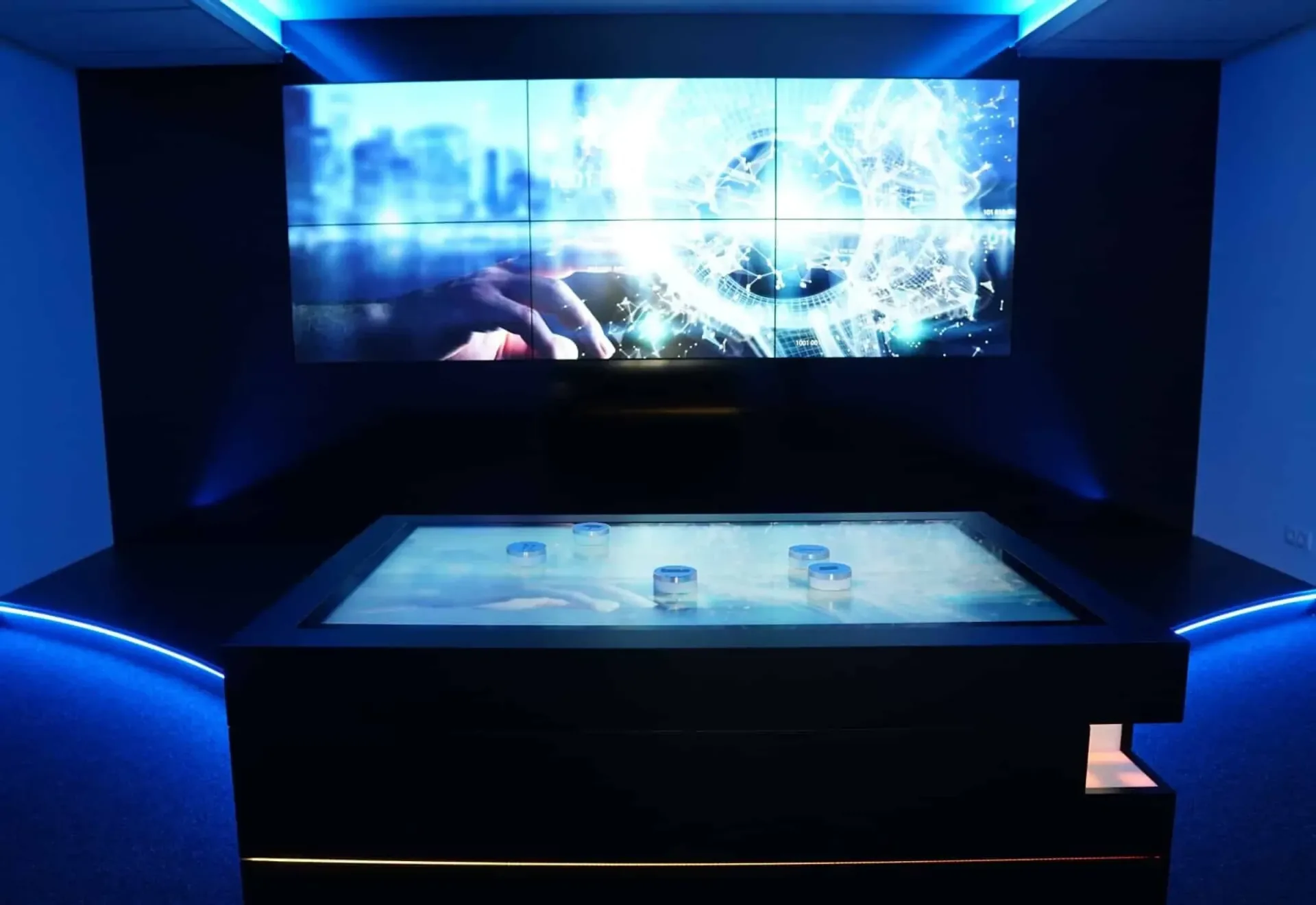
At a trade-show booth, the most valuable thing is the seconds a visitor stops and lingers. A 360-degree virtual tour turns those seconds into minutes. While it is physically impossible to bring an enormous overseas production facility onto the stand, it is entirely possible to bring that same facility before the visitor's eyes with a VR headset. A touchscreen interactive kiosk or a large LED screen then turns the tour into a focal point that draws the attention of the crowd. This pull effect that virtual tours create on the exhibition floor sits at the heart of the experience in trade-show and exhibition sector projects.
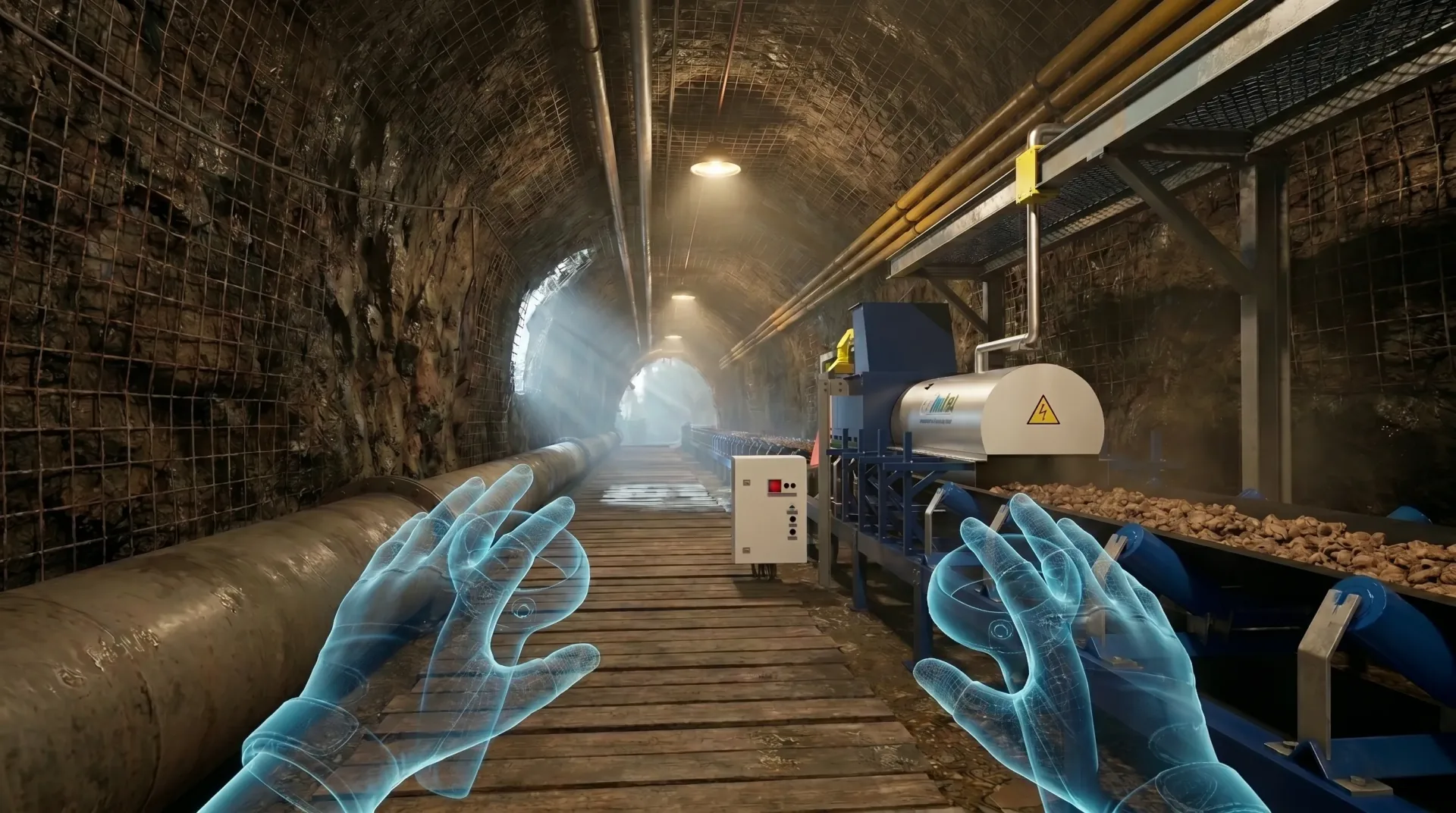
How Is a Professional 360-Degree Virtual Tour Made? A Step-by-Step Process
A professional virtual tour is not just a matter of mounting a camera on a tripod and pressing the shutter. What determines the outcome is the planning before the shoot, the technical discipline during it, and the software work afterwards. Each of these three stages builds on the previous one; a detail skipped in planning cannot be made up during the shoot, and a frame missed during the shoot cannot be recovered in software. That is why experienced teams treat the process as a single whole from start to finish.
1. Needs Analysis and Site Survey
Every project begins by understanding the goal, not the space. A shoot is not planned until it is clear which audience the tour will be shown to and which decision it is meant to ease. At this stage the space is surveyed on site, the areas to be shown and left out are determined, and the navigation route and stop points are planned in advance. Details such as how the light changes throughout the day, at what hours production stops, or which areas require confidentiality are also recorded during this survey. The trio of brief, approval and planning forms the basis of every technical decision in the following steps. A well-run survey prevents surprises on the shoot day.
2. Equipment Selection and Tools Used
The first distinction that largely determines the quality of the result is the hardware used. While a consumer-grade 360 camera delivers quick results, it cannot provide the resolution, dynamic range and clarity a corporate experience requires. A professional VR virtual-tour shoot usually calls for a combination of tools such as high-resolution panoramic systems, sturdy tripods, HDR exposure capability and, where needed, external lighting units. Beyond the hardware, the experience to use this equipment correctly is at least as decisive as the device itself.
The main differences between amateur devices and professional production hardware are as follows:
Criterion | Amateur 360 Camera | Professional Production Hardware |
|---|---|---|
Resolution | Limited; loss of sharpness on large screens | High-resolution panoramas, crisp even on an LED screen |
Dynamic Range | Loss of detail in bright and dark areas | Balanced exposure on windows and machine surfaces with HDR |
Light Control | Dependent on ambient light | Scene managed with professional lighting equipment |
Information Points and Interaction | Basic; limited integration | Hotspot, video, 3D animation and voice-over integration |
Result | Sufficient for preview | Capable of carrying corporate brand perception |
3. The Shooting Stage and Light Management
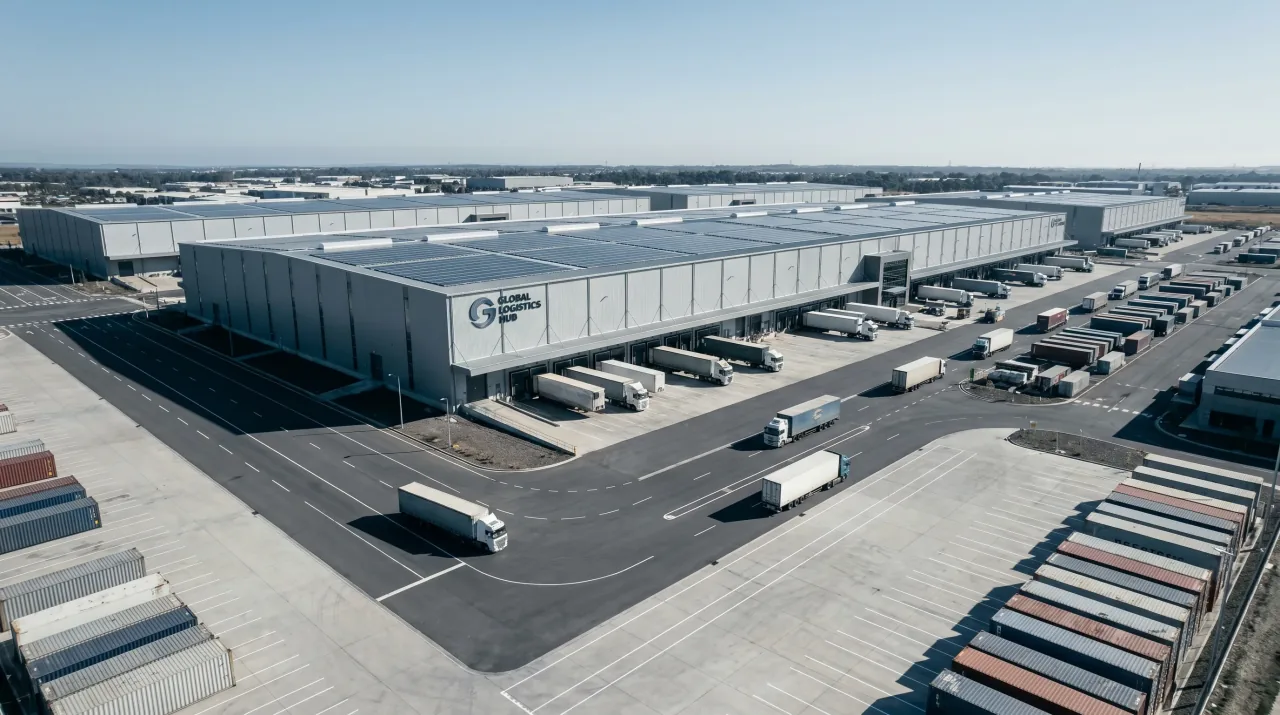
Industrial spaces are the most challenging environments in terms of light. High ceilings, shiny metal surfaces, lighting with mixed color temperatures and shadowy corners make the image look amateurish when left uncontrolled. In a professional shoot, light is not left to chance. For each panorama point, exposure is balanced, reflections are managed, and a depth that accurately conveys the scale of the space is established. The height at which the camera is positioned, the distance between two points and the consistency of the navigation flow are also meticulously adjusted at this stage; whether the viewer finds the tour smooth depends largely on these invisible choices. The same discipline is what visually builds the perception of hygiene in medical institutions and prestige in corporate offices. This production power is the real element that turns a static recording into a brand experience.
4. Adding Software and Interactive Elements
Once the raw panoramas are combined, the interactive layer that makes the tour truly valuable is added. This stage begins with the stitching process that turns scattered images into a single navigable whole. Spaces are then linked to one another and the route the visitor will follow is defined. This added layer lets the visitor move from passive viewing to interacting with the space. The following elements are placed inside a tour:
Information points (hotspots): clickable notes about a specific machine, product or area
Embedded videos: short clips showing a production process or how a device works
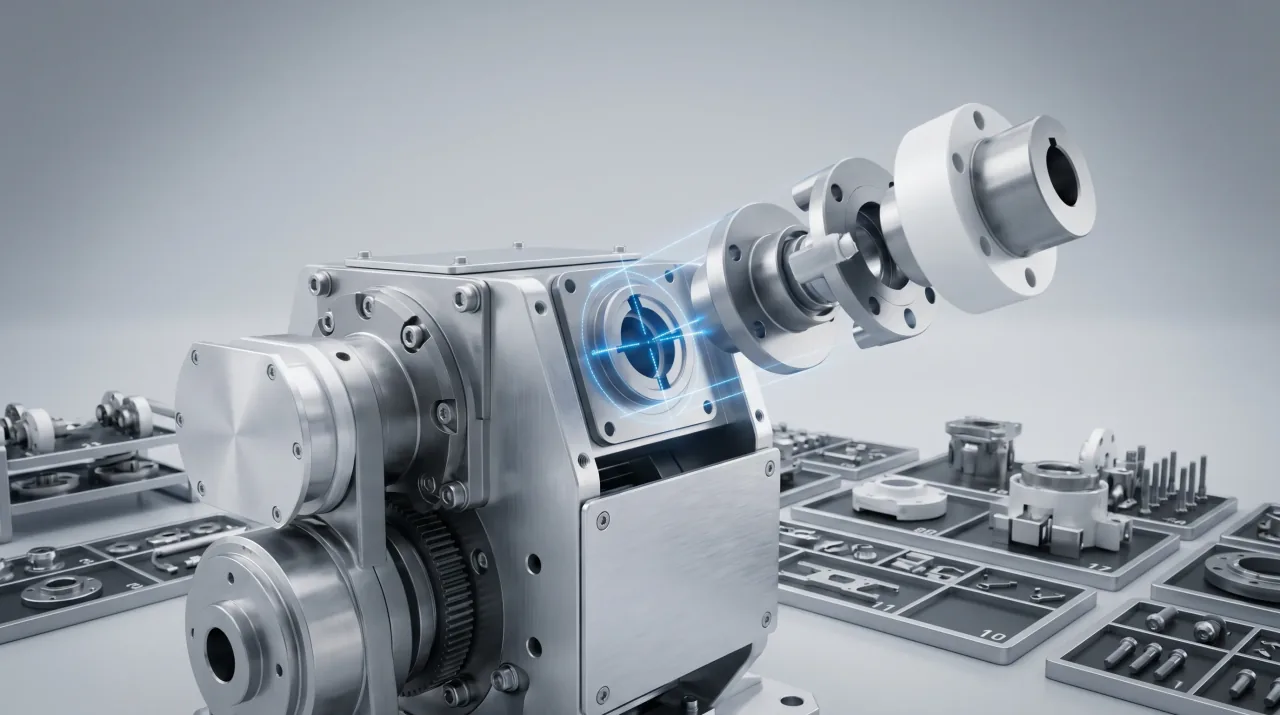
3D animations: integrations that reveal the internal structure of a product that cannot be physically opened
Voice-over and subtitles: narration that guides during navigation and can be offered in multiple languages
Referral links: direct transitions to a website, quote form or product page
3D animation integration in particular turns a virtual tour from a mere recording of a space into a storytelling tool; it becomes possible to show the cross-section of a product or the workflow of a production line inside the tour.
Also take a look at our “Trade Show Animation” page.
Differences Between Amateur Shooting and Professional Production in 360-Degree Virtual Tours
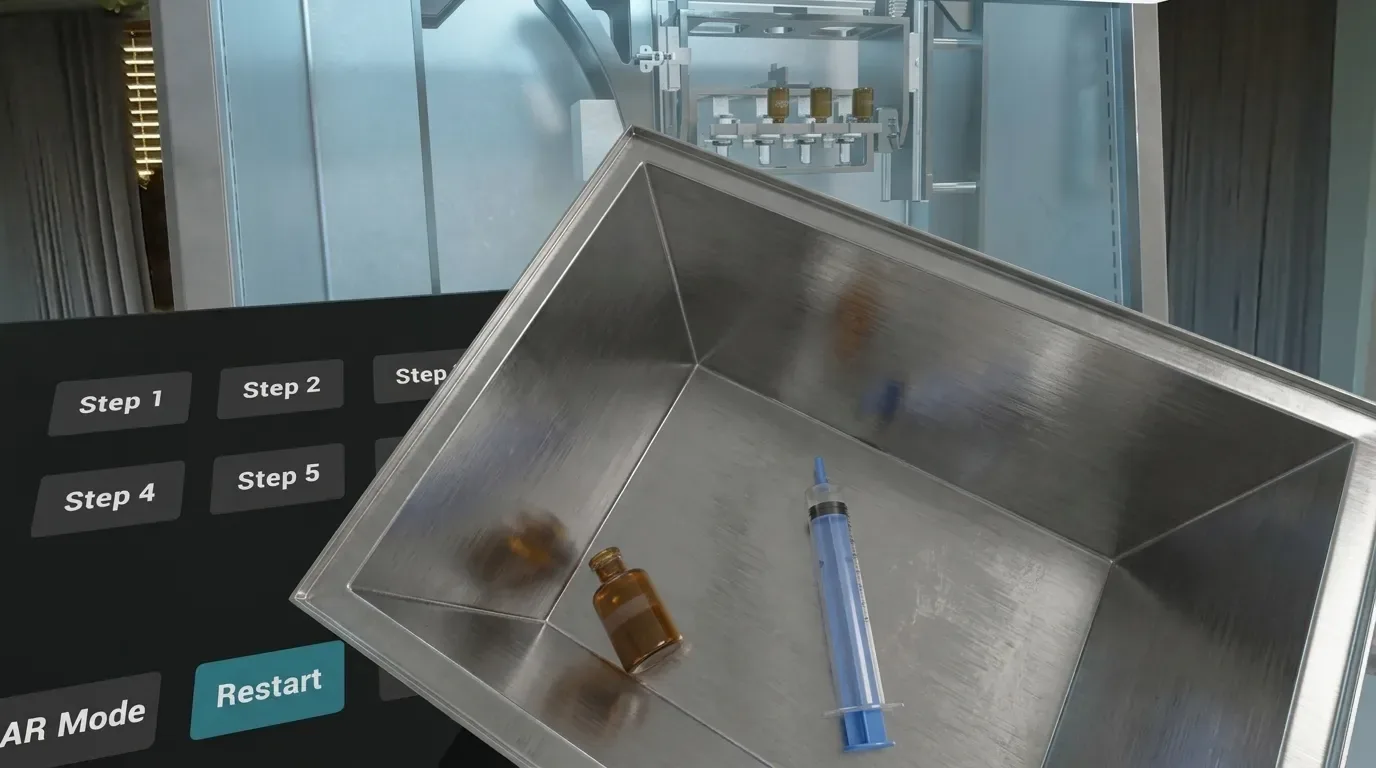
Capturing a 360-degree image of a space and turning that space into an experience that reflects brand value are two different things. Amateur shoots typically show stitching errors, uneven exposure, low resolution and a lack of interaction. In professional production, on the other hand, every decision serves a specific purpose. The route guides the viewer, light manages perception, and interactive layers turn the tour into a sales and promotional tool. The difference is often felt within the first second. Even if the viewer cannot describe the lack of quality, they notice it.
Why Should You Work With a Corporate Video Production Agency?
A virtual tour is rarely a standalone need. In most corporate projects, the tour gains meaning together with 3D animation, software development and hardware setup for the trade show. Gathering these components from different suppliers creates a coordination burden and an inconsistent result. This is exactly where the real value of working with an experienced 360 virtual-tour agency emerges: running production, animation, software and trade-show hardware from a single source eliminates wasted time and gaps in responsibility. When one team plans every stage, how a decision made during the shoot will affect the software stage is foreseen from the start. This way, the brand reaches an end-to-end solution with a single point of contact.
Frequently Asked Questions About 360-Degree Virtual Tours
How long does a 360-degree virtual tour shoot take?
The duration varies with the size of the space, the number of panorama points, and the scope of the interactive elements to be added to the tour. A small showroom can be completed in a single shoot day, while a large production facility requires a longer schedule for fieldwork and the software stage. A precise duration can only be given after the survey and needs analysis.
Can 3D animation or video be added to virtual tours?
Yes, and in most corporate projects it is recommended. The internal structure of a product that cannot be shown physically can be explained with 3D animation, and the workflow of a process with embedded video. These integrations turn the tour from a recording of a space into a storytelling tool.
Which industries should use 360 virtual tours?
Every industry where the physical space influences the purchasing decision benefits from this technology. Industrial manufacturers use it to showcase facility capacity, medical institutions to show their hygiene and equipment standards, and showrooms and stores to display product layouts remotely. The common point is the presence of a space that is hard to judge without seeing it.
How is a virtual tour integrated into my website?
The completed tour can be placed on any page of your website with a provided embed code. The visitor experiences the tour directly within the page without leaving the site. The same content can also be adapted for use on corporate profiles and presentation screens.
Can virtual tours be viewed with VR headsets?
Yes. A tour prepared in the right format turns into a fully immersive experience with a VR headset, giving the viewer the feeling of standing inside the space. This format stands out especially at trade shows and in corporate presentations as a powerful attraction that makes visitors stop.
Blog
All posts→
Your next project
Let's build
together.