
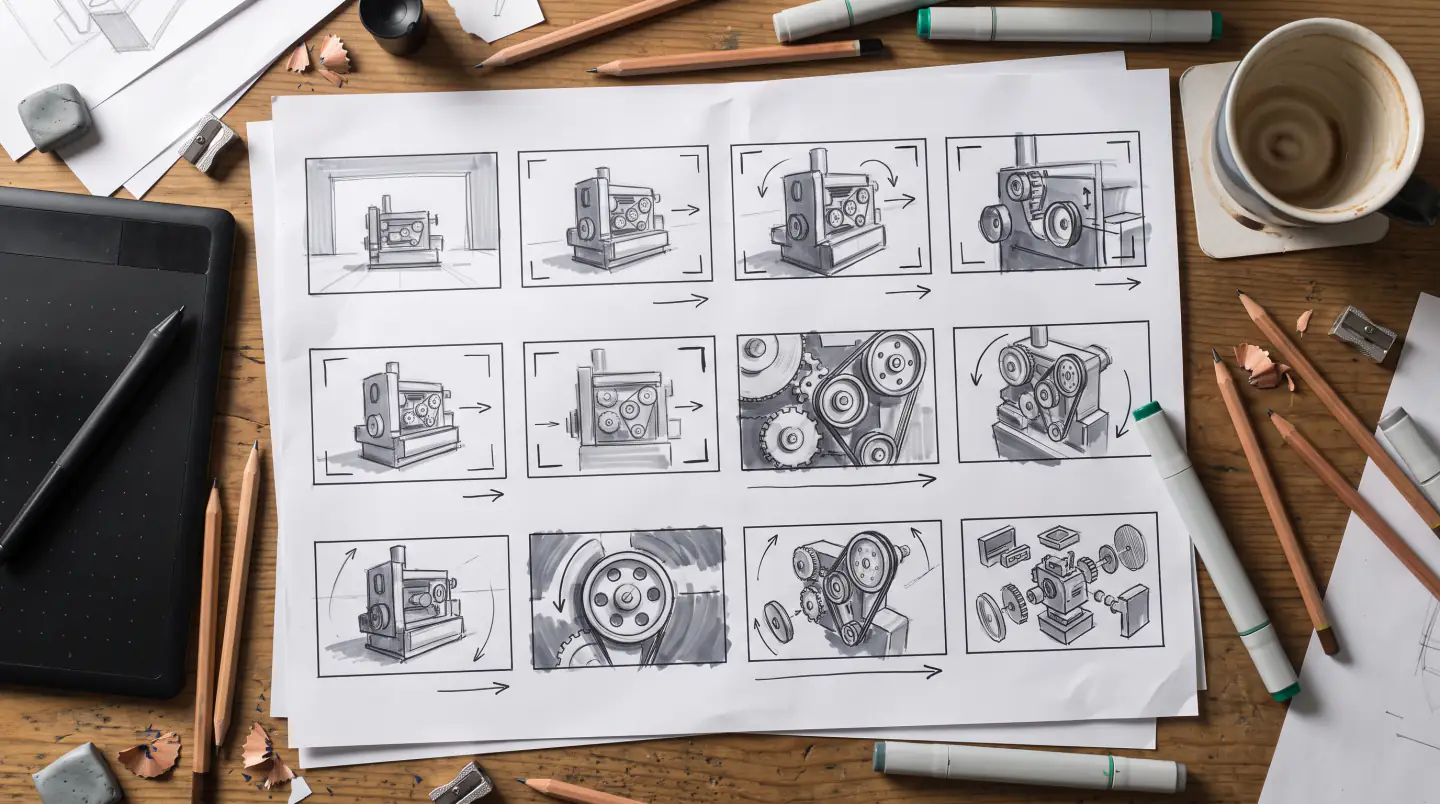
Films that explain products, machines and processes in 3D
Cinema-grade commercials, launch and brand films
VR experiences for trade shows, events and training
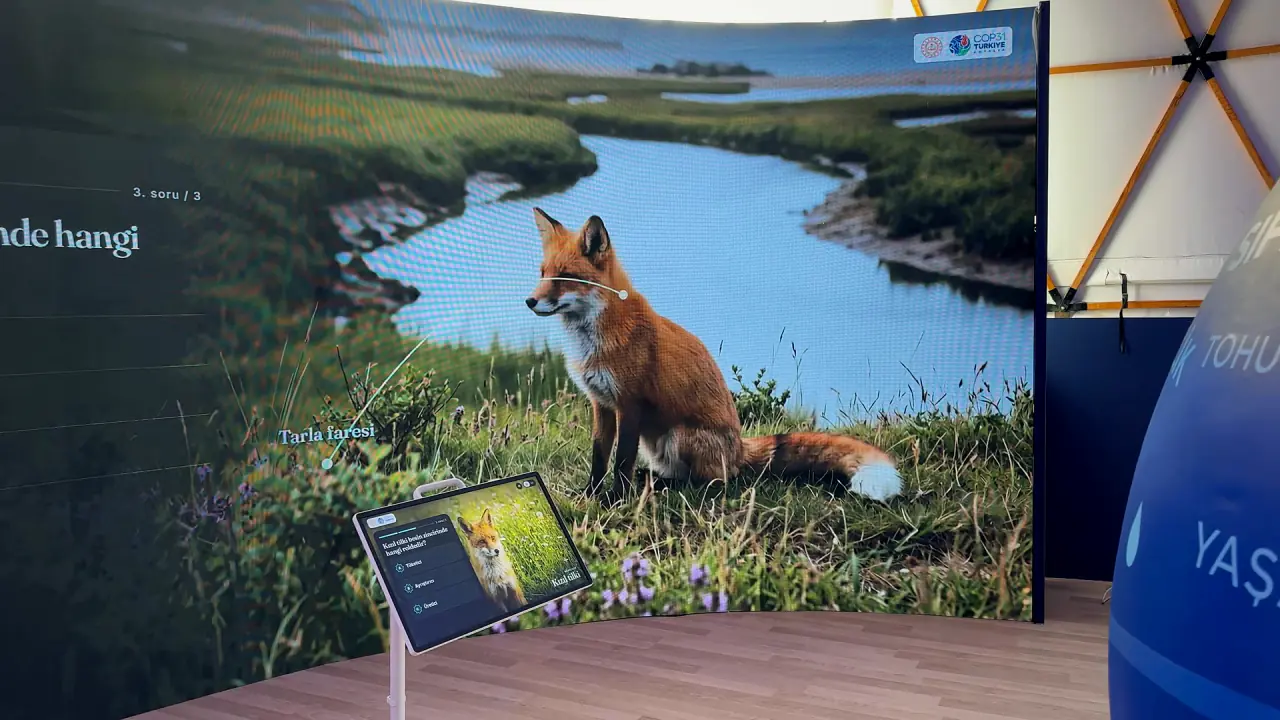
3D product tours, interactive walls and gamification
3D hologram display and stage solutions
How Touch Kiosks Enhance Trade Show Booth
Touchscreen kiosks offer visitors personalised information at a trade show stand, collect data and extend time at the stand through their content design. Explore the details.
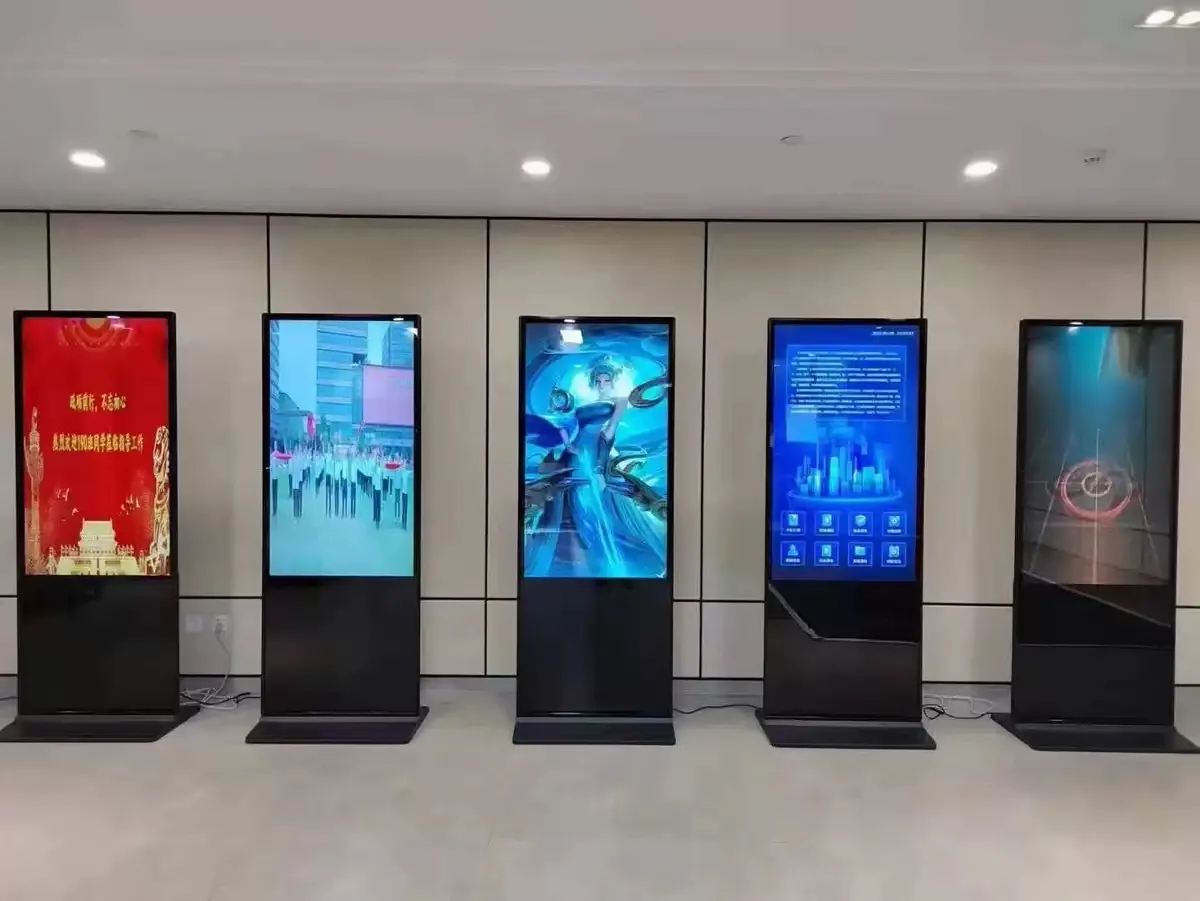
At trade show stands, digital screens are used not only to attract visitors' attention but also to offer an interactive experience. Touchscreen kiosks allow visitors to browse content according to their own interests and reach the information they need. This article covers how kiosk applications contribute to the visitor experience, data collection, content planning and cost management, together with use cases from different industries and the points to consider when producing screen content.
What Role Do Touchscreen Kiosks Play at a Trade Show Stand?
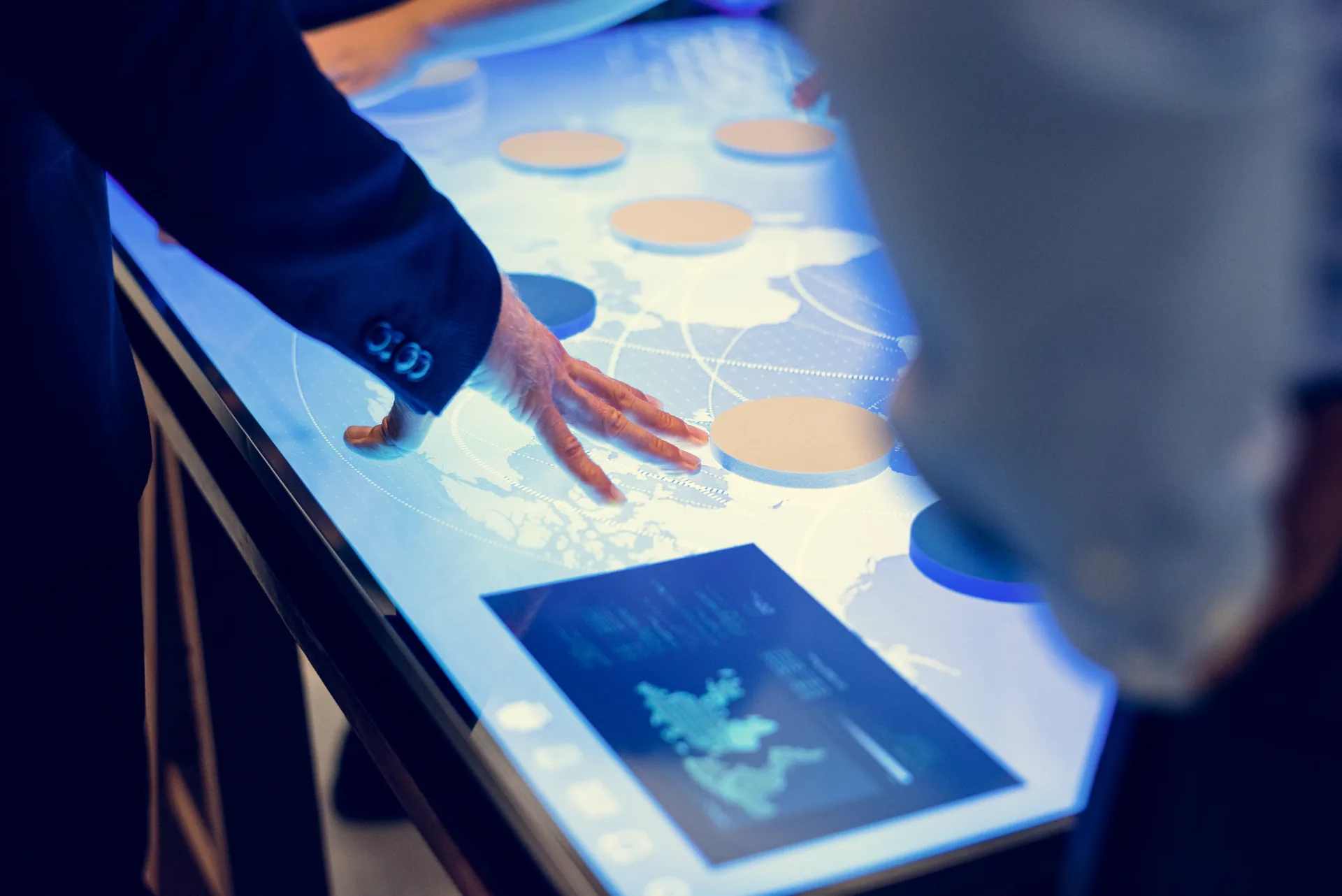
A touchscreen kiosk works as a presentation station placed inside the stand that visitors control by touching the screen. The product tree, technical documents, animations, reference list and contact form are gathered in the same interface. While stand staff talk with one visitor, the next visitor can move ahead on their own through the kiosk.
This setup takes the stand beyond a single-channel narrative. In the classic layout, the flow of information depends on staff availability, whereas the kiosk opens a parallel channel. Because visitors reveal which product group they are interested in through their own choices on the screen, the topic has already narrowed down by the time the conversation begins.
Offering Visitors Information Based on Their Interests
With touchscreen kiosks, visitors can select the product they are interested in and access detailed information. Instead of giving everyone the same presentation, a personalised flow comes into play. When the menu logic is built on product category, industry, capacity or application area, visitors reach the topic they are looking for in a few taps.
The depth of the interface is decisive here. Menus with more than three levels do not suit the pace of a trade show, and visitors leave the screen. When preparing the content map, simplifying each screen so that it answers a single question keeps the kiosk experience smooth.
Digital Catalogues and Product Videos
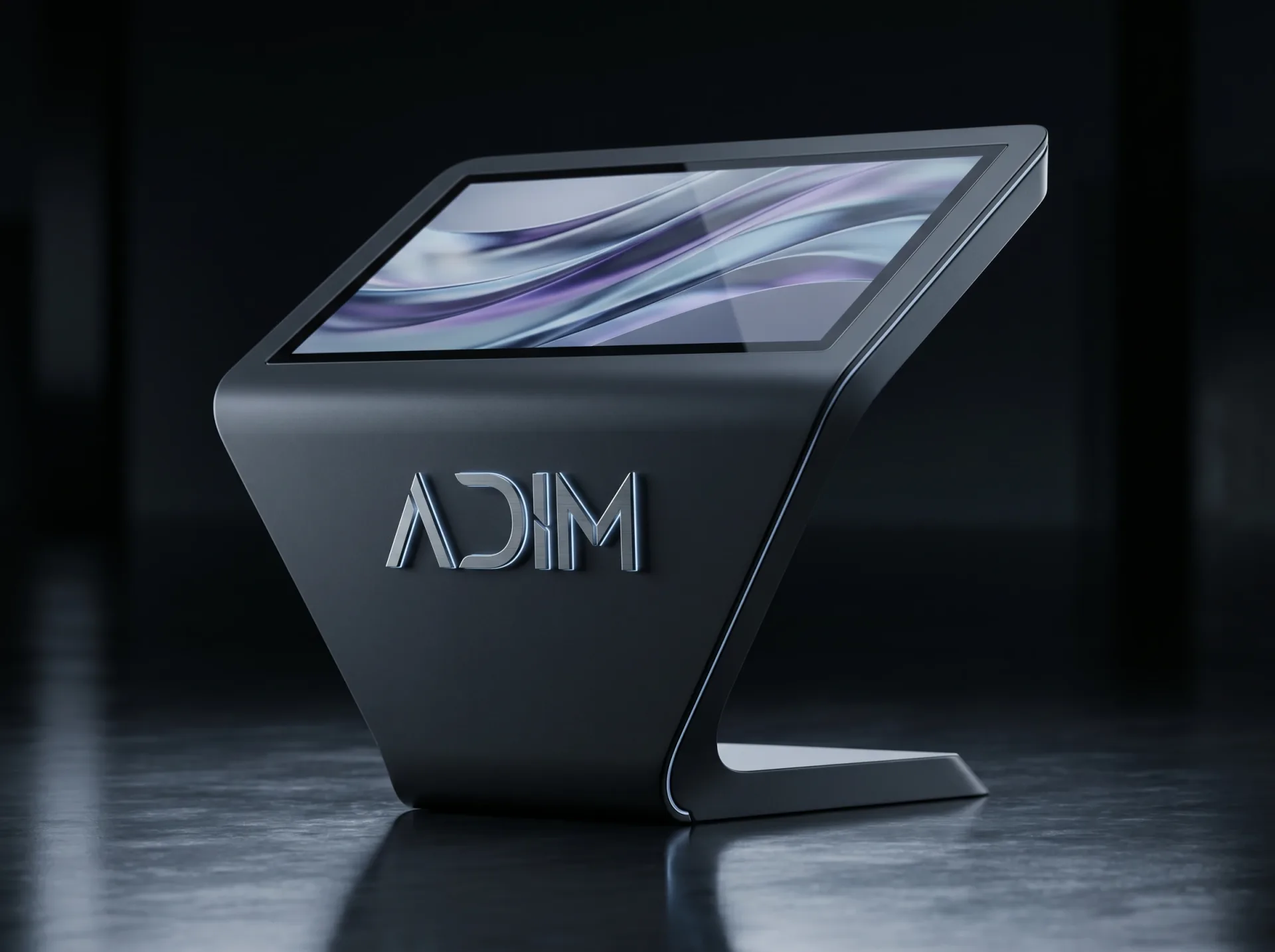
Rather than handing out brochures, offering product catalogues, 3D animations and videos through a kiosk stands out as a more effective method. Visitors can review the content they choose and download it to their own devices via a QR code. This way, a printed booklet is no longer the only thing left in hand when leaving the stand.
The type of content shown on screen varies depending on the topic. For topics that require cutaway views, assembly sequences or internal flows, a 3D animation edit comes into play. Static renders and technical drawings, on the other hand, are quicker to read for comparing dimensions, variants and accessories. Distributing the two formats evenly in the same menu spreads the content load.
Encouraging Visitors to Spend More Time at the Stand
When visitors engage with interactive screens, the time they spend at the stand naturally increases. Attendees who explore products at their own pace get the chance to get to know the brand more closely. This longer dwell time also raises the number of warm contacts for the sales team.
CEIR's in-booth engagement research examining exhibition attendee behaviour reports that interactive product demonstrations and touchscreen digital displays rank among the top in attendee use. CEIR's report on digital tools, meanwhile, puts the share of exhibiting companies using the digital tools offered by organisers at 70 percent.
Collecting Visitor Data
Kiosks don't just present information; they can also be used to collect visitor details. Attendees' email and company information can be gathered through contact forms, surveys or mini quizzes. The efficiency of data collection varies significantly depending on the moment the form appears on screen. Some approaches that work well in the form flow are:
Opening the form not on the first screen but after the visitor has reviewed a piece of content
Limiting the number of fields to name, organisation, email and area of interest
Sending the catalogue or technical document in exchange for an email address
Recording which product page the form was filled in after
Passing the data to the sales team on the same day rather than at the end of the show
Sustainability and Cost Advantage
Using a digital kiosk instead of printing thousands of brochures for every trade show reduces costs and offers an environmentally friendly approach. Unlimited product information can be shared with a single kiosk. Printing, shipping and catalogues thrown away at the end of the show drop out of the budget.
On the cost side, the real difference shows up in the reusability of the content. When the kiosk interface and the animations inside it are spread across several trade shows a year, dealer meetings and congress and conference presentations, the production cost is not loaded onto a single event. When the product range changes, updating only the relevant section is enough.
Creating a Professional Brand Perception
Touchscreen kiosks give a trade show stand a modern look while also reflecting the brand's innovative approach. When the typography, colours and transition speeds used in the interface are consistent with the corporate identity, visitors' perception of the brand is positively influenced.
However, technical glitches can quickly weaken this effect. A frozen screen, a faulty translation or low-resolution visuals can harm the brand image. That is why the uninterrupted and trouble-free operation of the kiosk is as important as its visual design.
How Are the Advantages of a Touchscreen Kiosk at a Trade Show Stand Measured?
After the show, kiosks make it possible to evaluate performance through measurable data. How often each menu was opened, how much of each video was watched and how many forms were filled in can all be recorded. The advantages a touchscreen kiosk brings to a trade show stand can be compared with classic printed materials as follows:
Topic | Printed catalogue and fixed panel | Touchscreen kiosk |
Content capacity | Limited by print run and page count | The entire product tree on one screen |
Updates | Requires a new print run | Instant, by replacing files |
Measurement | No data beyond the number distributed | Menu, video and form interaction |
Multilingual use | A separate print run for each language | Language selection in the interface |
Post-show use | Leftover prints go unused | Moves to showroom and dealer screens |
How Is Content Production for a Kiosk Screen Planned?
Once the kiosk hardware is installed, content becomes the only variable that determines the quality of the experience. Transferring the corporate film to the screen as it is does not deliver the expected result in a trade show environment. Because visitors move forward by touching, the content is divided into short sections that can be watched independently. The points considered on the production side are:
Keeping each video between 20 and 60 seconds so that it makes sense on its own
Using on-screen text and arrow cues so that it can be understood without sound
Modelling in line with the product's real dimensions and material information
Planning the framing vertically from the start for portrait kiosk screens
Sharing the same content library between the trade show animation, the website and field presentations
Sound is largely lost in the noise of a trade show. That is why placing the burden of the narrative on visuals and on-screen text is accepted as the standard approach for kiosk content. The edit of a 3D product animation prepared for the sales team allows the same files to be used outside the trade show as well.
The Difference Between Touchscreen Kiosk, LED Screen and AR Setups
The result is more accurate when digital solutions inside the stand are not thought of as a single block. An LED screen attracts attention from a distance, a kiosk provides information at close range and augmented reality lets the product be seen in place. All three come into play at different distances on the same stand.
Topics that require depth of information at close range move to the kiosk interface, while moving visuals to be perceived from a distance move to the LED screen surface. When the product does not fit on the stand in terms of scale, using AR at a trade show stand comes into play. In scenarios that require full immersion, a VR trade show experience can be preferred. Among trade show stand presentation techniques, the division of roles between these three also determines where the budget will be concentrated.
Industry Examples of Touchscreen Kiosk Use at Trade Shows
The content design of touchscreen kiosks varies according to the needs of the industry and the nature of the information to be conveyed to visitors. Use cases from different industries show which communication needs kiosks respond to:
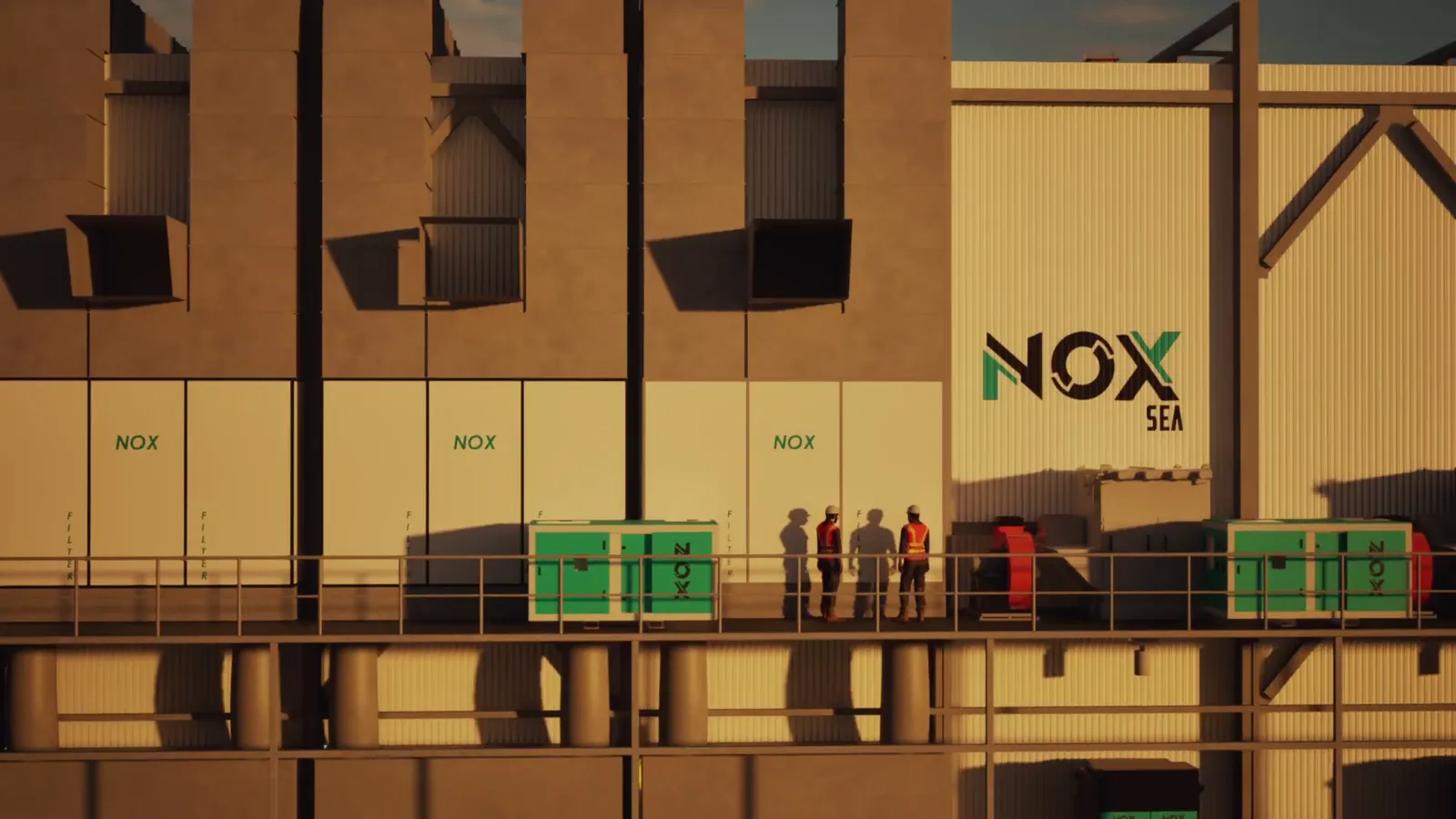
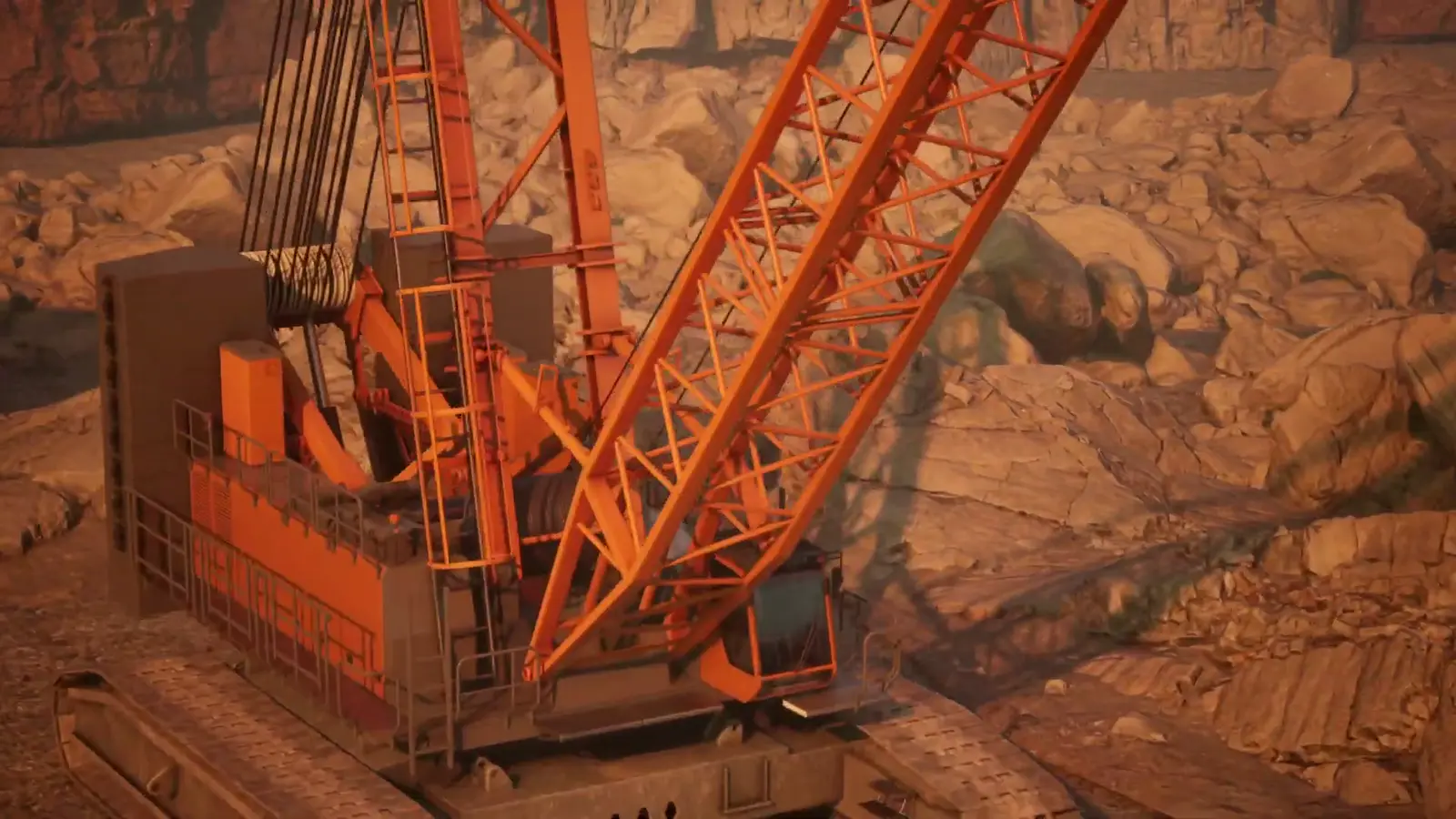
Machine manufacturers: Explaining technical specifications with detailed catalogues and bringing the production line to the screen with industrial animation
Medical companies: Presenting device usage steps in an interactive sequence and visualising the mechanism of action with medical animation content
Real estate: Bringing project visuals and 360-degree virtual tour applications to the screen
Chemicals and industry: Showing production processes with interactive infographics and flow diagrams
Defence and aerospace: Allowing systems that cannot be shown on site to be examined down to sub-component level
What they have in common is making a product that does not fit on the stand, or cannot be shown on site, accessible through the screen. At trade shows and exhibitions, this need can become more pronounced as the product volume grows.
Create the Right Touchscreen Kiosk Setup for Your Trade Show Stand
In a trade show stand concept, touchscreen kiosks open up an area where visitors move forward driven by their own interest, and they share the sales team's workload. As much as hardware selection, interface depth, content length and form timing also determine the result. Mapping out the content at least a few weeks before the trade show calendar prevents gaps from remaining on the screen. Evaluating the collected data on the same day makes the kiosk's post-show contribution tangible. For touchscreen kiosk solutions and screen content suited to your stand concept, you can get in touch.
Frequently Asked Questions About Touchscreen Kiosks at Trade Show Stands
How many touchscreen kiosks are enough for a trade show stand?
The stand area and the expected visitor density are decisive. If a queue forms in front of a single screen during busy hours, a second station is brought in, while on small stands using a single kiosk together with a fixed screen is preferred.
Can kiosk content be updated during the show?
Because interface content can be updated by replacing files, a price list, campaign information or a new product section can be added while the show is ongoing. Keeping a local copy of the content before updating is applied as a safe method against connection problems.
Does the kiosk keep working if the internet connection drops?
When content is stored locally on the device, a loss of connection does not affect the presentation. Only form submissions and sections that pull live data are disrupted; that is why storing form entries on the device and sending them once the connection returns is a common solution.
How long does it take to prepare touchscreen kiosk content for a trade show?
Preparation time varies depending on the number of products and the need for animation. In projects where existing 3D models and technical documents are ready, production takes less time. If modelling has to be done from scratch, it is recommended to start work a few weeks before the trade show date.
Can visitor data collected through the kiosk be transferred to a CRM system?
When the form fields are matched with CRM fields, records can go straight into the system. Where no matching is done, the data is exported as a spreadsheet. In both methods, including in the record which product section the visitor came from shapes the content of the follow-up conversation.
Can kiosk screens be rented for trade shows, or do they have to be bought?
For companies attending a single trade show a year, renting removes burdens such as hardware maintenance and storage. For companies with a regular trade show calendar that also use a showroom, being able to use the same device throughout the year can make buying the more advantageous option.
Blog
All posts→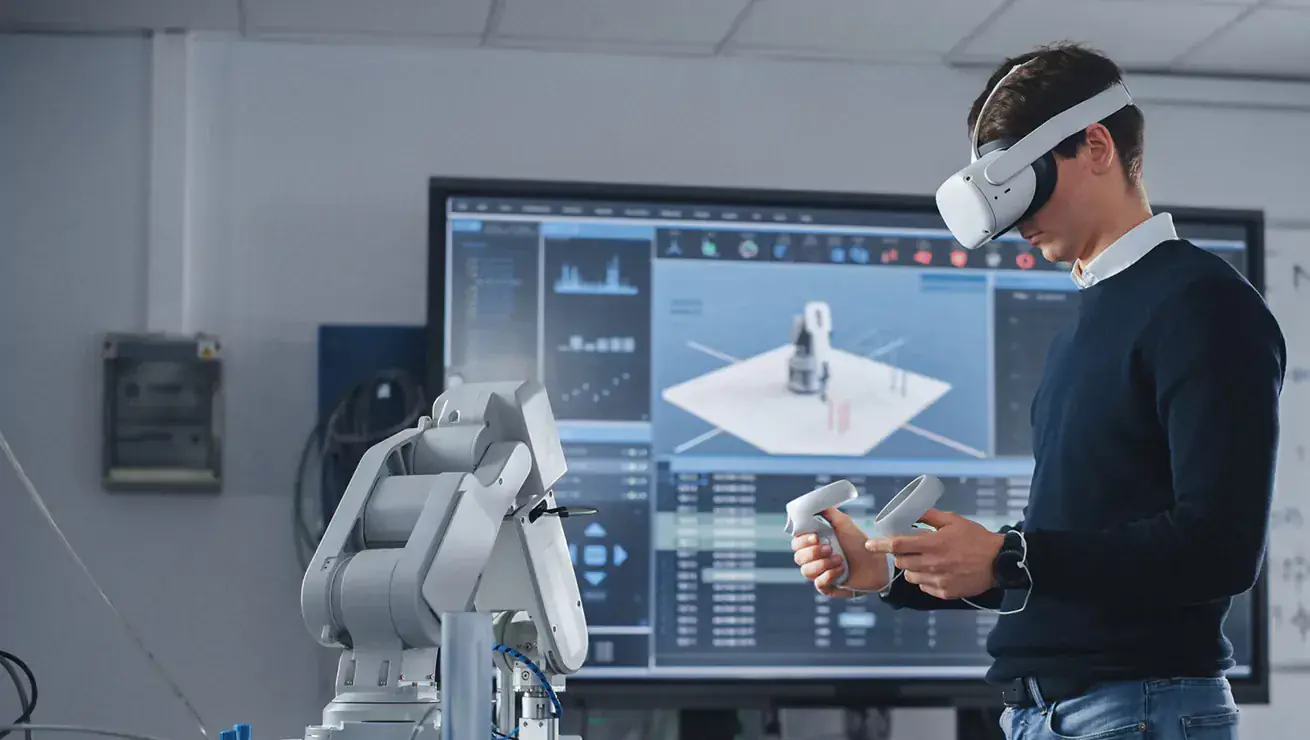
Your next project
Let's build
together.