
AI-assisted, fast and scalable video production
VR experiences for trade shows, events and training
Touchscreen kiosk software and hardware
3D hologram display and stage solutions
Can You Simulate a Factory with 3D Animation?
Using 3D factory simulation animation, production lines, machine layouts and occupational safety scenarios are tested in a virtual environment. Explore the scope and process.

In the age of Industry 4.0, optimising production processes no longer relies on physical modelling alone; it now runs through digital twins and simulations. So how closely can animation reflect the way a real factory works? With 3D factory simulation animation, a facility's entire production process, machine arrangement, workflow and occupational safety protocols can be fully visualised in a virtual environment. In this article, we at ADIM cover the scope of this work, what it brings to which teams and how it relates to the digital twin.
What Is 3D Factory Simulation Animation?
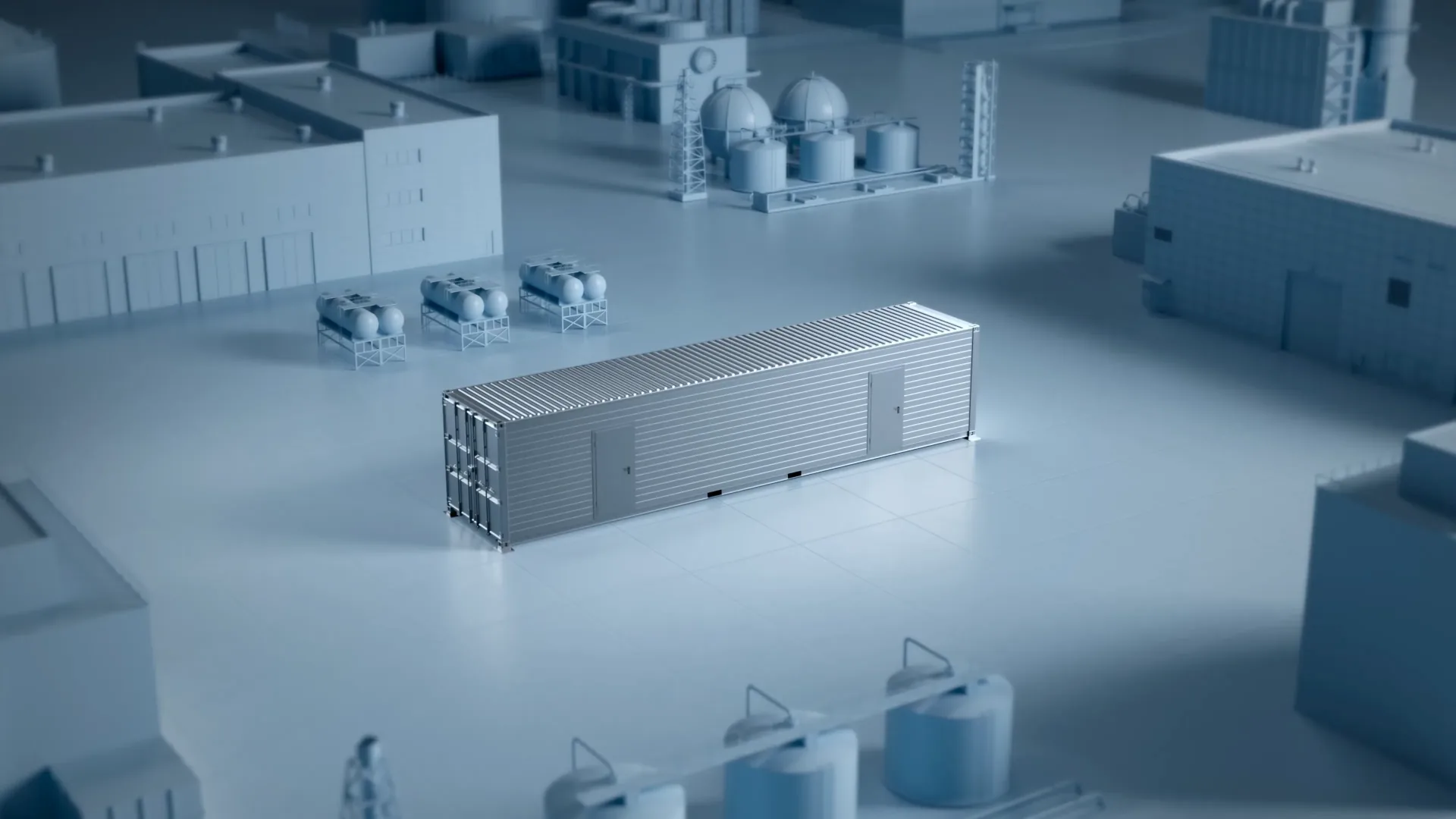
Bringing a facility onto a timeline using its CAD models, layout plans and process flow diagrams is called 3D factory simulation animation. While a static render freezes a single moment, animation shows the same facility in motion: the conveyor speeds up, the robot arm moves into position, the pallet reaches the station, the operator steps in. This difference matters more than it seems, because most production problems stem not from where objects are but from their timing. The most tangible contribution of 3D animation techniques is making this time dimension visible.
It is common for it to be confused with engineering simulation software, but the two approaches answer different questions. Discrete event simulation tools produce numerical outputs such as cycle time, queue length and resource utilisation. The combination of 3D animation and factory simulation, on the other hand, gets these outputs circulating within the organisation. While only a limited number of people read the numerical report, a visual explanation of the same scenario lets everyone from the board to the shop-floor team see the same picture.
What Can You Simulate with 3D Animation?
The scope of the simulation depends on which layer of the facility is being questioned. One team may be curious about the product's journey along the line, while another may be debating only the distance between two machines in the same facility. That is why the first question to ask when defining the scope is managerial, not technical: which decision will be made with this visualisation? Once the answer is clear, which part of the model should be detailed and which can be simplified becomes obvious.
Production Line Flow
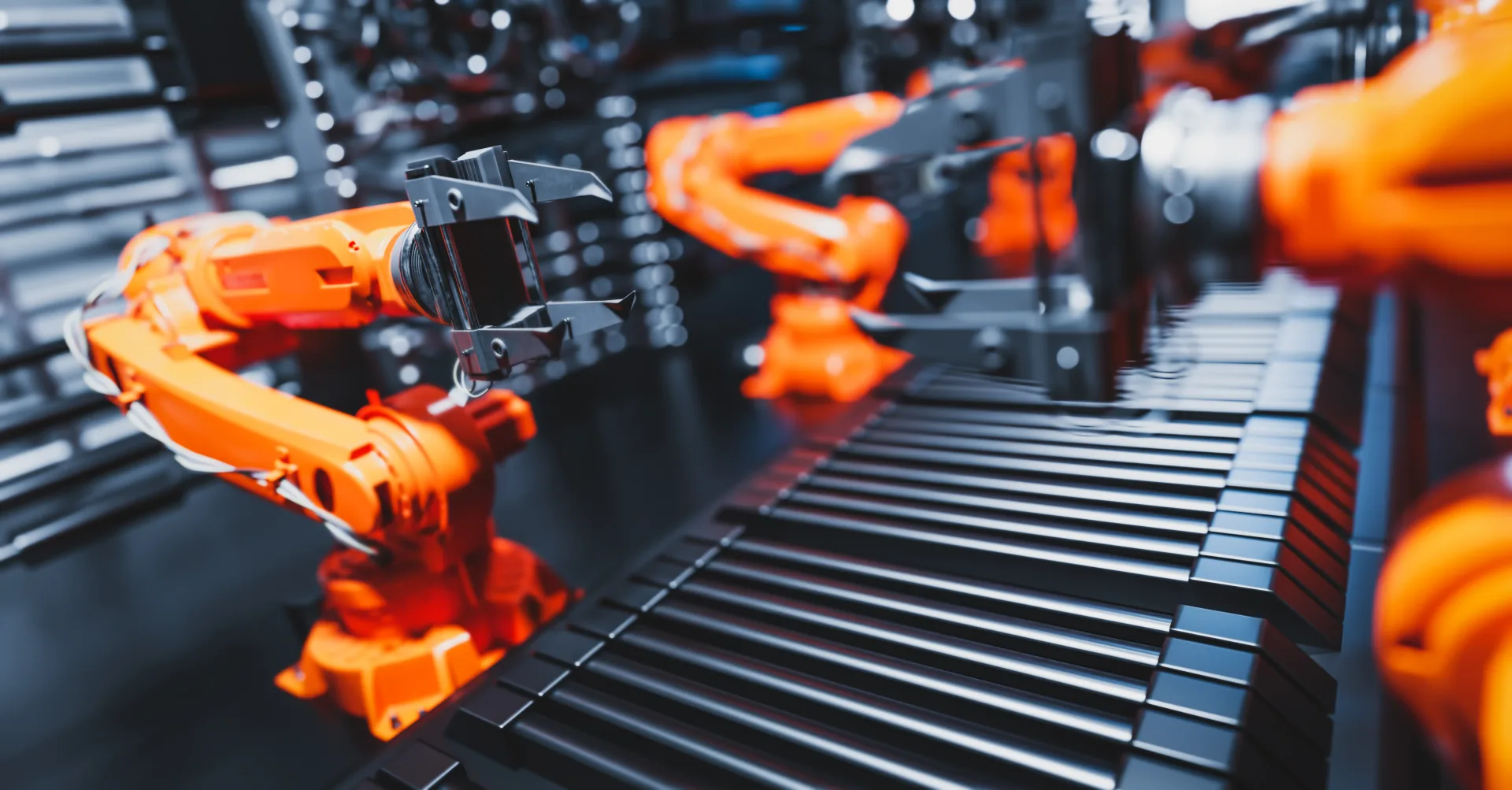
Every step from the entry of raw materials until a product is packaged and ready for shipment can be brought to life with animation. When the whole line is viewed in a single plan, the waiting time between two stations or a poorly positioned buffer stock area becomes visible on its own. The topics shown in this scope are:
Automated machine movements and robot cycles
Working stations and operator interactions
Part assembly processes and feeding directions
Defective product flow separated at quality control points
Packaging, palletising and shipment preparation
When a single line needs to be covered in detail, a production line animation with a narrower scope is often more explanatory than a narrative spread across the whole facility.
Machine and Equipment Layout
It is possible to see whether a layout is right before installing a physical machine. This check, made before concrete is poured or anchor holes are drilled, eliminates at the desk errors that are costly when they surface on site. Topics tested in the 3D simulation environment can include:
Space efficiency and passage widths between machines
Maintenance access, cover opening directions and service clearances
Emergency escape routes and fire equipment locations
Where forklift and pallet truck routes cross pedestrian flow
Ceiling height, crane reach and lifting scenarios
Occupational Safety Scenarios
When critical safety points, emergency exit procedures and workplace accident scenarios are shown in 3D, employee training stops being an abstract explanation. The weight of the issue is visible in official data as well: according to SGK's 2024 statistics, the number of insured workers who lost their lives in workplace accidents was recorded as 1,905. An OHS training animation delivered in an environment where risk can be observed before it happens conveys the sense of distance, speed and reaction time that text-based procedures cannot.
Efficiency Tests and Investment Planning
The potential output, capacity limits or workforce needs of a production line under investment can be brought to life before the project begins. This explanation takes on a separate role in financing meetings, because the other side usually consists of people who have never seen the facility. An investor presentation that shows where the capacity increase comes from lands faster than a file conveying the same information as a table.
From Conceptual Massing to a Photorealistic Scene: Four Levels of Detail
Not every project needs a photorealistic output. The target audience, the viewing environment and the technical data available determine which level is sufficient. You can compare the four common levels and their typical uses in the table below:
Level | Scope | Typical use | Core input required |
Conceptual layout | Simplified volumes, colour-coded zones | Initial feasibility and space discussions | Layout plan, rough dimensions |
Process flow | Moving line, timed cycles | Internal training, process alignment | Flow chart, cycle times |
Photorealistic facility | Material, lighting and camera design | Investor and customer presentations | CAD models, brand guidelines |
Real-time interaction | User-driven walkthrough | Trade shows, showrooms, field training | Optimised model, scenario design |
The interactive set-up in the last row corresponds to structures where viewers set their own route through the facility. VR and AR applications come into play at this level, and the same scene also becomes usable as a training module.
Who Is 3D Factory Simulation Animation Suitable For?
Teams that benefit from 3D factory simulation animation look for answers to different questions from the same file. A single production serving several departments also spreads the cost across these teams:
Engineering teams test layout and flow assumptions before project development
Sales teams convey production capacity visually to investors or customers
HR and training units shorten the onboarding time of new staff
Investors and finance units gain a tangible reference in feasibility presentations
Purchasing and procurement teams see how parts supply affects the line
A use that extends beyond production is also seen in supply chain training. In supplier training content aimed at dealers or subcontractors in different cities, being able to watch the same scene again and again reduces the information loss that comes with face-to-face transfer.
Factory Animation as the First Step Towards a Digital Twin
Preparing a factory simulation with 3D animation is the first step in building a digital twin. When real-time data is integrated, this animation starts behaving like a mirror of the facility and stops being a static promotional file. The industry is moving in the same direction: according to the Manufacturing IT/OT Trend Report 2025, more than 40 percent of manufacturers are piloting digital twin applications, and 65 percent of those using the technology report reductions in downtime and operational costs.
The topics that open up once the data connection is in place can be summarised as follows:
Real-time monitoring of production processes and making deviations visible
Carrying out risk analyses before any on-site intervention
Planning proactive maintenance scenarios machine by machine
Running new product introduction rehearsals without stopping the line
The way the visual layer is built directly affects whether data can be connected later. A scene prepared without separating the model hierarchy by machine has to be rebuilt from scratch when someone later tries to match it with sensor data. This is why file structure is discussed in the very first meeting of industrial animation projects.
Technical Inputs and Workflow of Factory Simulation Projects
The real factor that determines the quality of a factory simulation is the available data rather than render settings. The clearer the inputs provided by the manufacturer, the fewer revision rounds there are and the shorter the delivery time. The process usually proceeds in the following order:
Data collection: CAD files, layout plans, machine catalogue and cycle times
Scenario design: Defining the boundaries of the flow to be explained and the target audience
Storyboard and camera plan: Deciding which stage will be shown from which angle
Modelling and optimisation: Making heavy CAD geometry suitable for animation
Animation and timing: Motion design faithful to real cycle times
Lighting, rendering and editing: Material definitions and assembling the final output
Voice-over and subtitles: Keeping the audio layer separate when multilingual use is needed
Producing the audio layer independently makes it easier to reuse the same footage in different markets; that is why 3D animation voice-over choices are settled at the start of production.
Most recurring problems stem from communication rather than technology. The person who gives approval joining the process late, cycle times being taken from an outdated file, or the scope being expanded mid-production are the three most common situations.
The Approach That Turns 3D Factory Simulation Animation into a Decision Tool
Visualising a facility does not create value on its own. What creates value is the decision the animation supports. A scene that settles a layout debate, a scenario that shortens training time or an explanation that speeds up an investment meeting makes the return on the production budget tangible. At ADIM, we prioritise technical data and intended use in 3D factory simulation animation projects, because the same facility is designed differently for different purposes. When existing CAD files and process diagrams are shared, the level of detail that will be sufficient becomes clear in the first assessment. For your 3D factory simulation animation needs, you can get in touch with us.
Frequently Asked Questions About 3D Factory Simulation Animation
Can a factory simulation be prepared without CAD files?
Yes. When no technical drawings are available, modelling is done from dimensioned layout plans, machine catalogue images and site photographs. Because the geometry is rebuilt in this method, modelling takes longer, but the difference in the result is limited as far as explaining the flow is concerned.
How is the process run when our production data is confidential?
Signing a non-disclosure agreement and narrowing the scope of shared files is standard practice. In most projects, the outer volume is enough instead of the internal details of patented mechanisms; sensitive parts are modelled as closed housings, preserving the integrity of the explanation.
Can a factory simulation video also be used on a trade show stand?
Yes, but the edit changes. In a trade show setting, viewers do not follow the video from start to finish; so a version that can be watched without sound, loops quickly and is readable from a distance is prepared. Producing both a presentation version and a stand version from the same source file is a common choice.
Why choose animation instead of footage of a real factory?
Animation can show lines that have not yet been built, open up the motion inside a machine and explain the flow through to shipment without interruption and without stopping the facility. Because it also removes the risk of production secrets appearing in frame, it becomes the preferred method in sensitive sectors such as defence and pharmaceuticals.
Blog
All posts→
Your next project
Let's build
together.