
Films that explain products, machines and processes in 3D
Cinema-grade commercials, launch and brand films
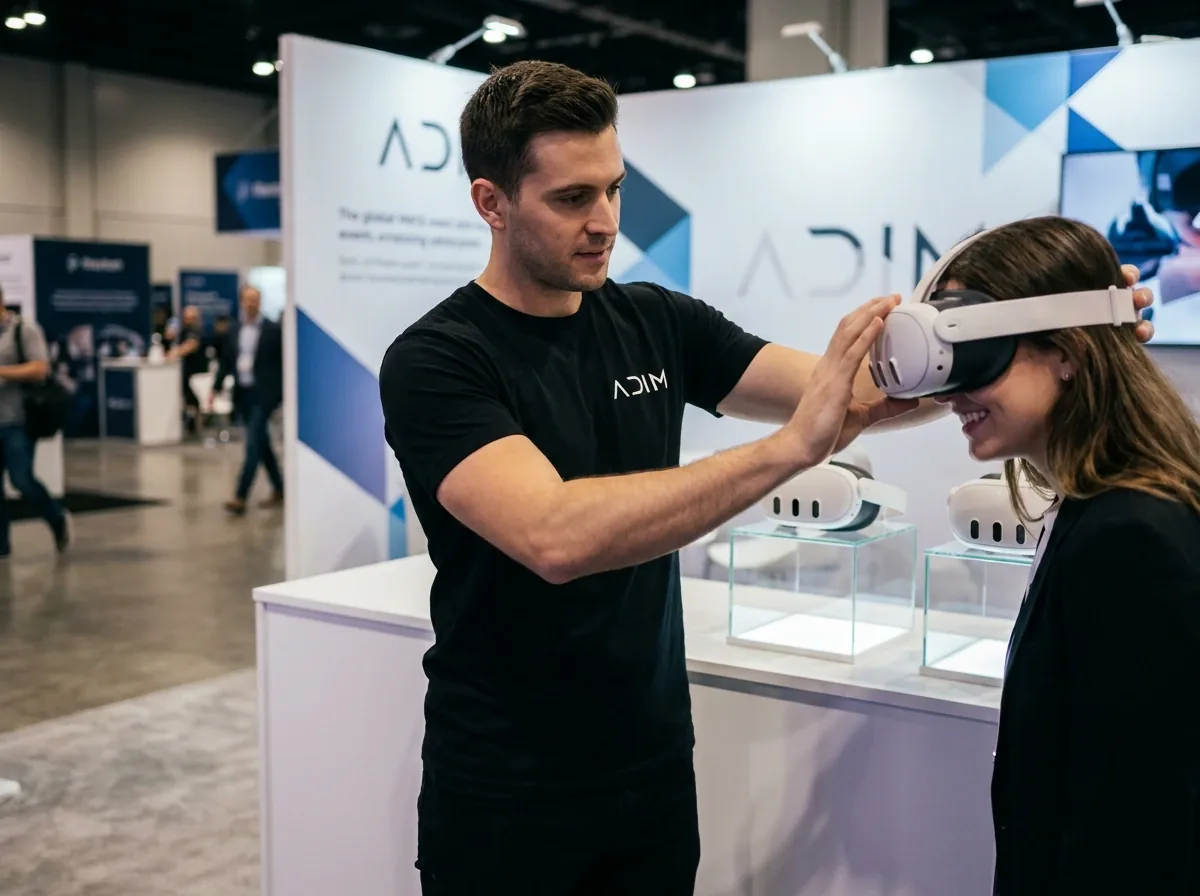
VR experiences for trade shows, events and training
3D product tours, interactive walls and gamification
3D hologram display and stage solutions
How to Visualize Production Lines with 3D Animation
How do you explain a production line with 3D animation? In this article, we look at the production steps followed in process flows, technical presentations and training scenarios.
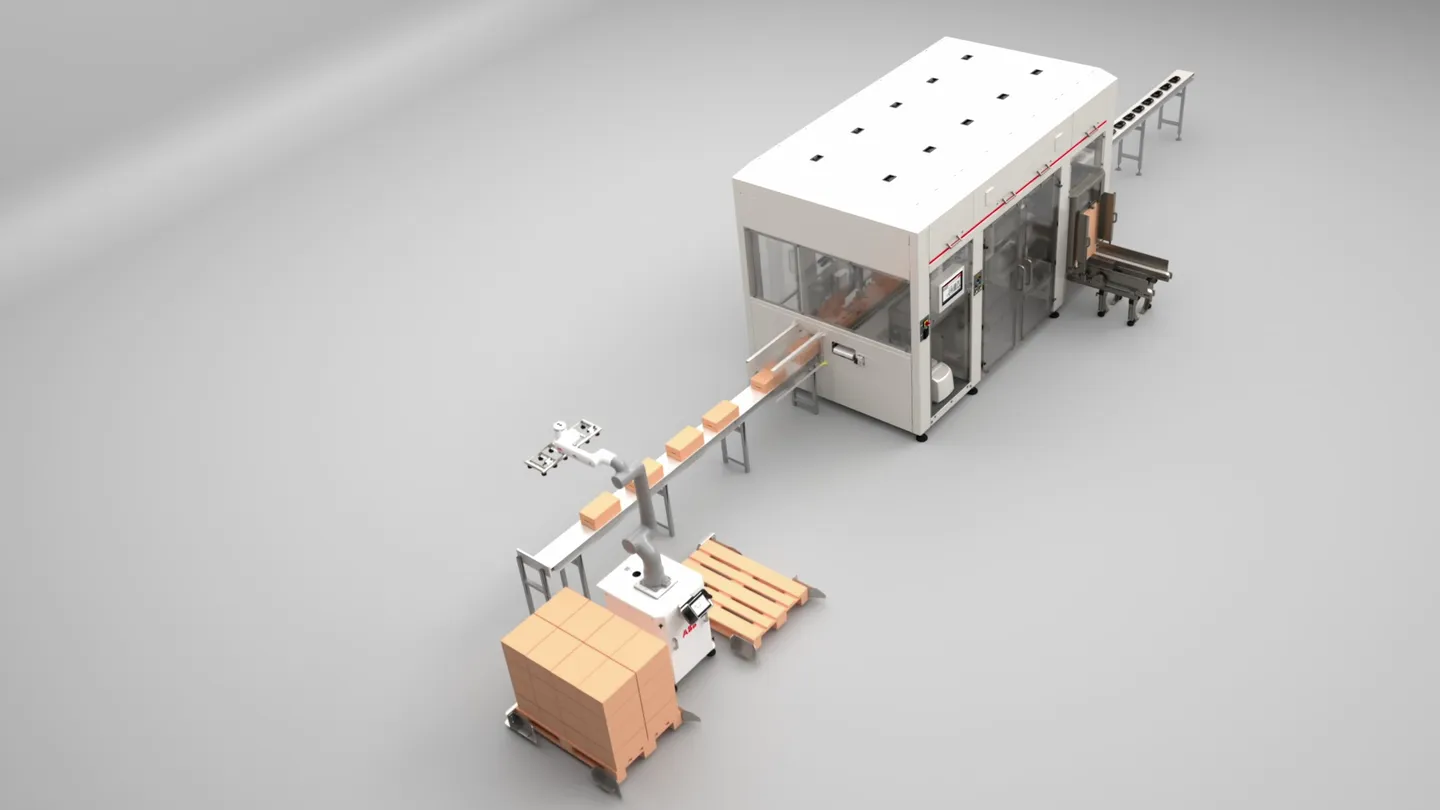
Explaining a production line with 3D animation makes machine layouts, process flows and quality control points traceable within a single visual narrative. In this article, we look at the stages the process goes through, which process elements can be shown with animation and how technical accuracy is balanced with visual simplicity, based on practical criteria drawn from field projects.
What Is 3D Animation for Explaining Production Lines?
Modern production lines are complex structures equipped with automation systems. Conveying these systems, in which many elements such as machine layouts, process flows, material transfers and quality control points work together, through plain text or photographs alone often falls short. A photograph freezes a single moment and text requires sequential reading, whereas the real information of a production line lies in its movement over time.
At this point, 3D animation becomes a means of explanation that simplifies the entire process both technically and visually. A digital twin of the line is modelled, stations are placed in their real order and the camera guides the viewer through the flow. Adapted to the production environment in this way, the logic of 3D animation turns what technical documents describe into a whole that can be watched.
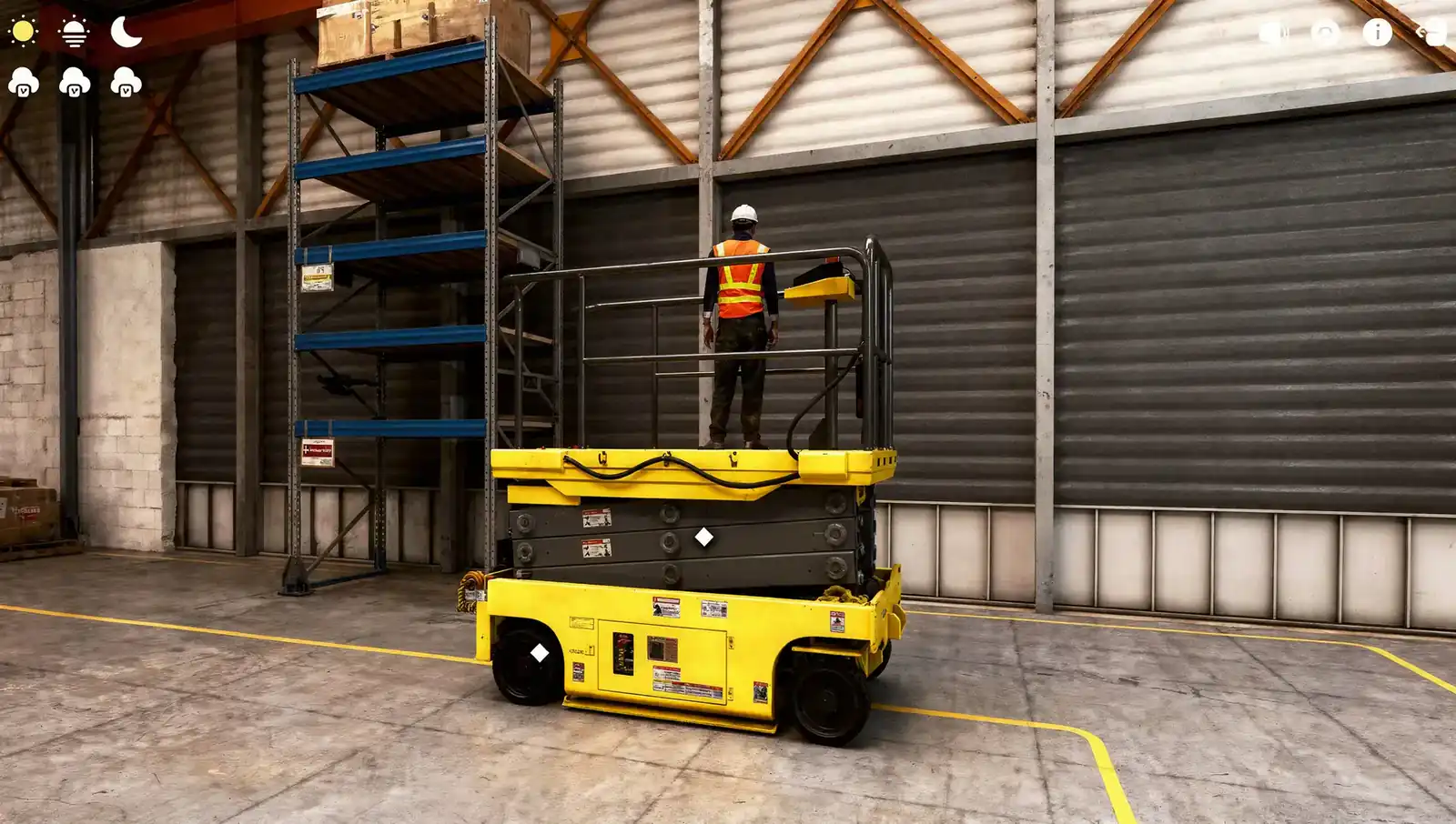
Benefits of 3D Animation in Production Line Presentations
Production line animations go beyond explaining how the process works and also meet different needs. They make the flow easier to understand, support staff training and contribute to investment decisions.
Makes Flows Easy to Understand
How a production line works takes shape as raw material is turned into a product. Animation shows this process seamlessly from start to finish, making the connections between stations and the workflow easier to understand. Especially on multi-station lines, 3D animations bring simultaneous movements and processes together in a single visual narrative.
Shows where raw material enters the line and which stages it passes through before it leaves.
Explains process transitions between machines in motion.
Visualises timing and synchronisation relationships.
Compares the current state of bottleneck stations with the post-improvement scenario.
Simulates Processes for Training
Interactive 3D animations can be used to explain how production lines work to new staff or customers. Because the line does not need to be stopped, the training schedule runs independently of the production plan. When the same production is shared with teams on the supplier side, a common technical language also emerges; this is why companies that need supplier training derive more than one scenario from a single production. This way:
Training times are shorter and the cost of repetition falls
Learning takes place without trial runs on risky machines
The technical team and field workers speak the same language
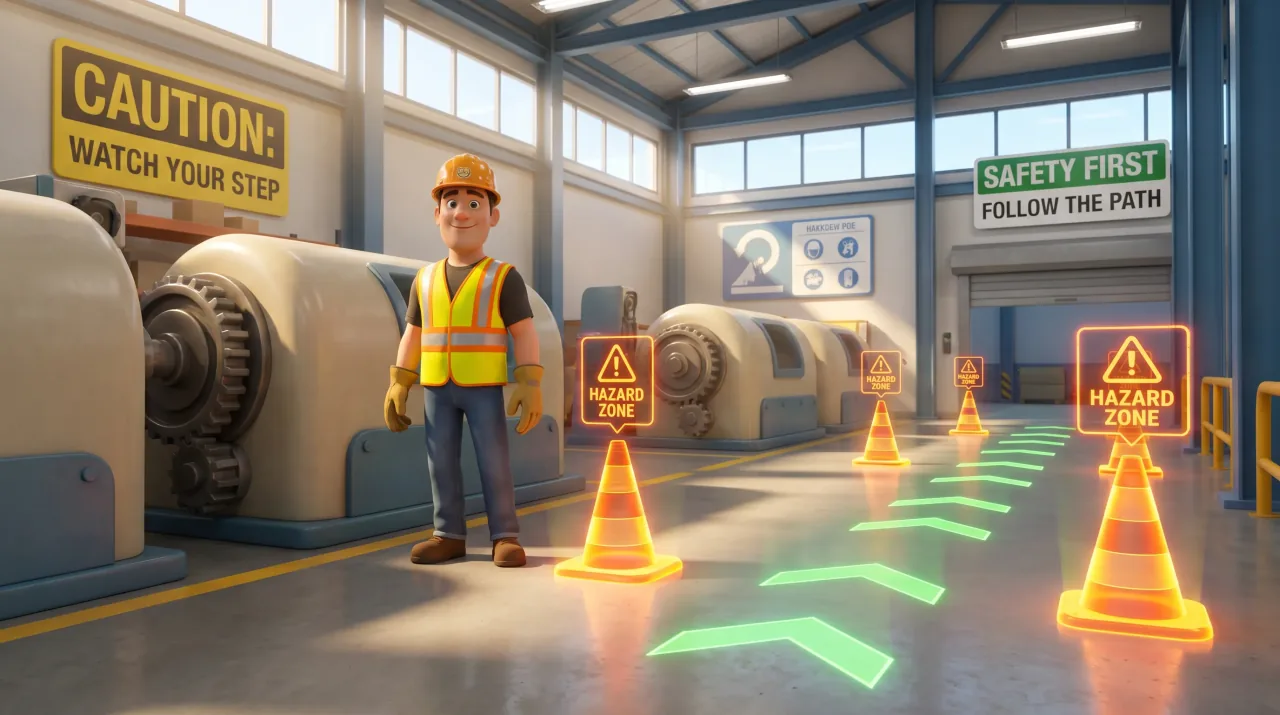
Occupational safety rules are taught by showing the consequences of a violation
Presentations Even for Lines Not Yet Built
Thanks to 3D animation, presentations made before a production line is installed become more realistic and persuasive. Even at the stage when the project exists only in technical drawings, capacity, layout and flow logic can be shown. The elements that increase the impact of this approach in investor meetings overlap with the points prioritised by teams preparing investor presentations. Especially for business partners, these animations:
Make the details of the process visible before installation
Make tangible what is being invested in for the future
Allow different layout alternatives to be compared
Which Process Elements Can Be Shown with Animation?
Every process element on a production line requires a visual explanation suited to its nature. Stages that cannot be observed directly, such as heat treatment, are explained with visual effects, while robotic movements are animated at speeds close to real cycle times. The elements frequently found in production line animations and the display methods suited to them are as follows:
Process Element | 3D Animation Display |
Raw Material Input | Moving conveyor belts, direction arrows |
Heat Treatment | Red and yellow heat effects, temperature indicators |
Quality Control | Sensor animations, defect detection highlights |
Robotic Arms | Real-time robot movements, reach area display |
Packaging Process | Product boxing simulations |
Cutaway Views | Machine body turning transparent, internal mechanism animation |
Data and Automation Layer | Screen interface animations, signal flow lines |
How Is a Production Line Animation Produced?
The accuracy of the technical explanation is determined by the data collected in the first stage of production. An animation that does not match the real behaviour of the line leads to a loss of trust on the engineering side, even if it is visually impressive.
Collecting Technical Data and References
CAD files, layout plans, cycle times and station order are compiled at this stage. For an existing line, machine photographs and measurement notes are also used as references. Because missing data is the biggest source of revision costs in later stages, verification is completed at this step.
Scenario, Storyboard and Camera Plan
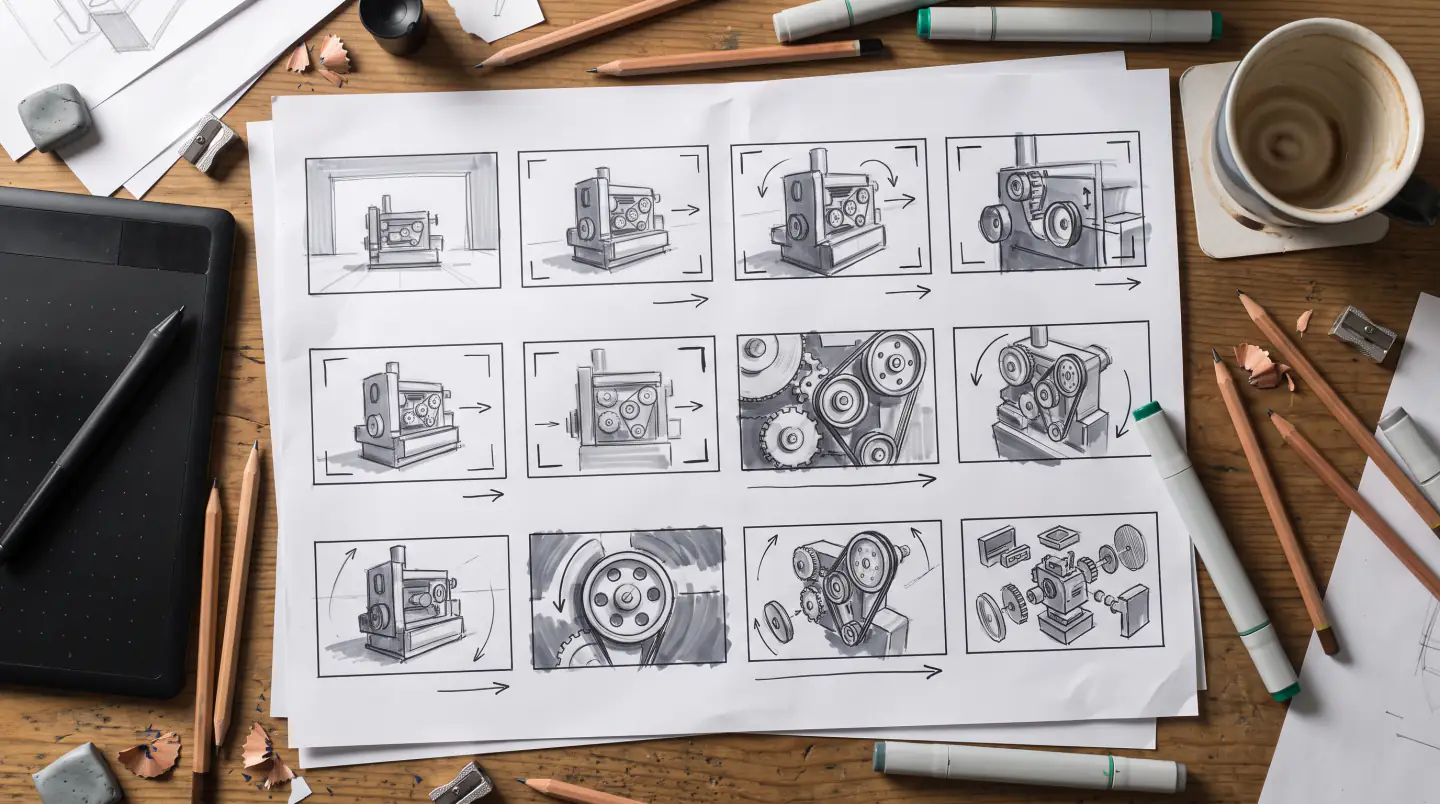
Which station the explanation starts from, where it ends and which details will be shown in close-up are decided at the storyboard stage. Camera movements guide the viewer's attention so that it follows the production flow. The target audience is also taken into account at this stage. An edit aimed at investors and an animation to be used in field training differ in pace and level of detail.
Modelling, Animation and Lighting
Machines and product geometry are modelled, and movements are timed to match cycle times. Material and lighting settings ensure that metal surfaces and transparent enclosures read realistically. Depending on the need, a comparative choice with 2D diagrams may be required; at this point, the difference between 2D and 3D animation is assessed together with the budget and the explanation goal.
Post-Production and Voice-Over
Colour grading, information labels, graphic highlights and sound design are brought together in the final stage. Correct pronunciation of technical terms and narration suited to the pace determine how much 3D animation voice-over choices contribute to the content. If multilingual use is planned, subtitle and audio alternatives are produced from the same edit, so the post-production stage is completed in one go.
The Balance Between Technical Accuracy and Visual Simplicity
One of the biggest challenges in line animations is striking a balance between showing technical details in full and keeping the explanation clear. A scene in which every pipe, cable and sensor is modelled may be technically comprehensive, but it can draw the viewer's attention away from the main process. For this reason, the scope of the animation should be set according to the purpose of the explanation and the needs of the target audience. When striking this balance, certain criteria need to be considered in line with the viewer profile, the purpose of use and the technical requirements:
Viewer profile: An engineering audience expects cutaways and a data layer, while the purchasing side wants to see the flow as a whole
Running time: A loop on a trade show screen and a training module require different lengths and repetition logic
Level of detail: Simplification in the main flow, high-resolution geometry in close-ups
Information density: Keeping the number of labels that can be read on screen at the same time limited
Updatability: A scene structure that can be reused when the line changes
The typical problems that arise in projects where this balance is missed match exactly the density and rhythm problems listed among 3D animation mistakes. Clarifying the scope from the outset reduces revision rounds and uncertainty.
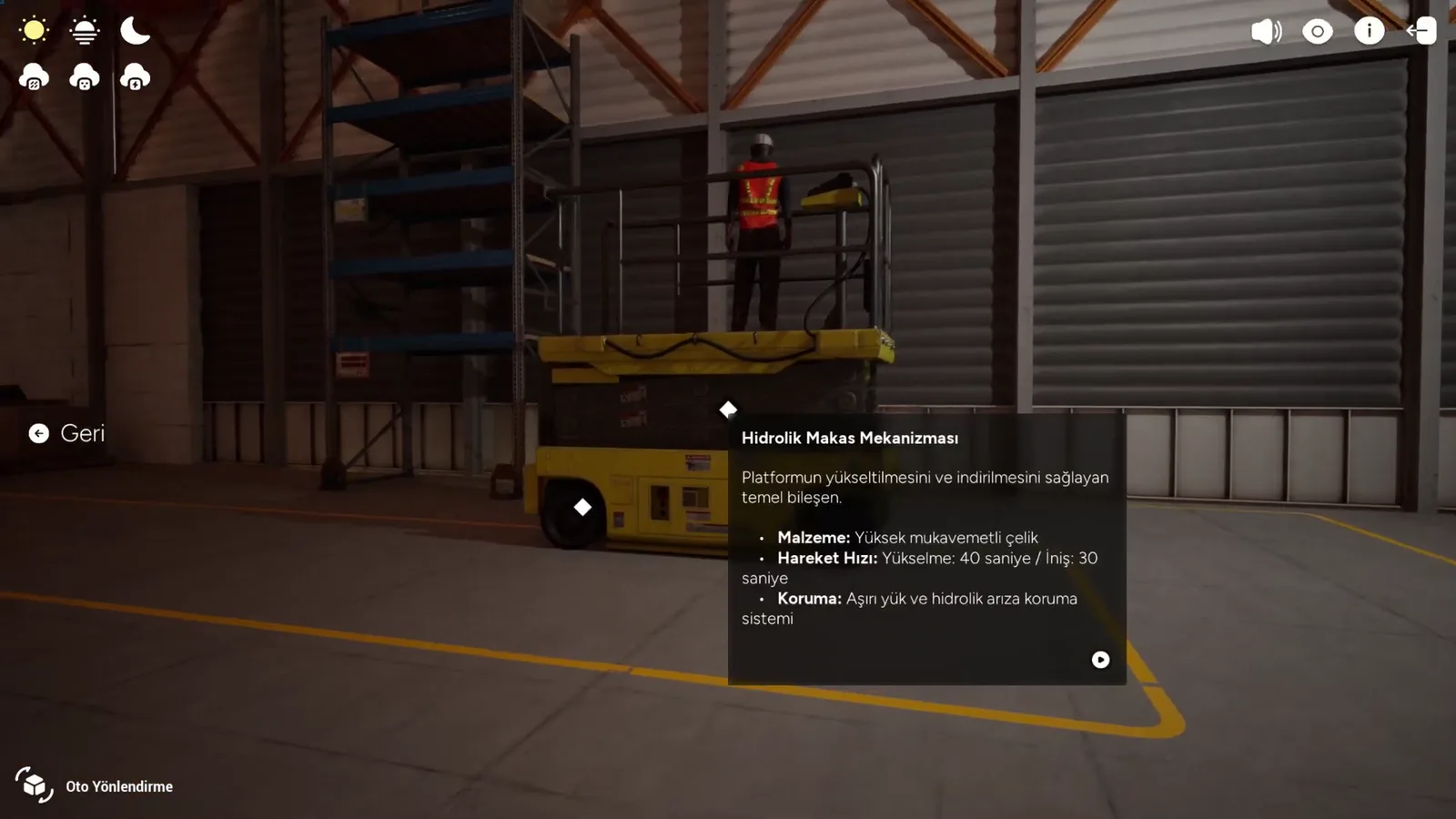
Integrating Production Processes into Marketing and Training
Besides technical explanation, 3D animations can also be used in marketing, business development and training processes. Different materials such as a website introduction, a trade show screen video, a proposal attachment and an orientation module can be prepared from a single production line animation. For this reason, industrial companies can treat animation production not as content prepared for a single campaign but as a visual resource that can be used across different channels throughout the year.
Presenting how the production line works in a clear way also makes sales meetings easier. By seeing the line's working logic at the proposal stage, decision-makers can raise their technical questions earlier. This makes the evaluation process more efficient. Customer presentation practices can also be drawn on for how the animation is presented in customer meetings.
In this respect, 3D animation:
Supports customer trust by making production capability visible.
Gives the business development team a tangible material to use in meetings.
Makes technical communication independent of differences in language and terminology.
Ensures a consistent narrative is used across trade show, website and training channels.
Making the Right Start for Your Production Line Explanation
Explaining a production line with 3D animation is a process that starts with collecting technical data correctly and is shaped according to the target audience. Whether or not the line already exists does not change the outcome; any project with CAD data or a layout plan can be turned into a visual explanation. What matters is clarifying the scope from the outset and planning the production not only for a single presentation but also to feed training and marketing channels. If you would like to visualise your production processes, get in touch with our team and let's bring your 3D animation projects to life together.
Frequently Asked Questions About 3D Production Line Animation
Is a CAD file required for a production line animation?
CAD data speeds up the process but is not the only option. Technical drawings, layout plans, measurement notes and machine photographs can also provide sufficient reference for modelling. The more complete the data, the shorter the verification rounds.
If our existing line changes, does the animation have to be made again?
When the scene structure is built modularly, only the changed station is updated. That is why planning the file organisation in the first production so that it can be updated later significantly narrows the scope of subsequent revisions.
In which formats can a production line animation be used?
A short version for the website, a silent loop for the trade show screen, a sectioned narrative for a training module and clips to embed in presentation files can all be derived from the same edit. When output formats are decided at the start of the project, no additional rendering costs arise.
How are processes that require confidentiality handled?
Competitively sensitive details can be removed from the explanation by simplifying them or showing them inside a closed enclosure. The logic of the flow is preserved while critical parameters stay hidden, so the content becomes suitable for external sharing.
Blog
All posts→
Your next project
Let's build
together.