
Films that explain products, machines and processes in 3D
Cinema-grade commercials, launch and brand films
VR experiences for trade shows, events and training
3D product tours, interactive walls and gamification
3D hologram display and stage solutions
Common 3D Animation Mistakes and How to Avoid Them
Discover common 3D animation mistakes, their consequences and the lighting, length, sound and render planning solutions you can apply before production.
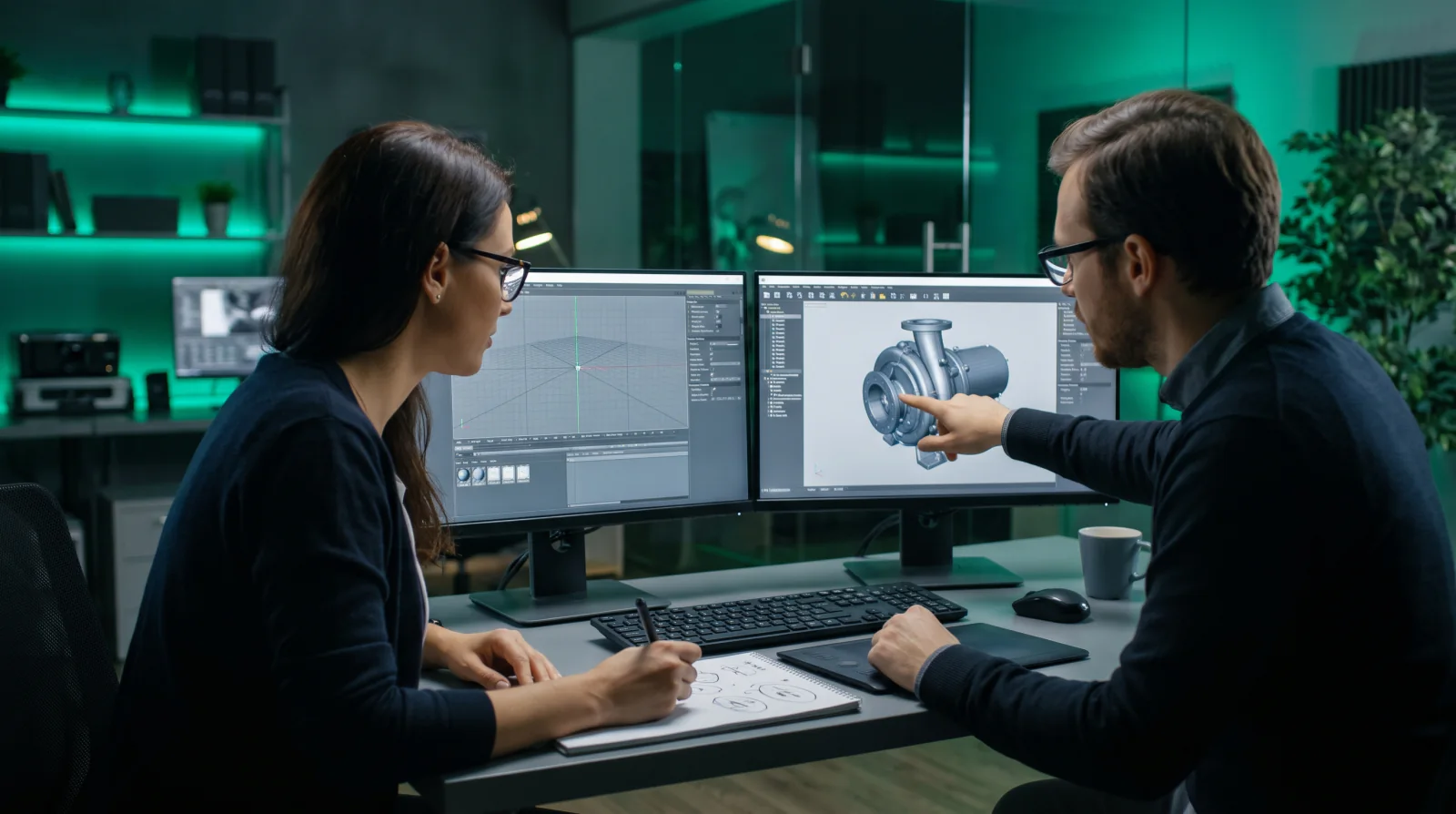
Although 3D animation projects can deliver impressive results, small mistakes made along the way can seriously affect the quality and success of the work. Some common mistakes on both the technical and the project management side can lead to lost time, budget overruns or content that fails to make the expected impact. In this article, we cover the most common 3D animation mistakes and how to prevent them in detail.
What Are the Common 3D Animation Mistakes?
The success of an animation project is shaped more by the decisions made in the brief meeting than by the modelling stage. Most of the problems encountered in projects fall under four main headings, and only one of them is directly related to software skills. The others are linked to strategy, storytelling and process management. Making this distinction correctly makes it easier to determine at which stage each problem should be addressed.
To quickly diagnose deviations in projects, problems can be classified as follows:
Strategic mistakes: Moving into production before the target audience, the distribution channel and the purpose of the video are clear.
Storytelling mistakes: Proceeding without a script, a scattered message, overly complex scene structures.
Technical mistakes: Problems with lighting balance, material definitions, camera movements and timing.
Process mistakes: Not following the approval flow, not planning for revisions, not accounting for render time.
In a project, deviations usually appear not in just one of these areas but in several at once. When a gap on the strategic side is compensated for on the technical side, time and budget grow quickly. Understanding the logic of 3D animation production from the outset strengthens the first link in this chain.
Mistakes in Target Audience, Script and Narrative Structure
An animation prepared for the same product does not satisfy either side when it speaks to an investor and a maintenance technician in the same language. The first group follows output and scalability, while the second follows how the mechanism works step by step. Trying to meet both expectations with a single version ends up producing content that fits neither.
Moving into Production Without Defining the Target Audience
When the target audience is unclear, the narrative language stays unclear too. The result is a flow that is too superficial for a technically advanced viewer and too detailed for a decision-maker. Putting the viewer profile, the viewing environment and the expected action in writing at the start of the project largely eliminates this risk. The difference in pace between a narrative prepared for an investor presentation and one prepared for field training also stems from this.
Jumping to Storyboard Without Writing a Script
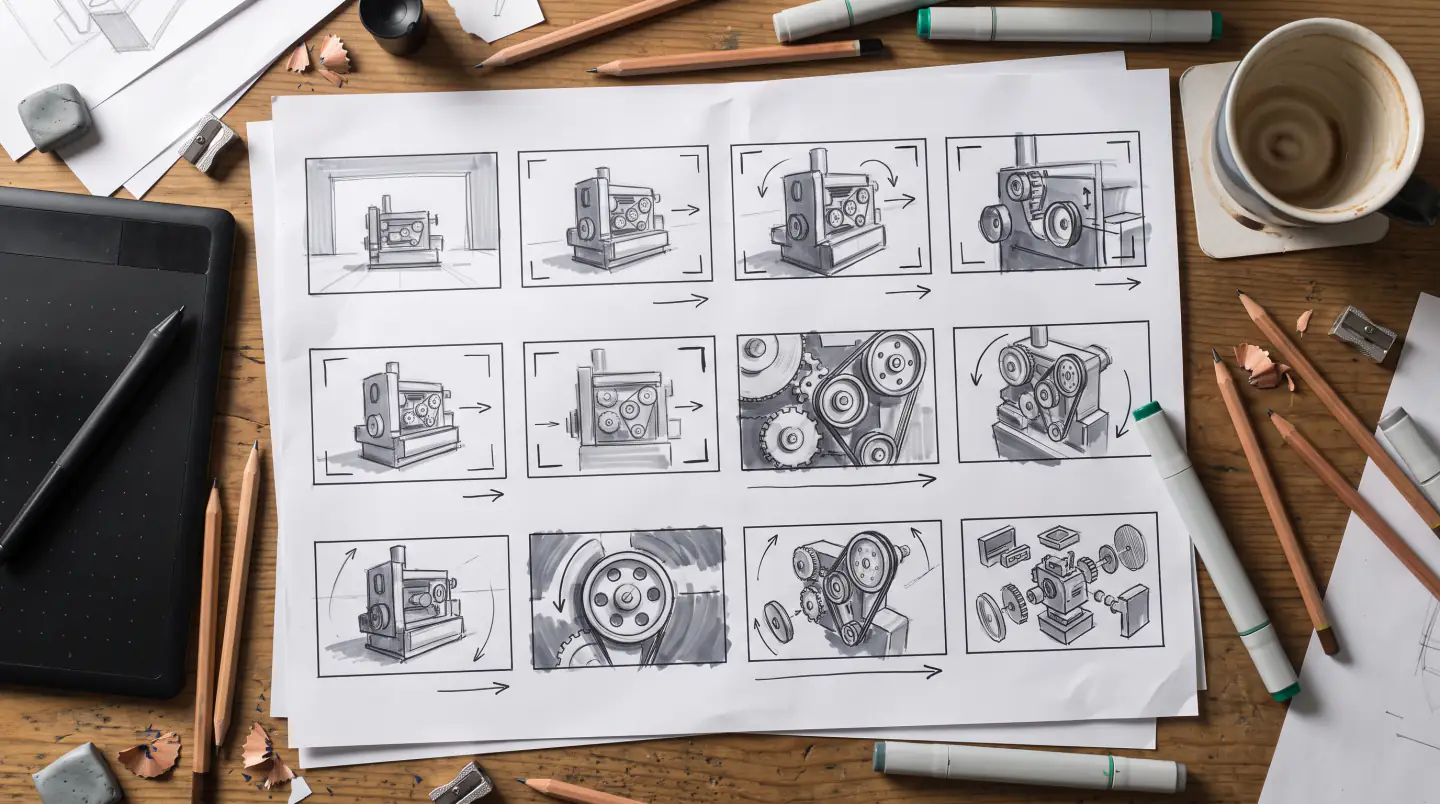
A script is not just text. It is a basic roadmap that plans scene order, time allocation and camera movements together. When this stage is skipped, scenes start taking shape during production and every new idea requires completed work to be revisited. While a change to a written script can be made in minutes, the same change to a rendered scene can take days.
To prevent this problem, script and storyboard approvals should be completed before moving on to modelling. Defining the target length and the key message to be conveyed for each scene makes it possible to see in advance which scenes new ideas that come up during production will affect, and to manage the process in a more controlled way.
Making the Narrative More Complex Than Necessary
Extra objects, movements and transitions added to a scene to enhance the visuals pull the viewer's attention away from the main message. Because the same density also increases file size, loading time gets longer on the website and playback smoothness drops on the trade show screen. A scene that looks impressive loses its value the moment it delays what is meant to be conveyed.
The solution is a simple structure in which each scene serves a single purpose. When the scene list marks which visual carries which message, details that add nothing can be removed while still in the modelling stage, and the narrative stays focused.
3D Animation Problems That Arise in Technical Production
Technical 3D animation problems usually do not appear on their own but become visible by triggering one another. A poorly designed lighting set-up hides material errors, while an incorrect material definition unexpectedly extends render time. That is why working through the checklist scene by scene stands out as the most practical way to narrow down the source of a problem.
Lighting and Colour Balance
In overly bright scenes surface detail is lost, while in scenes that are too dark the product's form becomes unreadable. In industrial projects the reflective behaviour of metal surfaces, and in medical content the transitions between tissues, depend directly on this balance. The choice between realism and readability usually gives a stronger result when it is made in favour of readability.
The practical solution is to complete a lighting and contrast test on a single reference scene before moving on to all the scenes. Carrying this approved set-up over to the other scenes as a template also prevents colour deviations from spreading across the project.
Modelling, Materials and Camera Movement
Camera movements that tire the viewer's eyes and overly dense scene content are two common problems that get in the way of the message. The following checks in scene design save time when applied before production moves forward:
Confirming that each scene carries a single main message
Smoothing out sudden speed changes in camera transitions
Adjusting material and texture resolutions to the distribution channel
Making sure background details do not compete with the focal object
Timing moving parts in line with their real operating speed
Having the production flow defined from start to finish also prevents these checks from being skipped.
Mismatch Between Sound, Music and Narration
In a project with strong visuals, sound quality lagging behind makes the entire piece look amateurish. Background music overpowering the narration, voice-over pacing not matching scene lengths, and mixing imbalances are the three most common situations. A professional approach to 3D animation voice-over also means planning scene timings together with the script.
The solution is to prepare the voice-over script at the same time as the storyboard and to choose music according to the pace of the narration. Keeping speech levels clearly above the music during mixing ensures a consistent listening experience across different environments.
Length, Pace and Viewer Interest
When a topic turns into a longer video than it deserves, it creates a measurable loss. According to Wistia's watch time analysis covering more than 13 million videos, content under one minute reaches an average engagement rate of 52 percent, while the same analysis shows engagement dropping to 11 percent for videos longer than 30 minutes. For corporate promotion and product explainers, a range of 60 to 90 seconds stands out as a practical measure that preserves the integrity of the message.
The way to shorten length is to split content into sections rather than cutting it down. When a complex production line is divided into modules instead of being explained in a single video, engagement is maintained and each section can be used independently on a different channel. When different edits of the same content circulate on the trade show screen, in sales presentations and on the website, the return on investment also widens.
The table below shows the length ranges that work for each distribution channel together with the narrative priority that stands out on each:
Use case | Effective length range | Narrative priority |
Website product introduction | 60 - 90 seconds | Making the benefit visible in the first seconds |
Trade show screen and stand | 20 - 45 seconds, looping | Watchable without sound, strong opening shot |
Sales and client presentation | 90 - 120 seconds | A flow that anticipates technical questions |
Training and field content | 2 - 4 minutes per module | Conveying the sequence of steps completely |
The ranges in the table are not strict rules but starting references that shorten revision rounds. Setting channel-based lengths at the brief stage also makes it clear from the start how many versions will come out of the same project. The difference between the edit prepared for a client presentation and the one prepared for a trade show loop also emerges in this planning.
Mistakes in Rendering, Post-Production and Delivery
The last ten percent of a project is often the part where the schedule is under the most pressure. Not calculating render time at the start, overlooking channel-based format requirements and squeezing the final review round are three common problems that arise here. Reviewing the following points before delivery noticeably reduces the risk of rework:
Taking low-resolution test renders at an early stage
Planning separate aspect ratio and length versions for each channel
Checking that subtitles, logos and legal notices do not extend beyond the safe area
Matching the colour profile to the broadcast environment
Evaluating sound levels separately for trade show, web and presentation environments
At this stage, where compositing, colour grading and effects layers are an integral part of production, schedule deviations also become predictable when post-production planning is set up from the start. In projects with intensive simulation and particle work, defining the need for VFX early ensures the render budget is scaled correctly.
Not Following the Approval and Revision Flow
Interim approvals remaining verbal lead to the most costly rework in the later weeks of a project. In projects that move to modelling before the script is approved, or to animation before modelling is approved, a single piece of feedback can invalidate several stages at once. This risk is seen to multiply as the number of approving parties increases.
The solution on the schedule side is to set written approval points for each stage and to add revision time and render time to the delivery date from the start. Clarifying the relationship between scope and cost at the same stage also reduces surprises.

Strengthen the Review Process to Prevent Mistakes in 3D Animation Production
Every mistake can be seen as a data point that raises the quality bar for the next project. Clearly defining the target audience, approving the script, carrying out technical checks scene by scene and setting a realistic render schedule eliminate most of the 3D animation mistakes on the list before production even begins. In every project, from corporate promotion to industrial process explainers, this discipline makes a difference independent of visual quality. At ADIM, we follow a workflow that defines these checkpoints from the start in animation projects. To plan your project together, you can get in touch with our team.
Frequently Asked Questions About 3D Animation Mistakes
At which stage is the cost of fixing a mistake lowest?
A deviation noticed at the script and storyboard stage creates the least burden, because it only requires corrections at the level of text and drawings. When the same deviation is left until after animation or rendering, the connected scenes have to be produced again and the schedule is directly affected.
How can mistakes be spotted early during production?
Short review rounds in which someone not involved in the project watches the scenes without sound reveal deviations that are missed out of habit. Sharing a low-resolution preview at the end of each stage also prevents a mistake from being carried over to the next stage.
What mistakes can using ready-made models and templates lead to?
Because models taken from libraries are often prepared with a different scale, material and topology logic, they cause proportion and reflection problems within the scene. Redefining these models according to the project's unit of measurement and material set-up stands out as a practical measure that preserves visual integrity.
How can animations that contradict how the product really works be prevented?
Technical accuracy mistakes can stem from designing the sequence of movements according to visual preferences rather than engineering data. Verifying the scene flow together with the technical team and setting the assembly order based on production documents makes it possible to spot potential mistakes at the animatic stage and make the necessary adjustments before moving into production.
Why might an animation that looks right on an office screen break down on a trade show screen?
Because brightness, contrast and pixel pitch behave differently on large-format screens, details in dark scenes can be lost and thin lines can flicker. Testing the edit according to the specifications of the screen it will be shown on noticeably reduces the need for corrections after delivery.
Blog
All posts→
Your next project
Let's build
together.