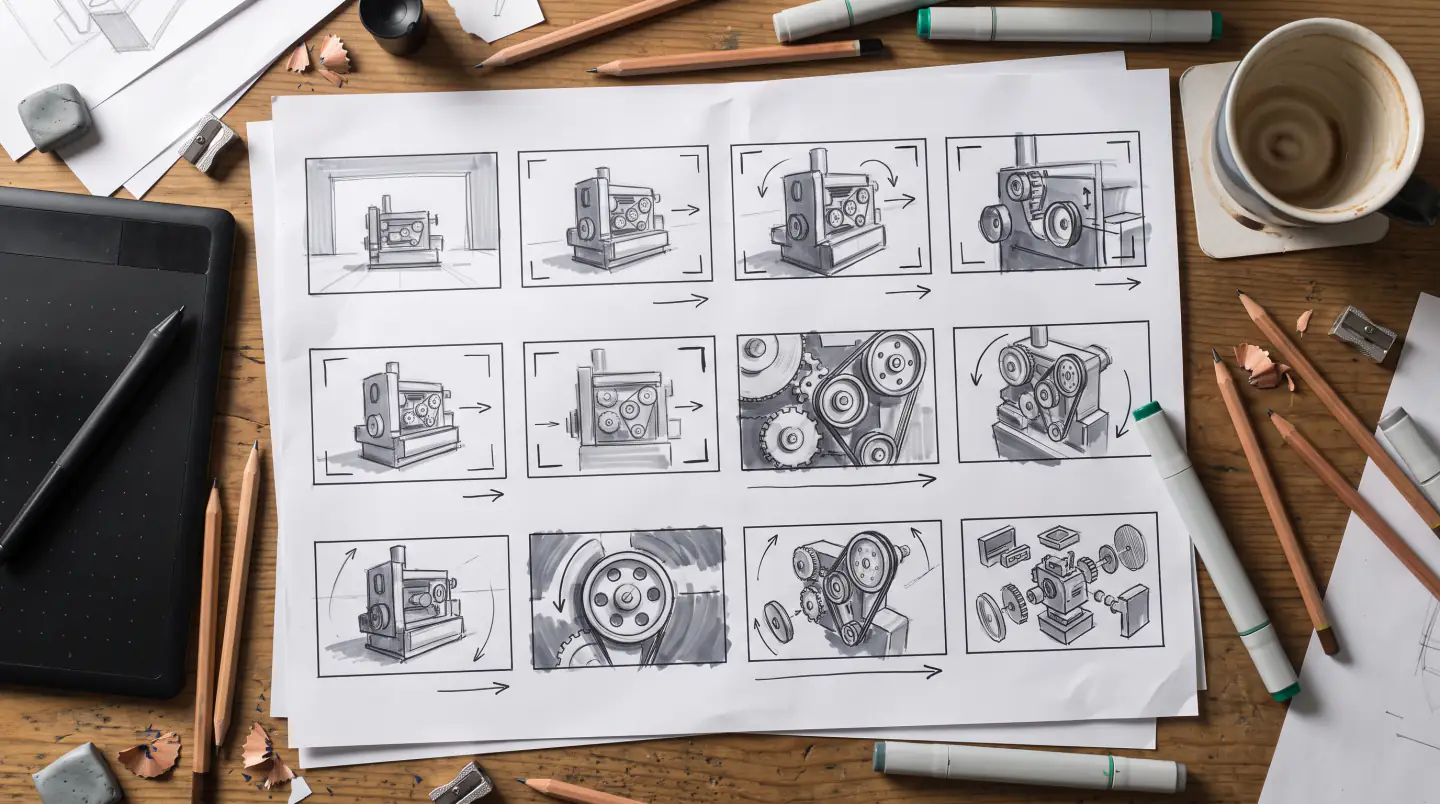
Films that explain products, machines and processes in 3D
Cinema-grade commercials, launch and brand films
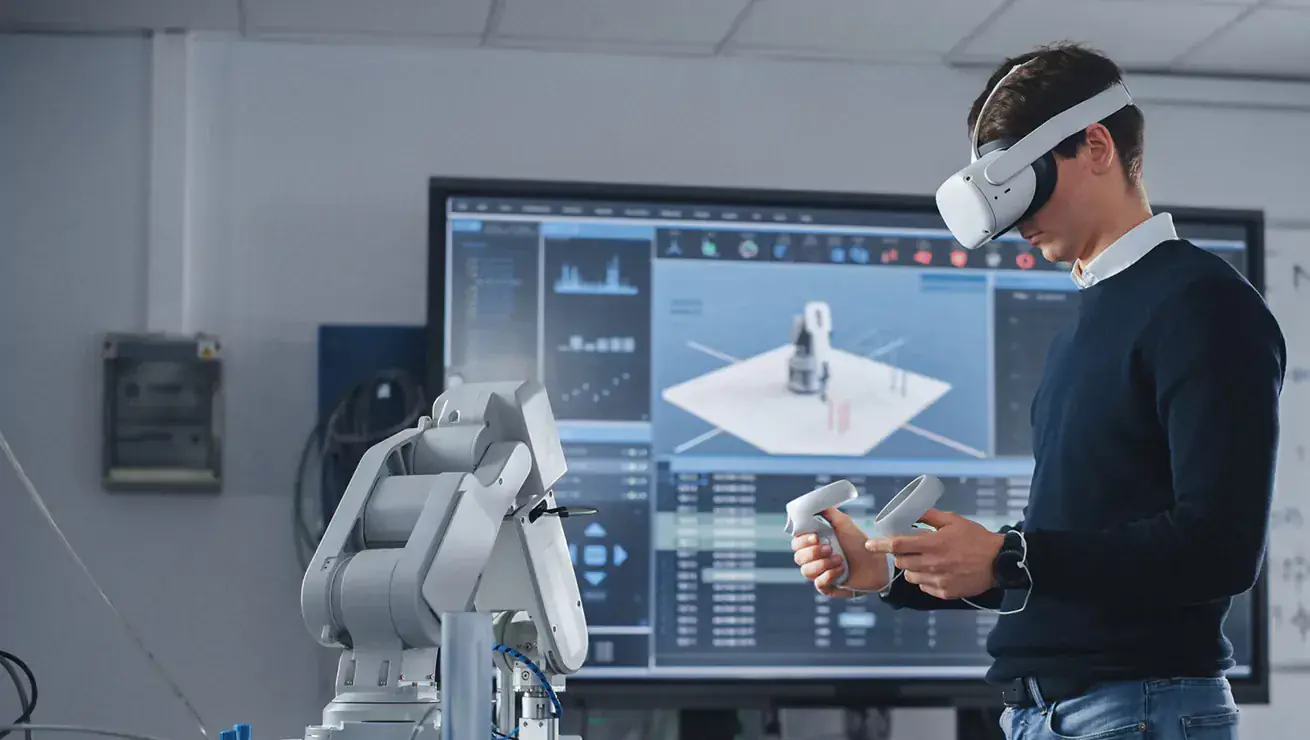
VR experiences for trade shows, events and training
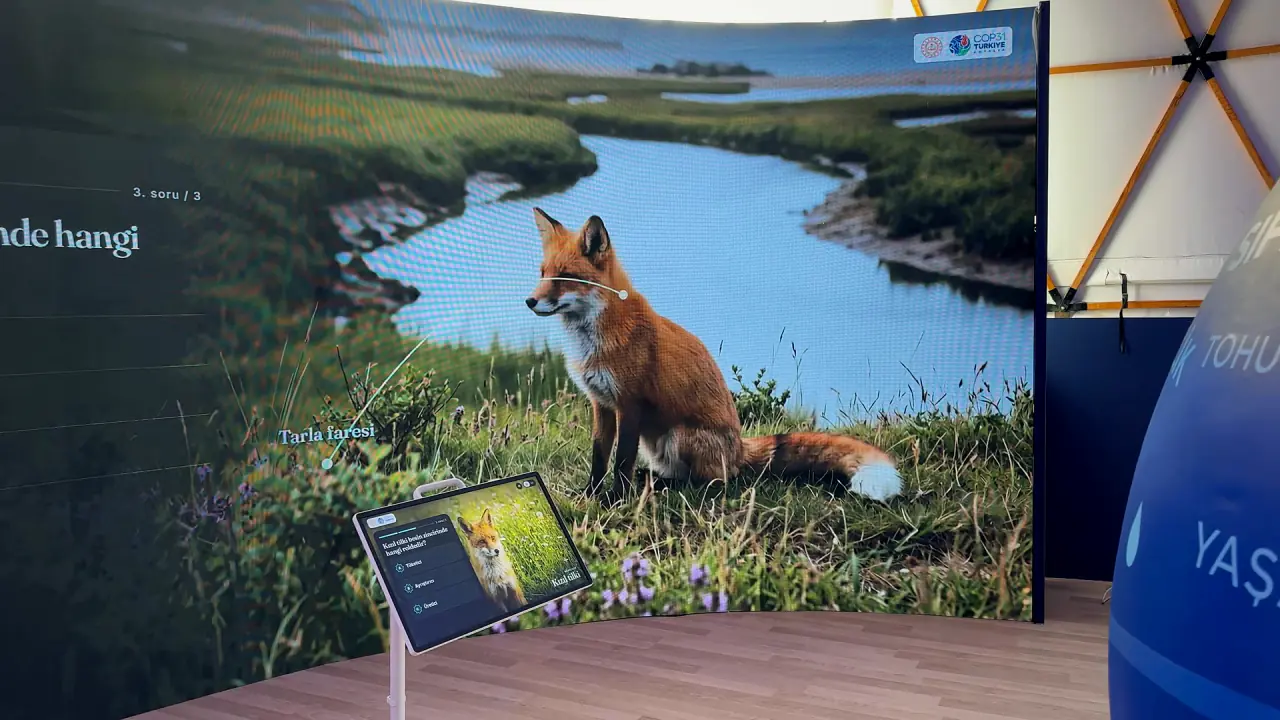
3D product tours, interactive walls and gamification
3D hologram display and stage solutions

MixPad Smart Panel
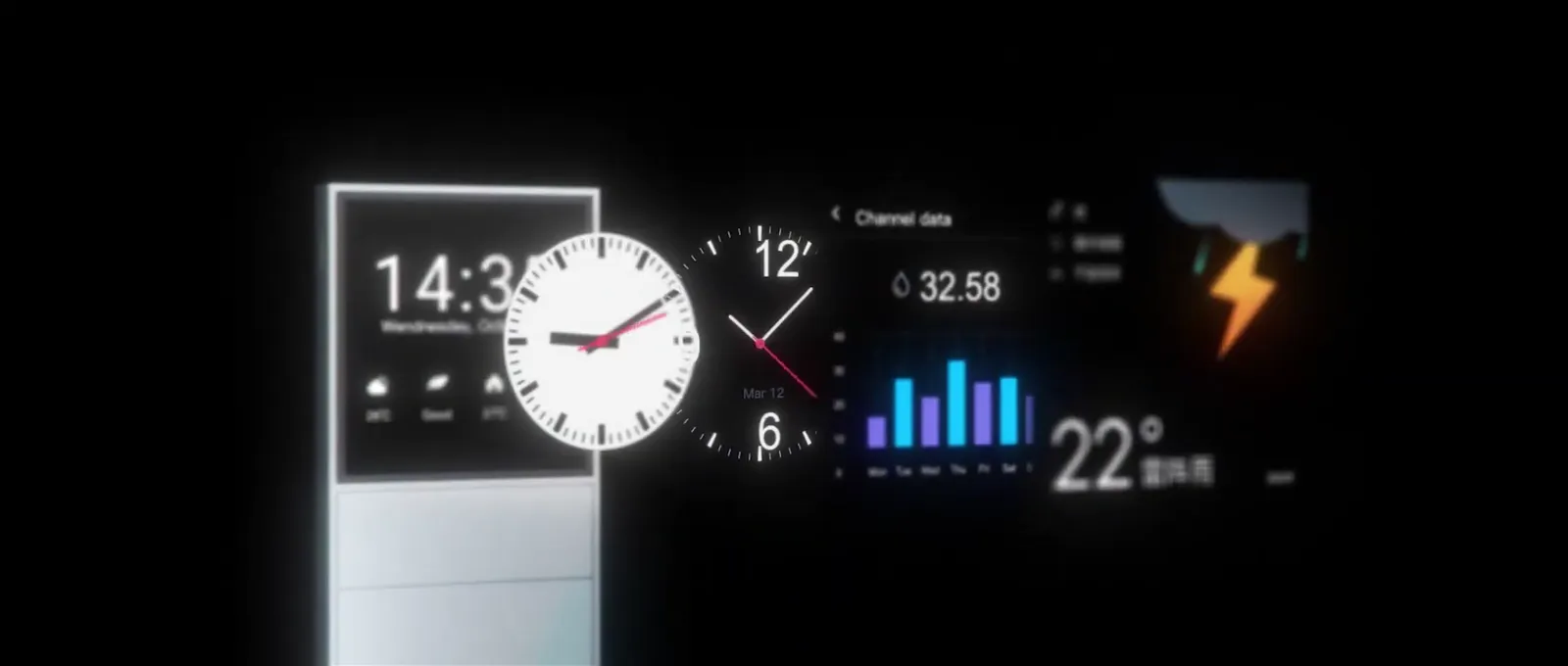
We presented ORVIBO's MixPad smart home panel in a 74-second UI animation: from the clock and notifications to music, curtains, energy use, air conditioning and voice control, the panel's screens are linked by abstract transitions.
0 sec
UI animation, from the panel to the closing wall
0
scenes, each function with its own colour and motion
2.35:1
cinemascope format, a wide-screen frame
Stills
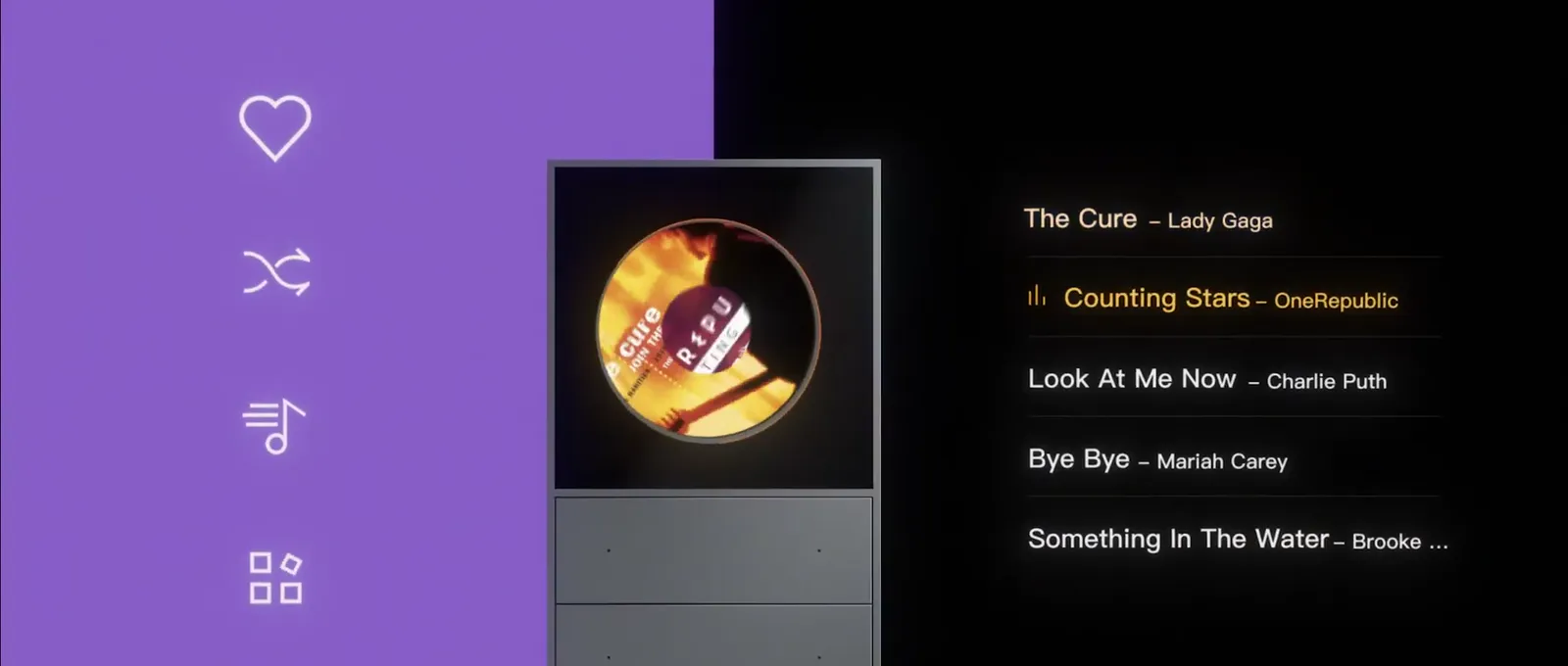
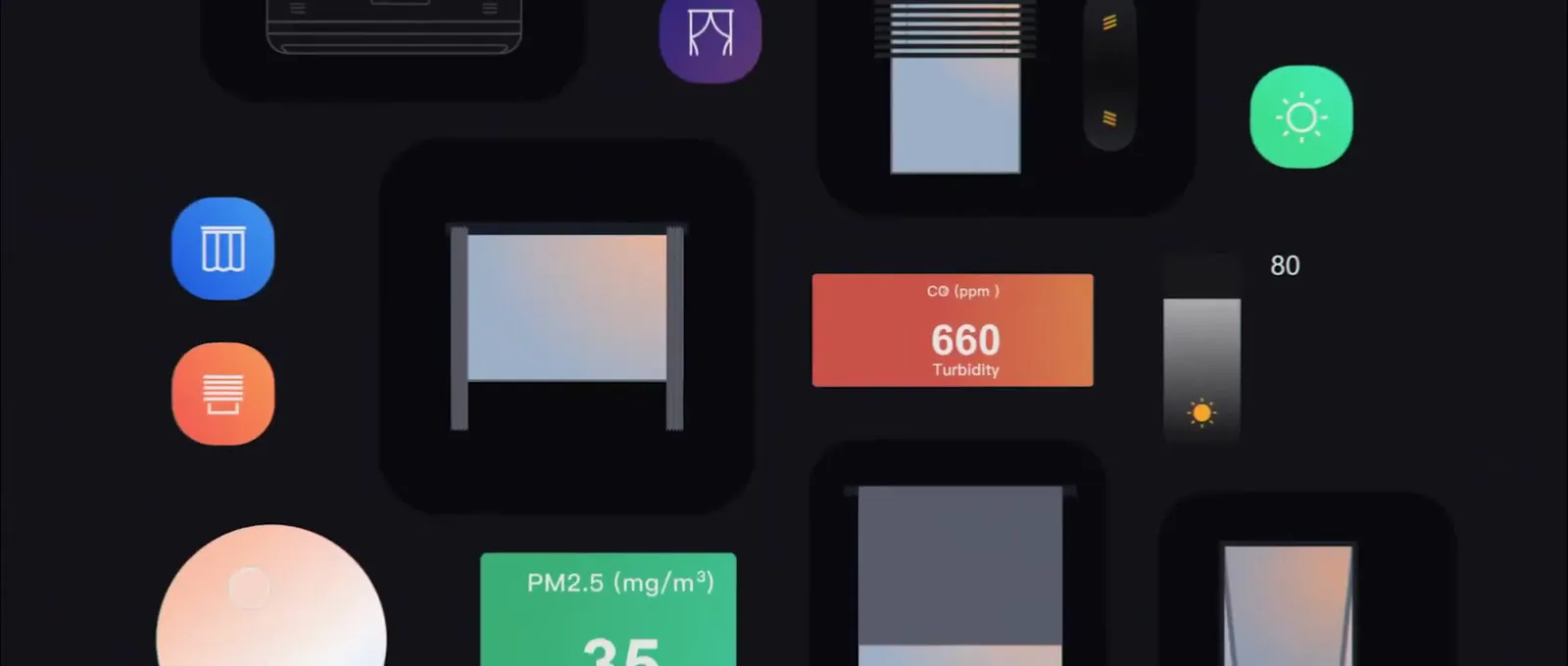
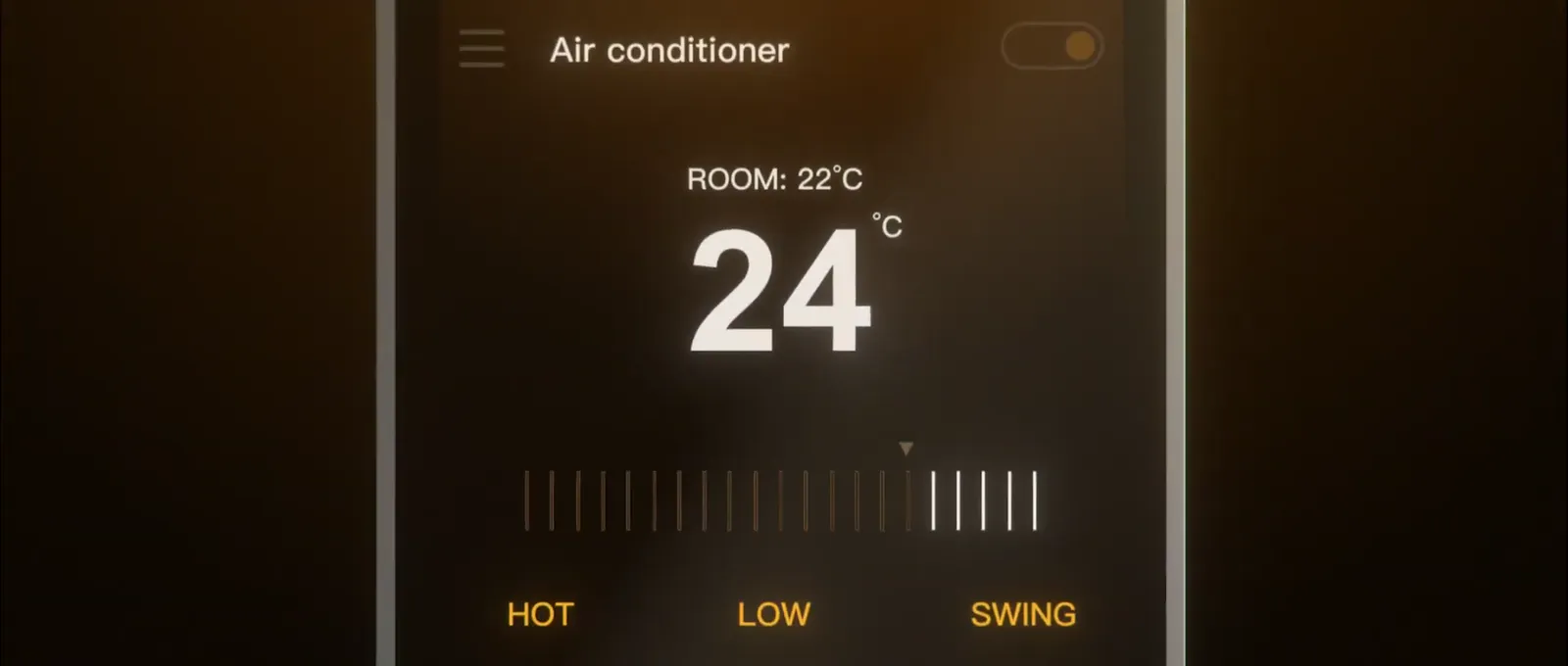
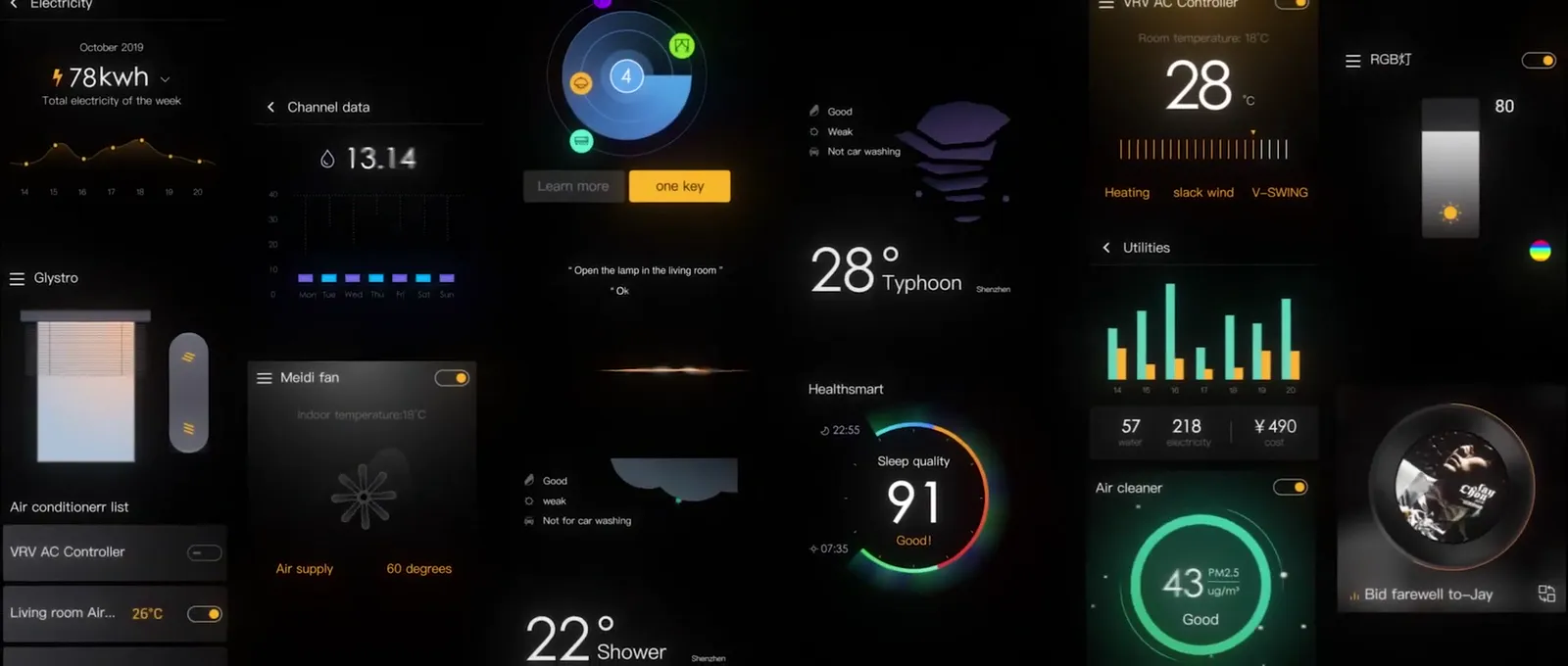
The panel's screens, frame by frame.
The film
One home, one panel.
The film moves from a liquid light motion to the panel itself. Clock, date and notifications, weather cards, the music player, blind and curtain controls, the energy chart, air conditioning, air quality, connected devices, the washing machine and lighting come on screen in turn. The film closes with voice command examples and a wall that gathers every interface in one frame.
SNAPSHOT
CLIENT
ORVIBO
SECTOR
Smart Home · Consumer Electronics · UI
PLATFORM
UI animation · Cinemascope 2.35:1
YEAR
2025
ROLE
Motion Design · UI Animation · Editing
DELIVERABLES
74-second UI animation (2.35:1) · Separate UI scenes for each panel function · A voice control scene and a closing interface wall
THE CHALLENGE
What needed solving?
MixPad is a smart home product that controls lighting, curtains, climate, entertainment and devices such as cameras from a single wall panel. The panel has many screens and functions; showing them all in one film can easily turn into a menu tour.
The film had to present the hardware and the interface together, in a cinematic language and as a single flow.
APPROACH
How we solved it.
We gave each function its own scene and linked the scenes with abstract transitions.
Hardware and UI together
The panel is first introduced as a product on a white background, then the film moves into the interface on its screen.
One scene per function
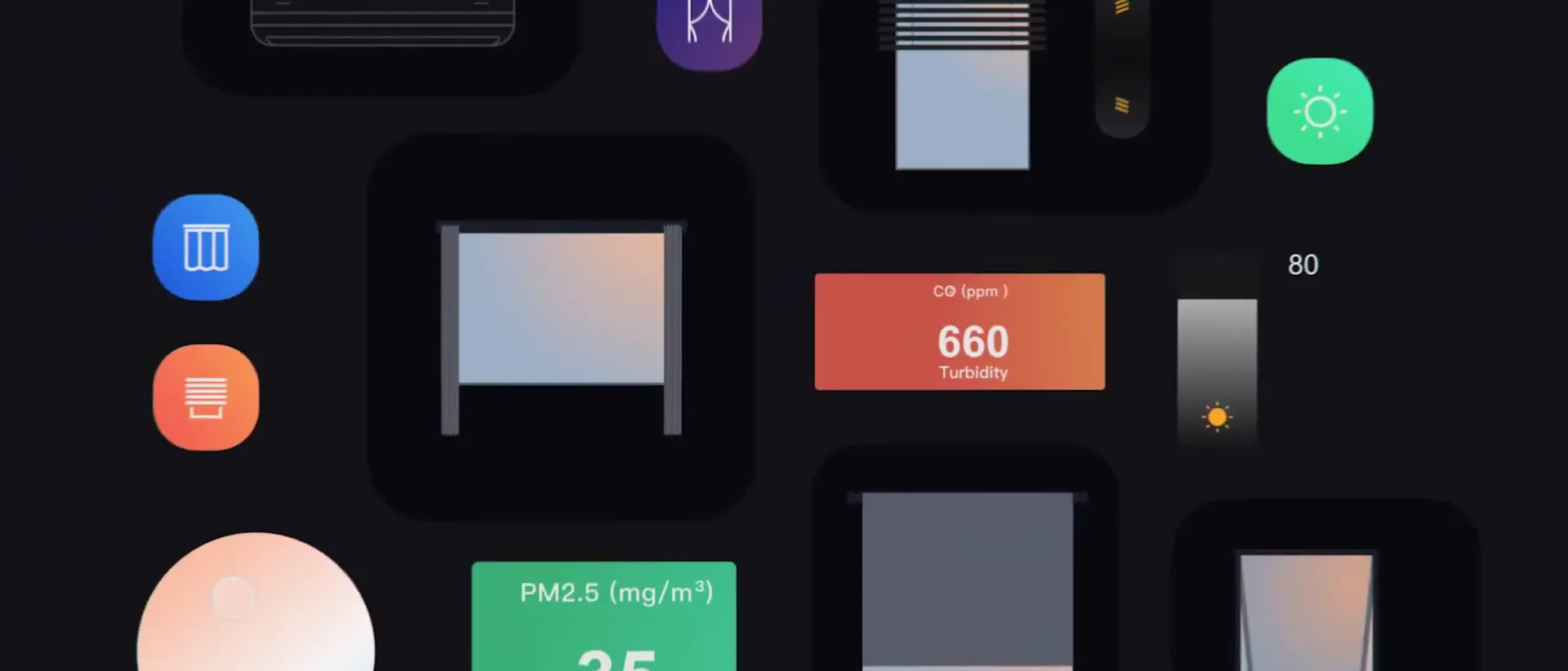
Music, curtains, energy, air conditioning, air quality and lighting, each with its own palette.
Abstract transitions
Coloured circles, waves and lines of light bridge one screen to the next.
Cinemascope frame
The wide 2.35:1 format makes room to lay interface cards side by side.
THE SOLUTION
The film opens with a liquid light motion and blue spheres in the dark, then the MixPad panel appears on a white background. Clock, calendar, weather and energy widgets open around the panel, and notification cards show everyday scenarios such as party mode for a birthday, a strong wind warning and electricity use.
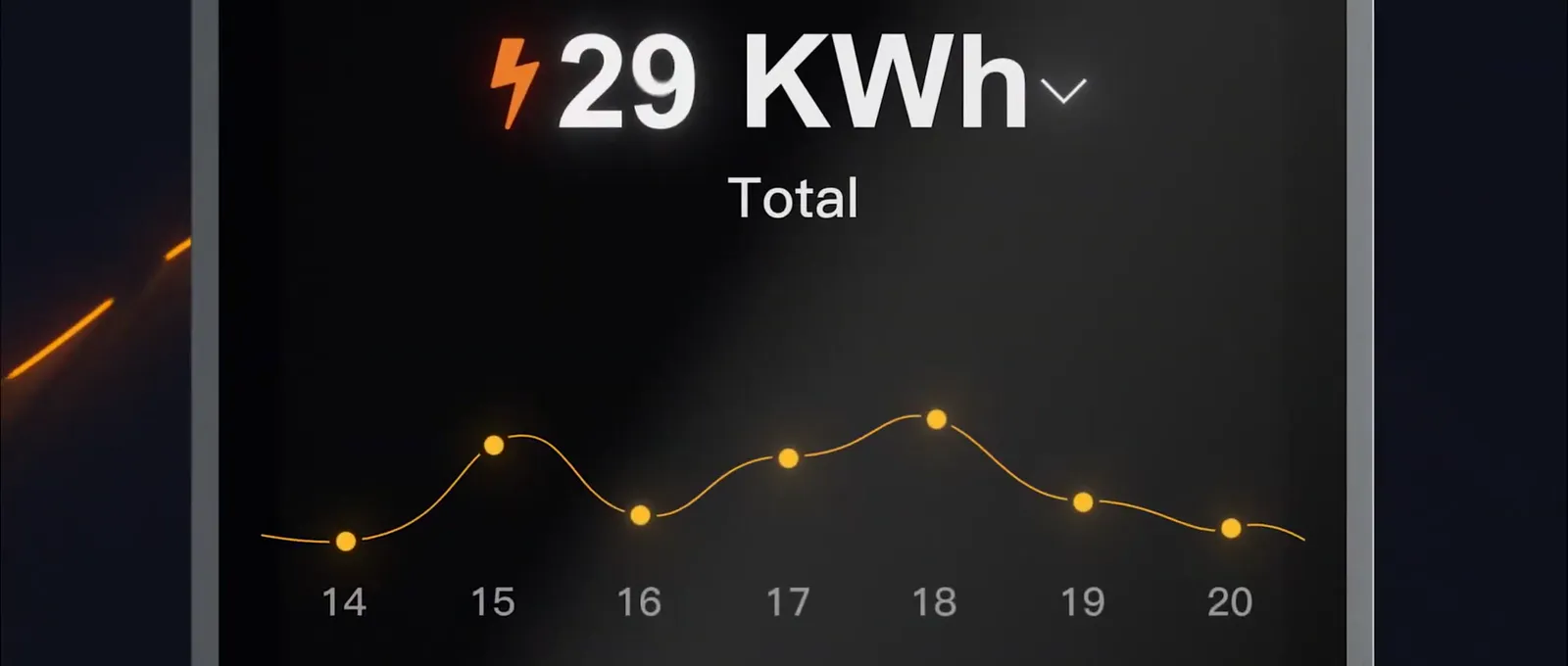
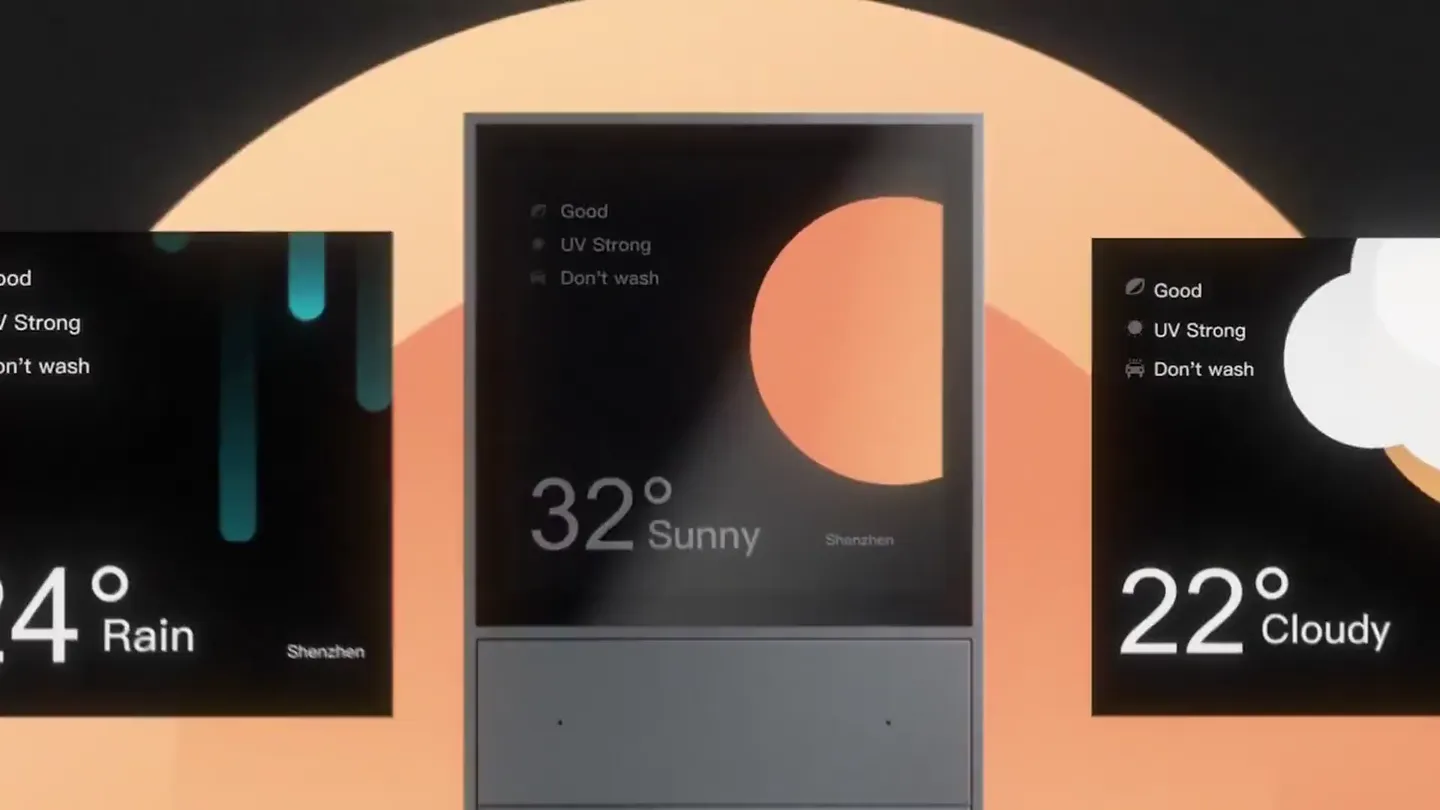
The panel's functions then arrive one by one: weather cards with an orange sun, the music player on purple, blinds and curtains opening with the sunrise, device controls. An orange line of light turns into the energy consumption chart, and thin lines into the air conditioner's temperature setting.
A green ring shows air quality and a blue radar shows the connected devices in the home; waves lead to the washing machine, and orange spheres to the lighting controls. In the voice section, sample commands for the TV volume, the living room lamp, the backyard camera and the curtains are listed above a sound wave.
The film closes with a wall that gathers every interface of the panel in one frame, the words MixPad Smart Panel and the ORVIBO logo. We produced the 74-second piece as motion design, UI animation and editing.
Inside the film
Two moments: energy and voice.
The animation shows two sides of the panel: the energy screen, where data turns into a chart, and the voice screen, where the home is controlled by speech.
Energy use
An orange line of light becomes a chart; the daily consumption curve draws itself as the kWh value counts up.
Voice control
Sample voice commands appear above a sound wave, then all of the panel's screens gather on a single wall.
Scene by scene
Every function, its own scene.
From the clock to music, from curtains to air conditioning, from air quality to lighting: each function gets its own colour and motion, and scenes flow into each other through circles, waves and lines of light.
Let's present your device or app interface in an animation.
UI design files, screenshots or product photos are enough to start; we'll come back with a script outline and a quote.
IMPACT
What it delivered.
A multi-function panel became something you can watch as one cinematic flow:
The panel's functions were shown as scenes flowing into each other, not as a menu tour.
Hardware and interface were presented in the same film, in the same visual language.
The film was delivered in a 2.35:1 cinemascope format suited to wide screens.
WHERE IT'S USED
Built for these moments.
- ›Smart home and IoT product introductions
- ›Device and app interface animations
- ›Product launches and trade show screens
- ›Website and e-commerce product pages
- ›Dealer and sales presentations
This project is a 3D animation production. Explore our animation services for product, industrial and medical storytelling.
Animation services→UI Animation Quote
Let's plan a UI animation for your product
Tell us briefly about your device or app and the functions you want to highlight, the channels the film will be used in and the design files you have. We'll prepare a fitting concept and a tailored quote.
A little prep speeds things up
- —A short note on the product and the functions to highlight
- —UI design files, screenshots or product photos
- —Channels the film will be used in (launch, trade show, web, social media)
Your details are used only to prepare your quote. Our team gets back to you within 24 hours.
From Our Clients
The 3D animation ADIM produced completely changed the way we present our product. In sales meetings, a single video now explains us far more clearly and effectively.
We were updated at every stage, revisions came back the same day, and the work was delivered on time. It was the first time we experienced such a smooth production process.
The content we showed at our trade show stand instantly caught visitors’ attention. Our booth became one of the most talked-about areas of the event, with feedback far beyond our expectations.