VR experiences for trade shows, events and training
3D product tours, interactive walls and gamification
3D hologram display and stage solutions

Painting and Blasting Facility
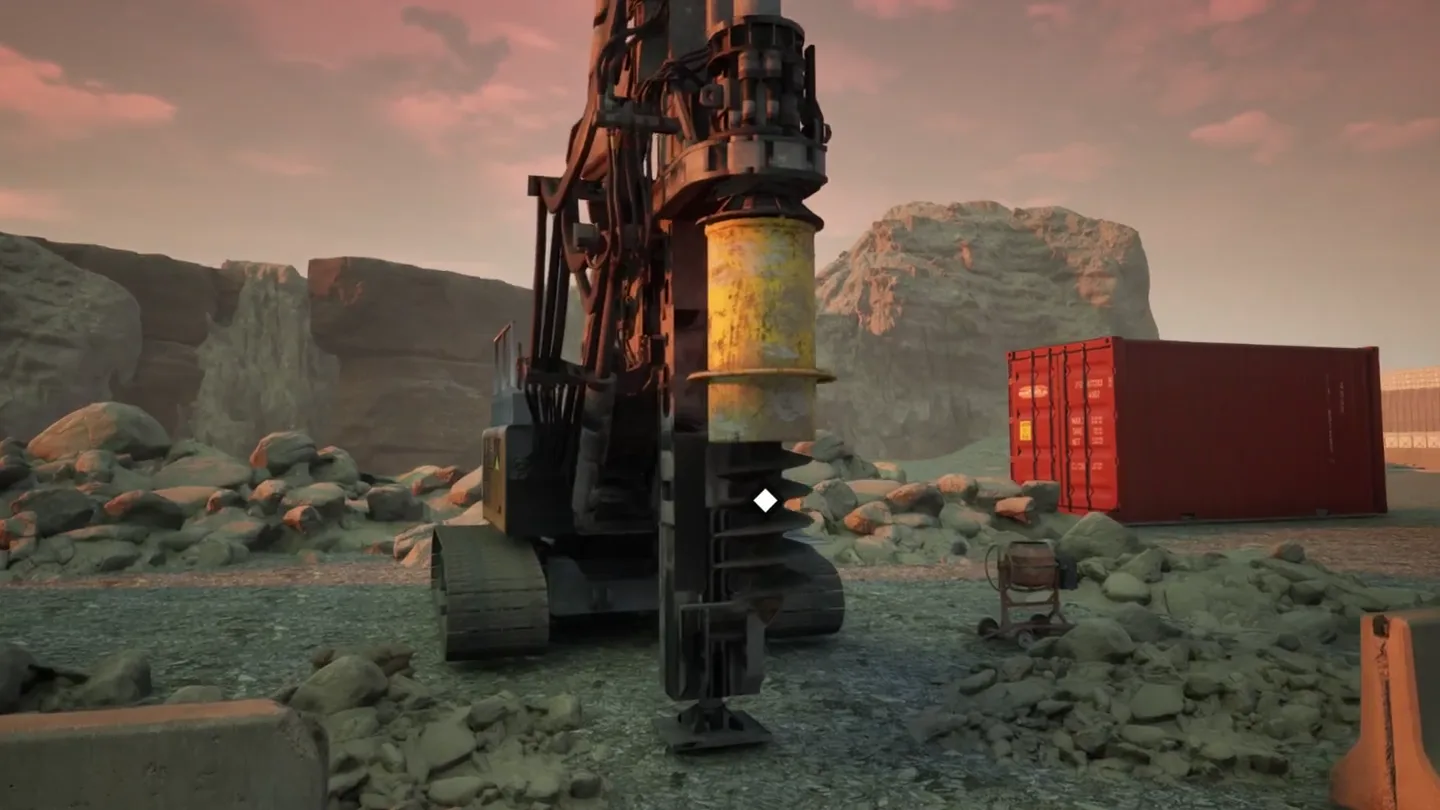
We turned NOX's 50 x 15 x 5 m painting and blasting facility into a 3D application you can explore on screen: the exterior, the painting room and the sandblasting section, with an info panel for each piece of equipment.
0
sections: Exterior, Painting Room and Sand Blasting
0
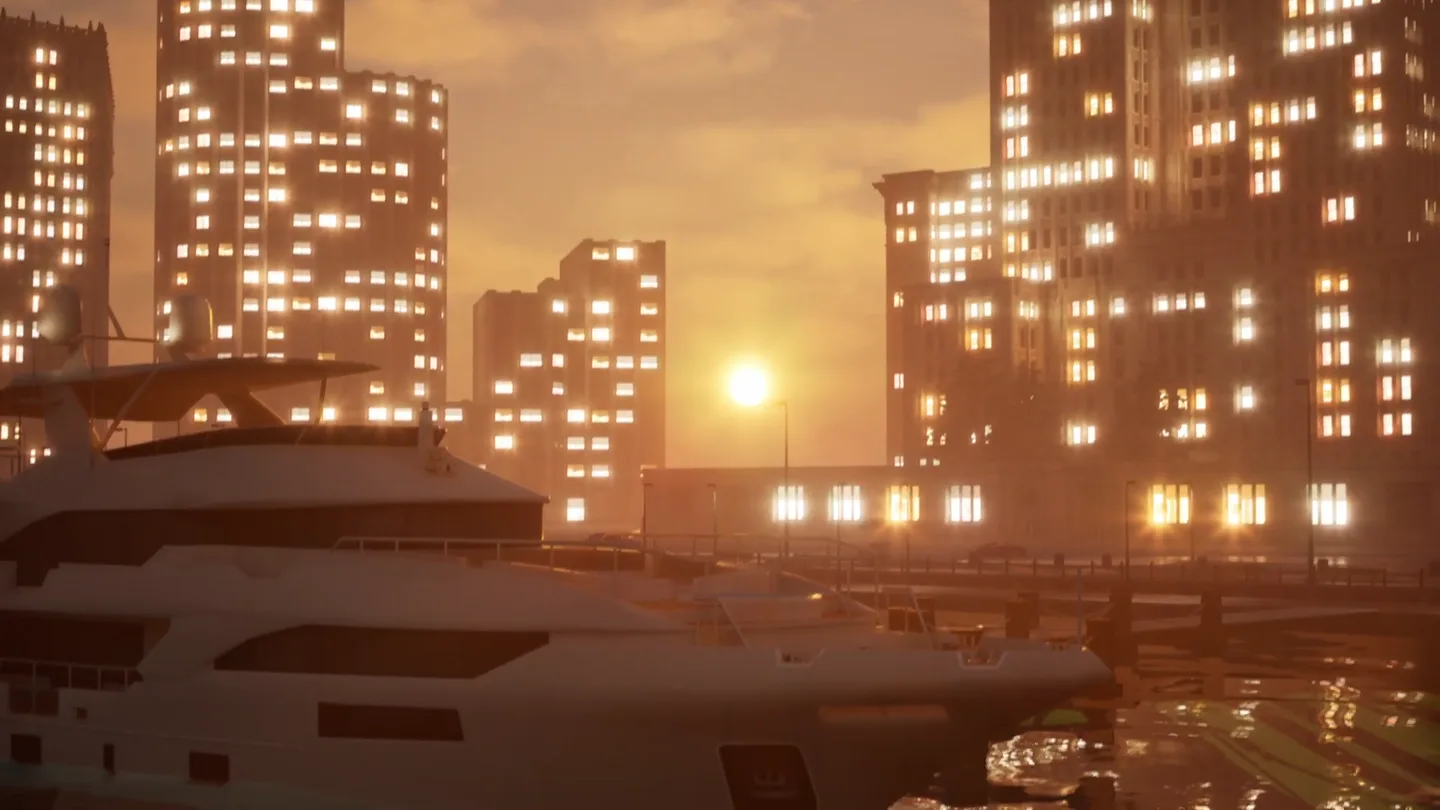
lighting presets: day, sunset and night
50 x 15 x 5 m
facility size, from the app's overview panel
0 s
in-app screen recording
Stills from the app
From the exterior to the blasting section.

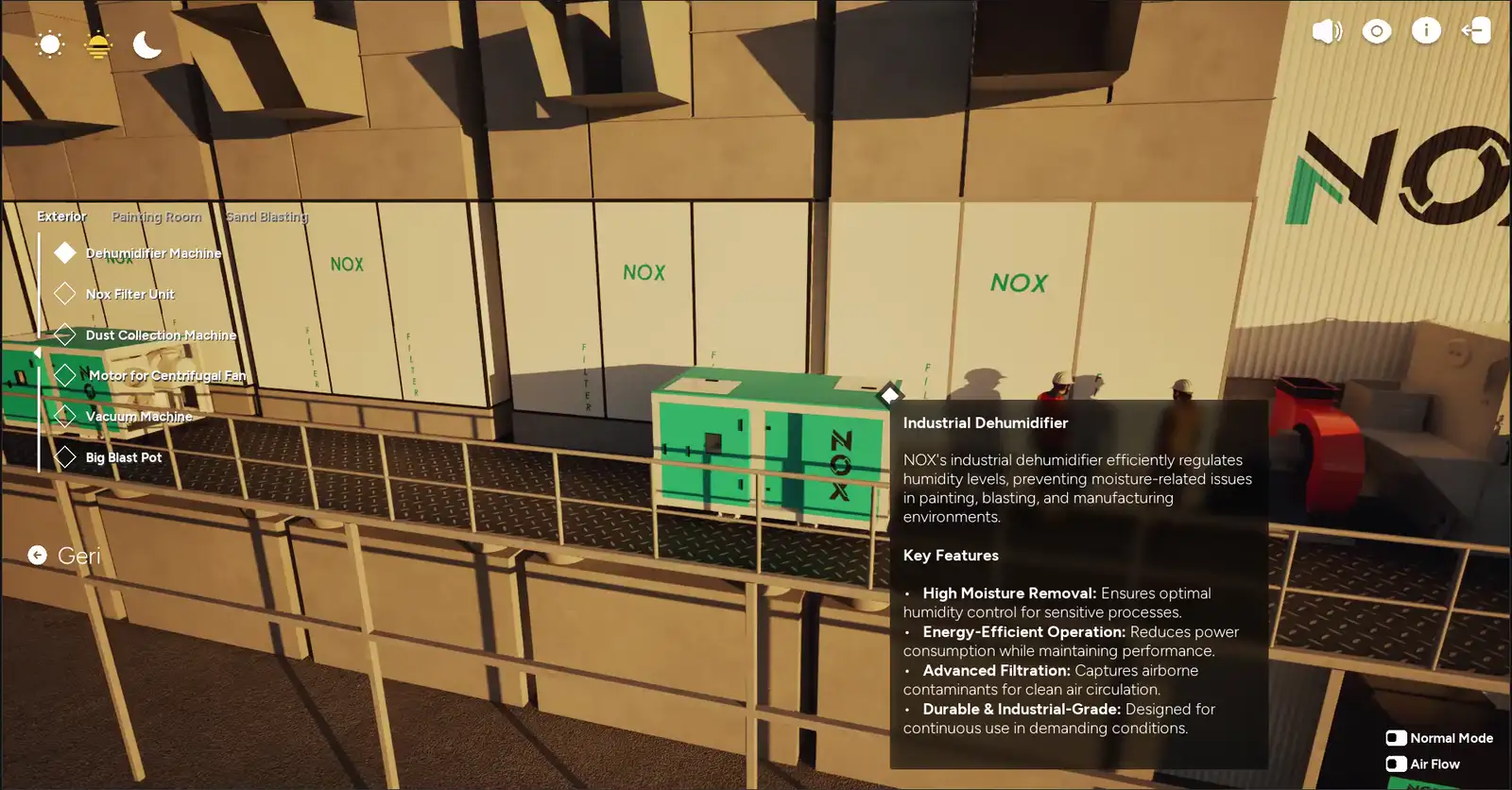
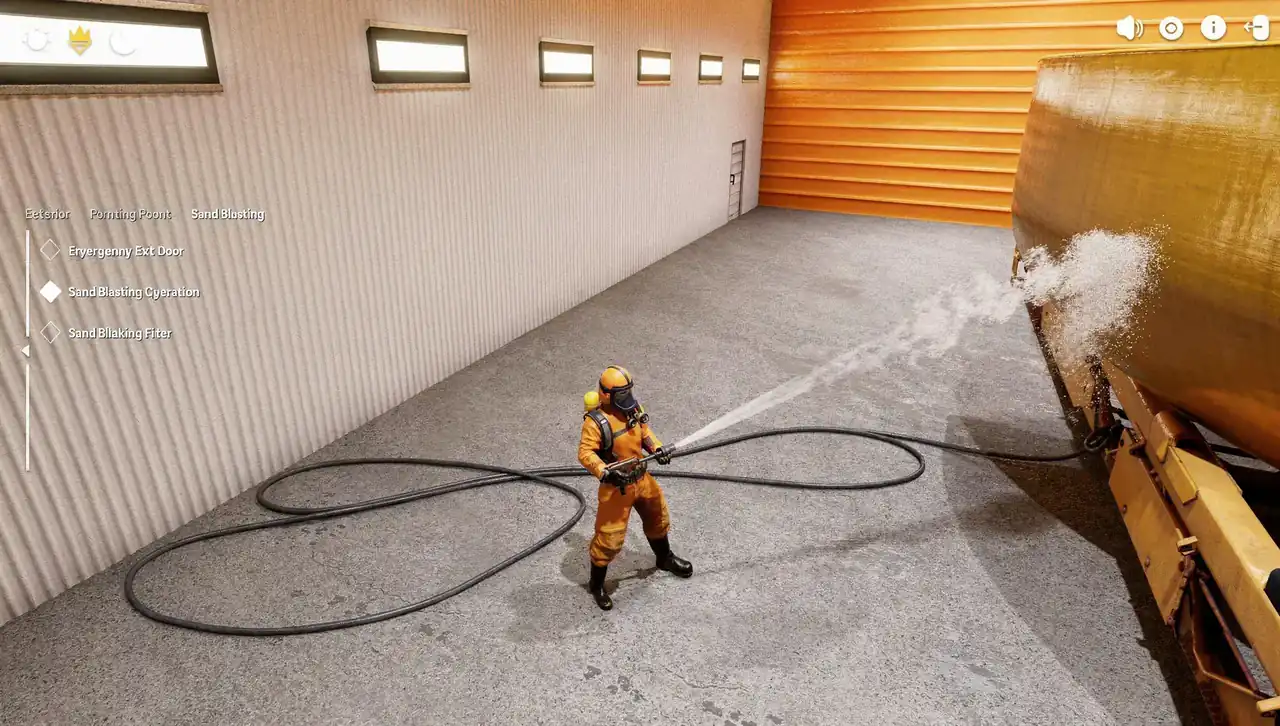
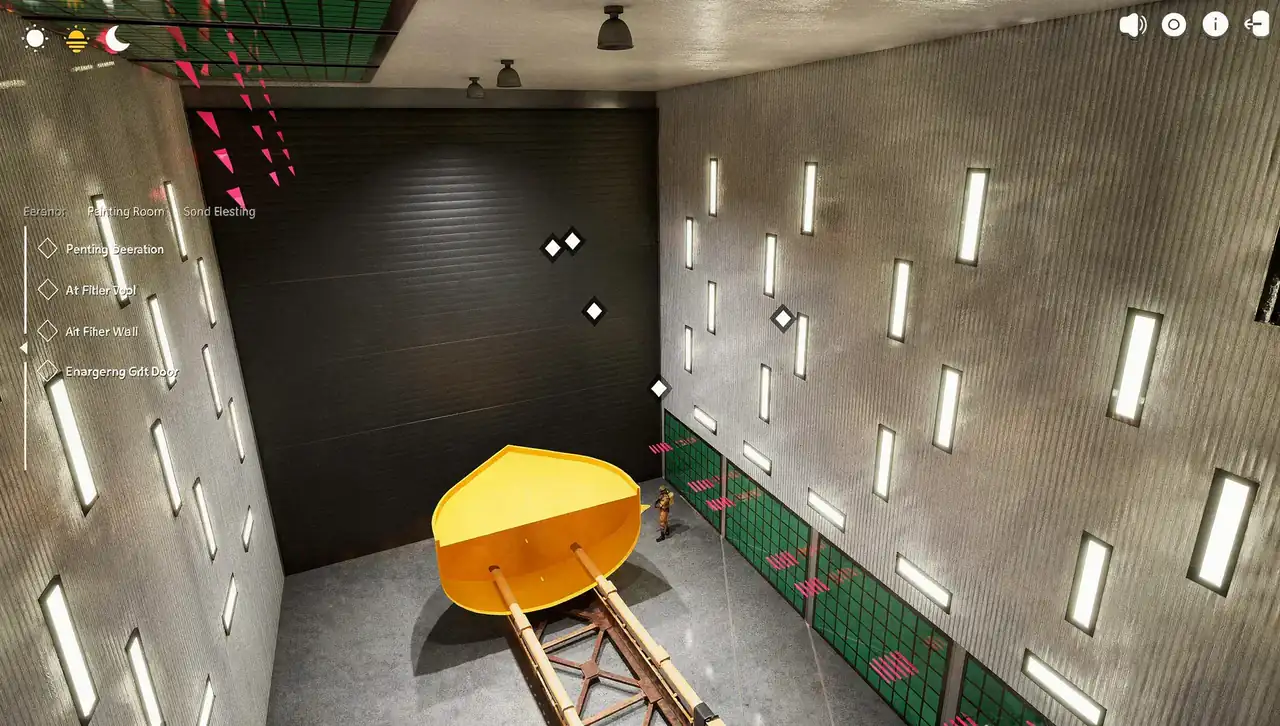
Screen recording
Inside the facility, item by item.
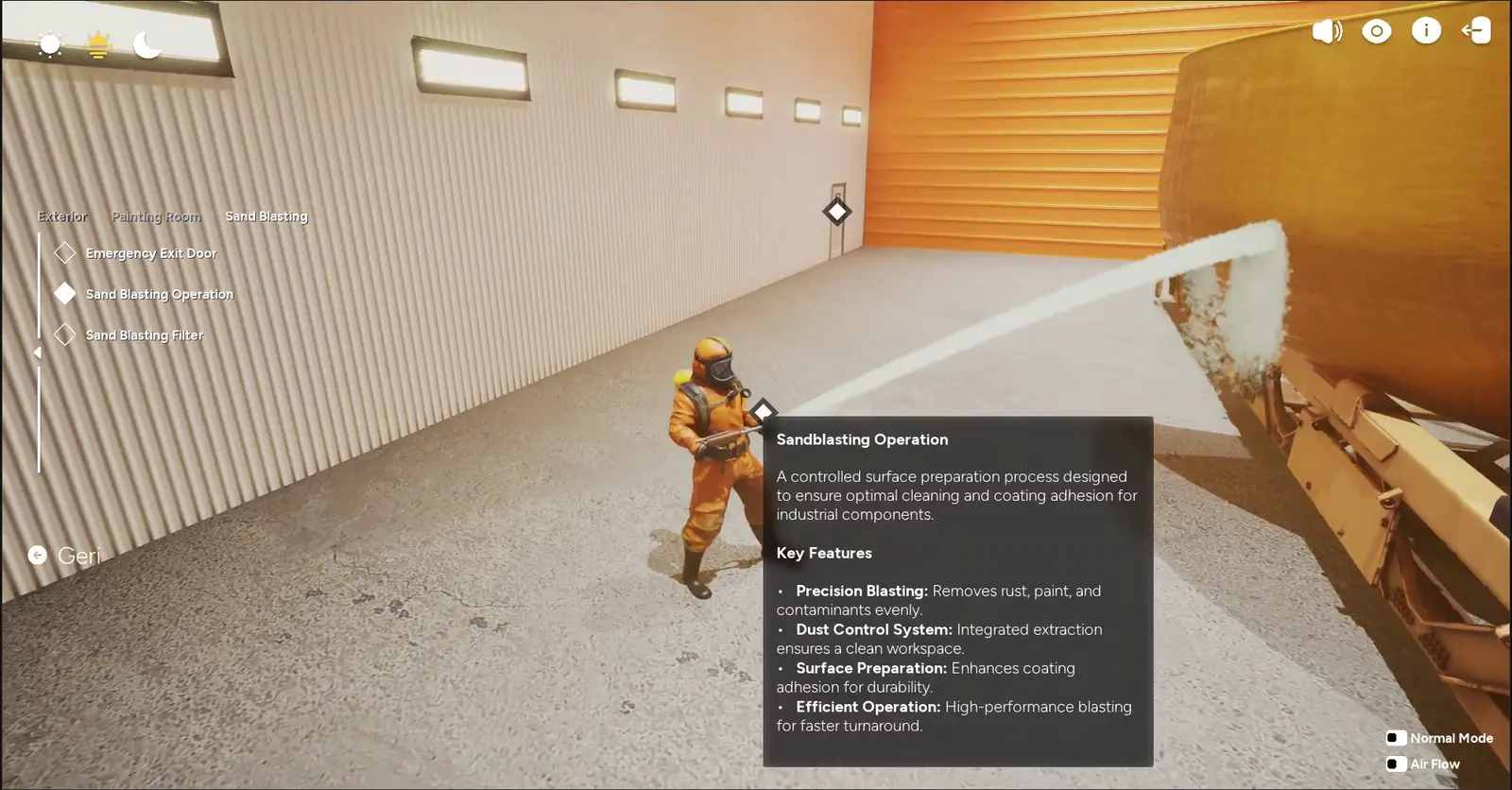
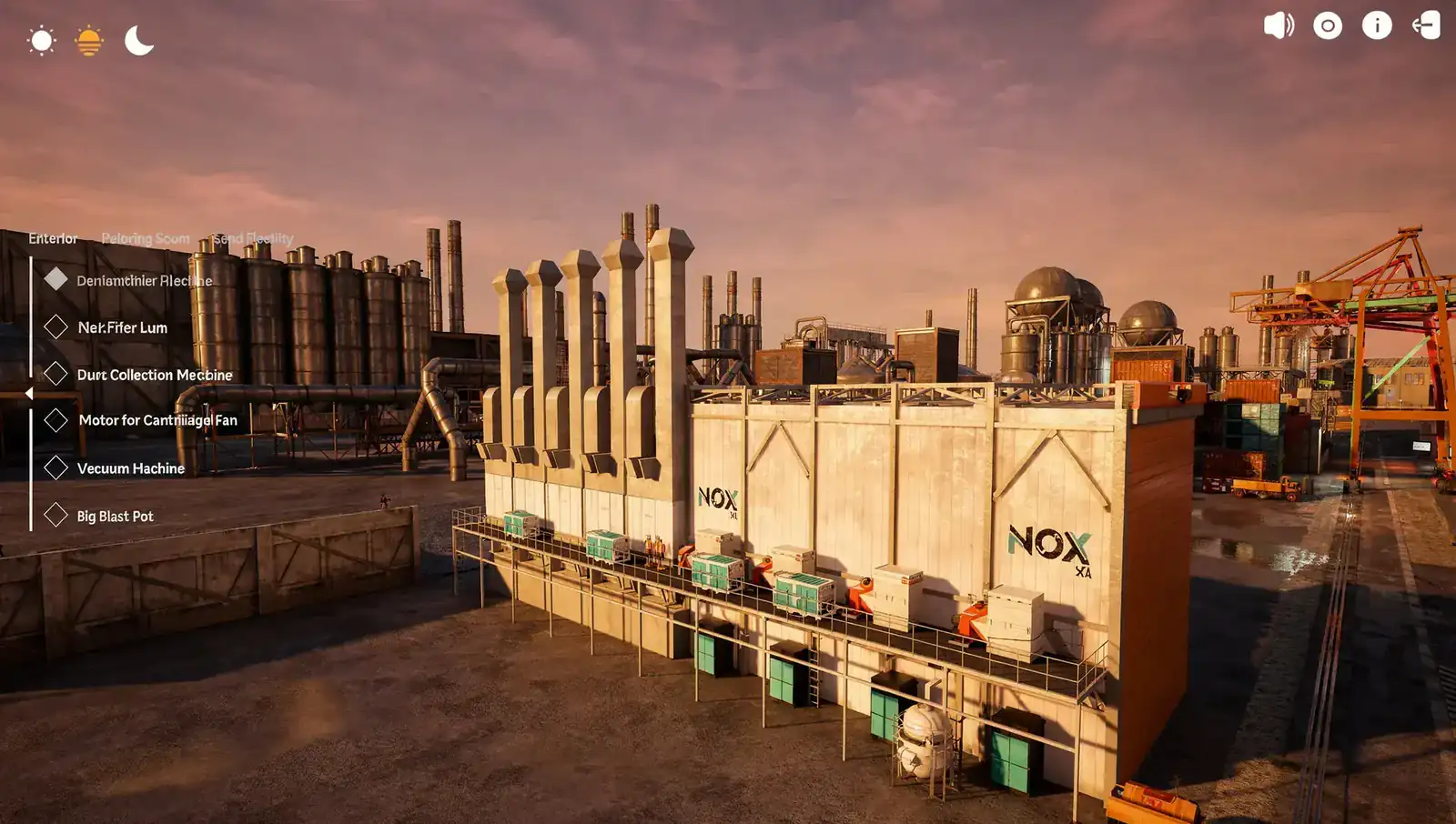
The recording opens on the facility exterior: the overview panel sums up its size, the coatings it supports and its technical infrastructure, while the light shifts from day to sunset. The dehumidifier, the painting room with its air flow shown, and an operator sandblasting follow.
SNAPSHOT
CLIENT
NOX Sea
SECTOR
Industry · Surface Preparation · Painting and Blasting
PLATFORM
Real-time 3D kiosk application
YEAR
2025
ROLE
3D Modelling · Application Development · Interface Design
DELIVERABLES
Interactive 3D facility application · Exterior, Painting Room and Sand Blasting sections · Equipment info panels · Day, sunset and night lighting presets
THE CHALLENGE
What needed solving?
A painting and blasting facility is a large structure where dehumidifying, filtering, dust collection and ventilation equipment work together. Where each piece sits and what it does is hard to grasp from a brochure or a single image.
What happens inside is not visible from outside either: the air flow in the painting room or the blasting process only makes sense once you step in. The need was a single application that could present the facility as a whole and item by item.
APPROACH
How we solved it.
We split the facility into three sections and turned every piece of equipment into a selectable point.
Three sections
Exterior, Painting Room and Sand Blasting tabs break the facility into clear parts.
Equipment hotspots
Equipment such as the dehumidifier, the filter unit and the dust collector is selected from the menu or from points in the scene; the panel shows what it does and its key features.
Modes that show the unseen
Air Flow mode shows the air movement in the painting room with arrows; the painting room also has an Oven Mode option.
Lighting presets
Day, sunset and night presets let the facility be viewed in different light.
THE SOLUTION
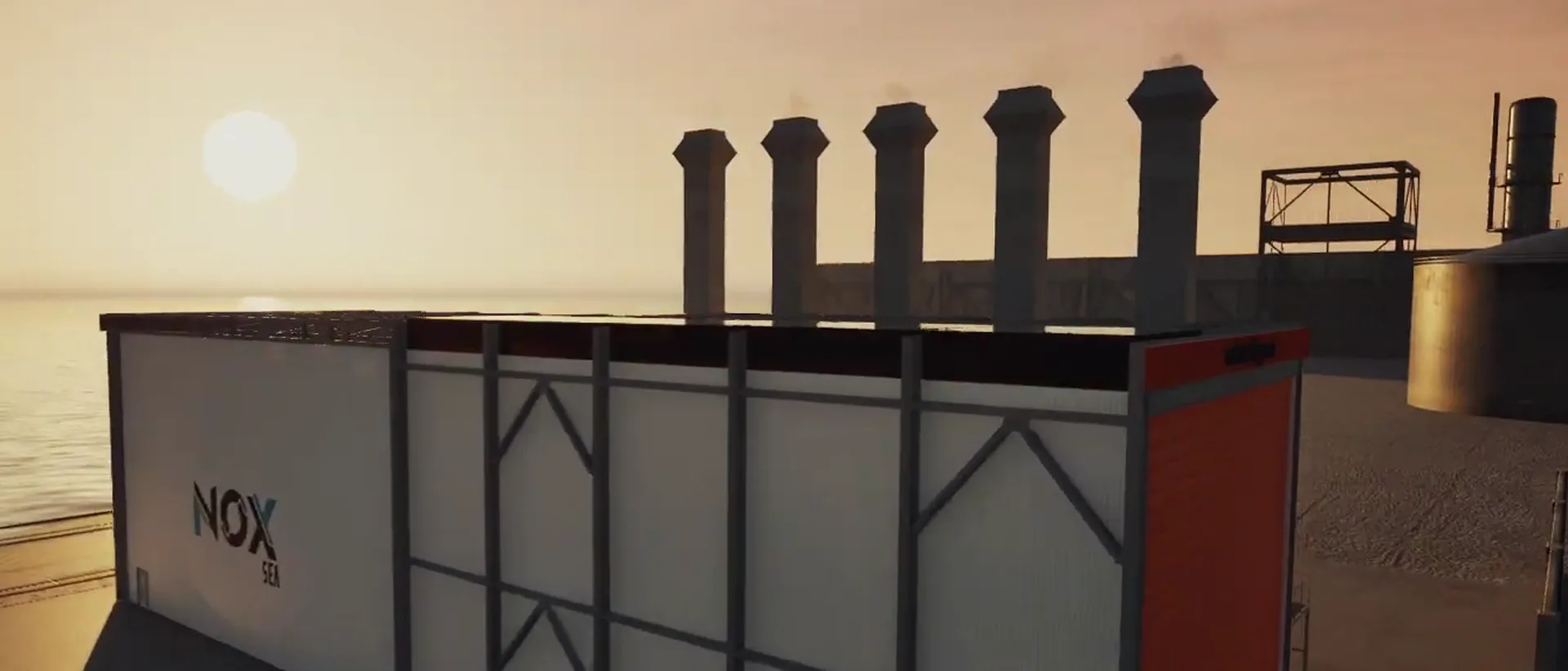
The interactive 3D application we built for NOX Sea makes the 50 x 15 x 5 m painting and blasting facility explorable on screen. It opens on the exterior, where an overview panel describes a facility that combines abrasive blasting with industrial painting, the coating types it supports, and its ventilation, dust extraction and filtration infrastructure.
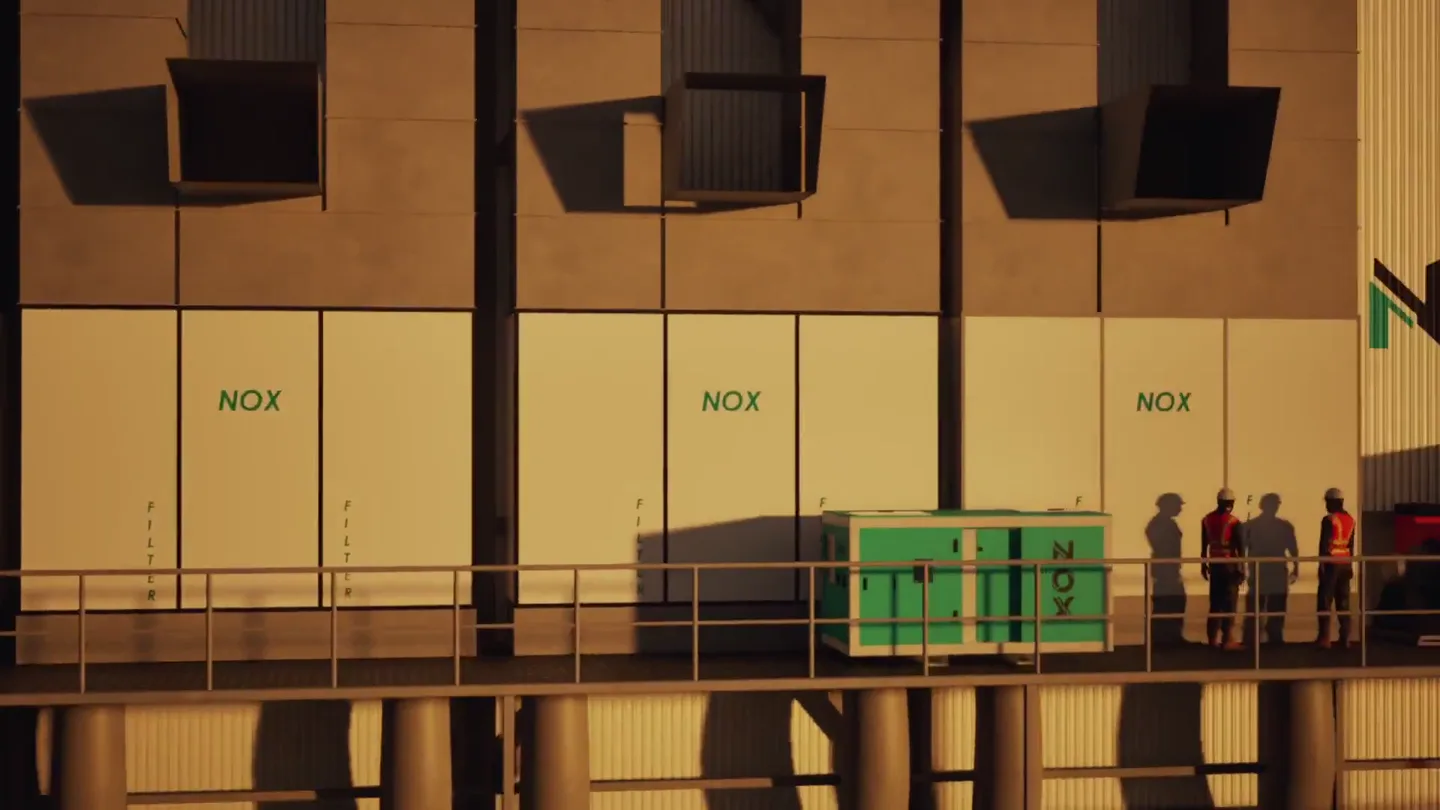
The exterior equipment is listed in the menu on the left: dehumidifier machine, NOX filter unit, dust collection machine, centrifugal fan motor, vacuum machine and big blast pot. When a piece of equipment is selected, the camera moves in and the panel shows its role and key features.
The Painting Room tab holds the hull on its rail carriage, the roof and wall air filters and the emergency exit door; with Air Flow mode on, the air movement in the room becomes visible as red arrows. In the Sand Blasting tab, an operator in protective gear blasts the hull while the panel lists the features of the operation.
Day, sunset and night presets, sound and info buttons sit in the corners of the interface. The application was built to present the facility both as a whole and item by item.
Inside the app
The exterior and the sandblasting section.
Real screen recordings: sections and equipment are picked from the menu on the left, the panel on the right shows the selected point, and the corners hold the light, sound and view settings.
Exterior
With the overview panel open, the light shifts from day to sunset and the camera moves along the facility.
Sand blasting
In the sandblasting section an operator blasts a hull; selecting the operation opens its features in the panel.
Nine scenes
Daylight, sunset, interiors.
The facility exterior by day and at sunset, equipment hotspots, the painting room with air flow shown as arrows, the blasting operator and the hull on its carriage: the recording gives every part of the facility its own scene.
Let's turn your facility or production line into a 3D application people can explore.
We can start from a layout plan, CAD data or photos; we'll come back with a concept and a quote that fit how it will be used.
IMPACT
What it delivered.
The facility became a story you can explore on screen from end to end:
Painting and blasting processes that cannot be seen from outside can be followed inside the application.
The location and role of every piece of equipment are explained by panels that open on selection.
The facility's 3D scenes also appear in ADIM's interactive applications showreel.
WHERE IT'S USED
Built for these moments.
- ›Trade-show and booth screens
- ›Sales meetings and proposal presentations
- ›Touchscreen kiosks and showroom displays
- ›Customer and operator briefings
- ›Website and social media content
This project is an interactive application. Explore the apps we build for touchscreens, tablets and large displays.
Interactive applications→Interactive Application Quote
Let's plan an interactive 3D application for your facility
Tell us briefly about your facility or product: the sections and equipment you want to show, where the application will be used and the technical data you have are enough. We'll prepare a fitting concept and a tailored quote.
A little prep speeds things up
- —A short brief about the facility, line or equipment
- —Layout plan, CAD or technical drawings, if available
- —Where it will be used (trade show, sales presentation, touchscreen) and estimated date
Your details are used only to prepare your quote. Our team gets back to you within 24 hours.
From Our Clients
We were updated at every stage, revisions came back the same day, and the work was delivered on time. It was the first time we experienced such a smooth production process.
The content we showed at our trade show stand instantly caught visitors’ attention. Our booth became one of the most talked-about areas of the event, with feedback far beyond our expectations.